ACTIVITY 8: Angular Components - Aquino, Froilan J.
Instructions:
Create 50 Components:
Implement 40 components from the provided instructions.
Create 10 additional components based on your own unique ideas.
In the app.component, add a header or navbar that includes links to all 50 components. This will allow users to easily navigate between them.
Note: Focus on using only HTML and TypeScript. For now, avoid using any CSS or external designs. The purpose is to practice functionality, not design.
Commit and Push to GitHub:
For each component, create a separate commit with the following format:
Example commit message: #1displayhelloworld
Ensure there are 50 commits in total, each corresponding to a different component.
Push the entire project to a GitHub repository.
Documentation on Hashnode:
Write a short blog post on Hashnode explaining the project and components you built.
Include code snippets where necessary and explain the functionality of the components briefly.
Provide the link to your GitHub repository in the post so that others can access your code.
Share on Portal:
- Once you’ve completed the Hashnode documentation, share the link to your post on our portal.
Important Notes:
This is a practice activity to help you master Angular.
You must not use AI to genrate any of the code. However, you are free to search for solutions on platforms like Google if needed.
Focus on functionality first and do not use CSS or external design tools. Stick to HTML and TypeScript only.
You are allowed to use AI tools only for writing documentation, like the Hashnode blog post.
Good luck, and have fun mastering Angular!
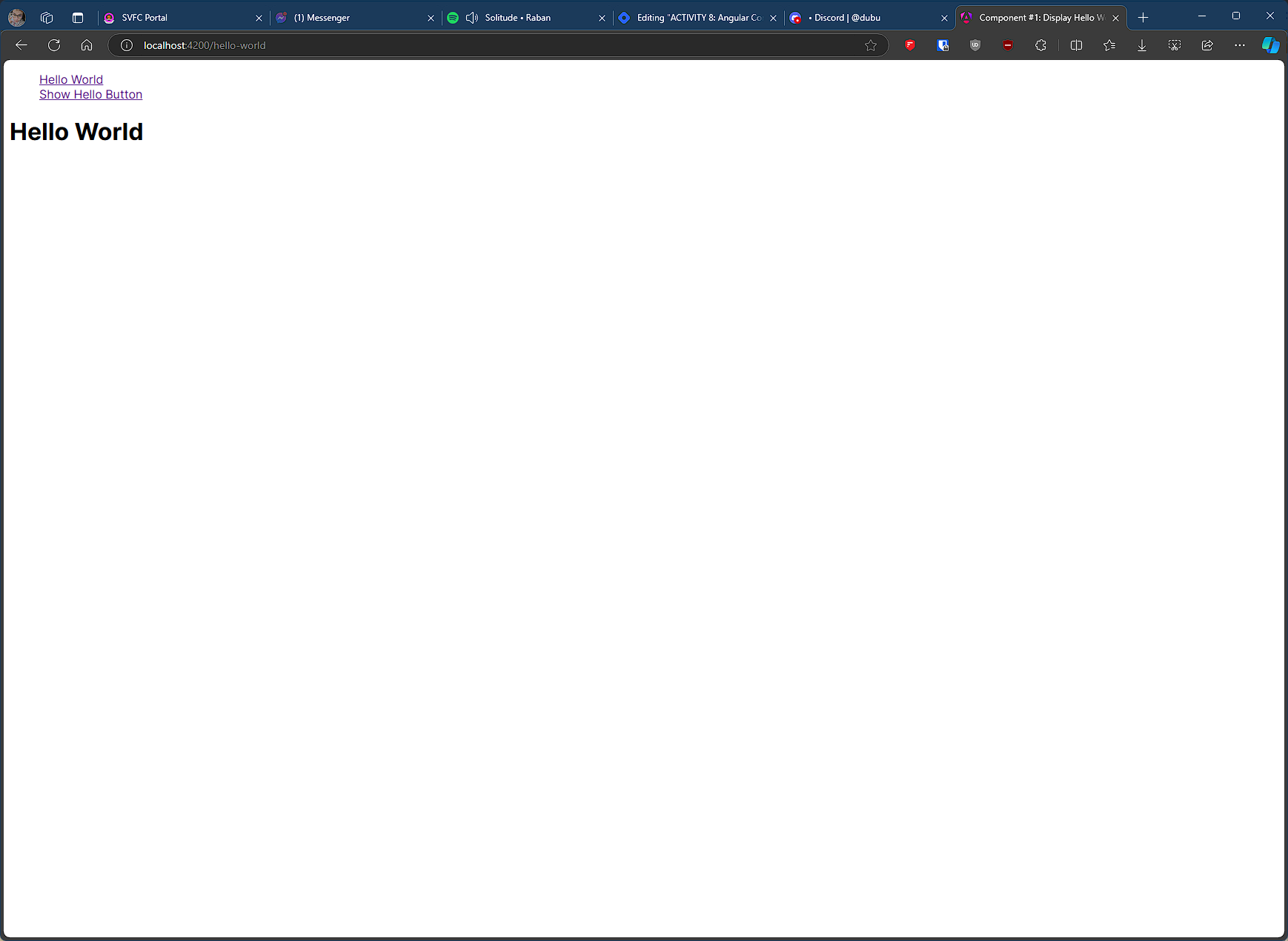
#1 component name: displayhelloworld
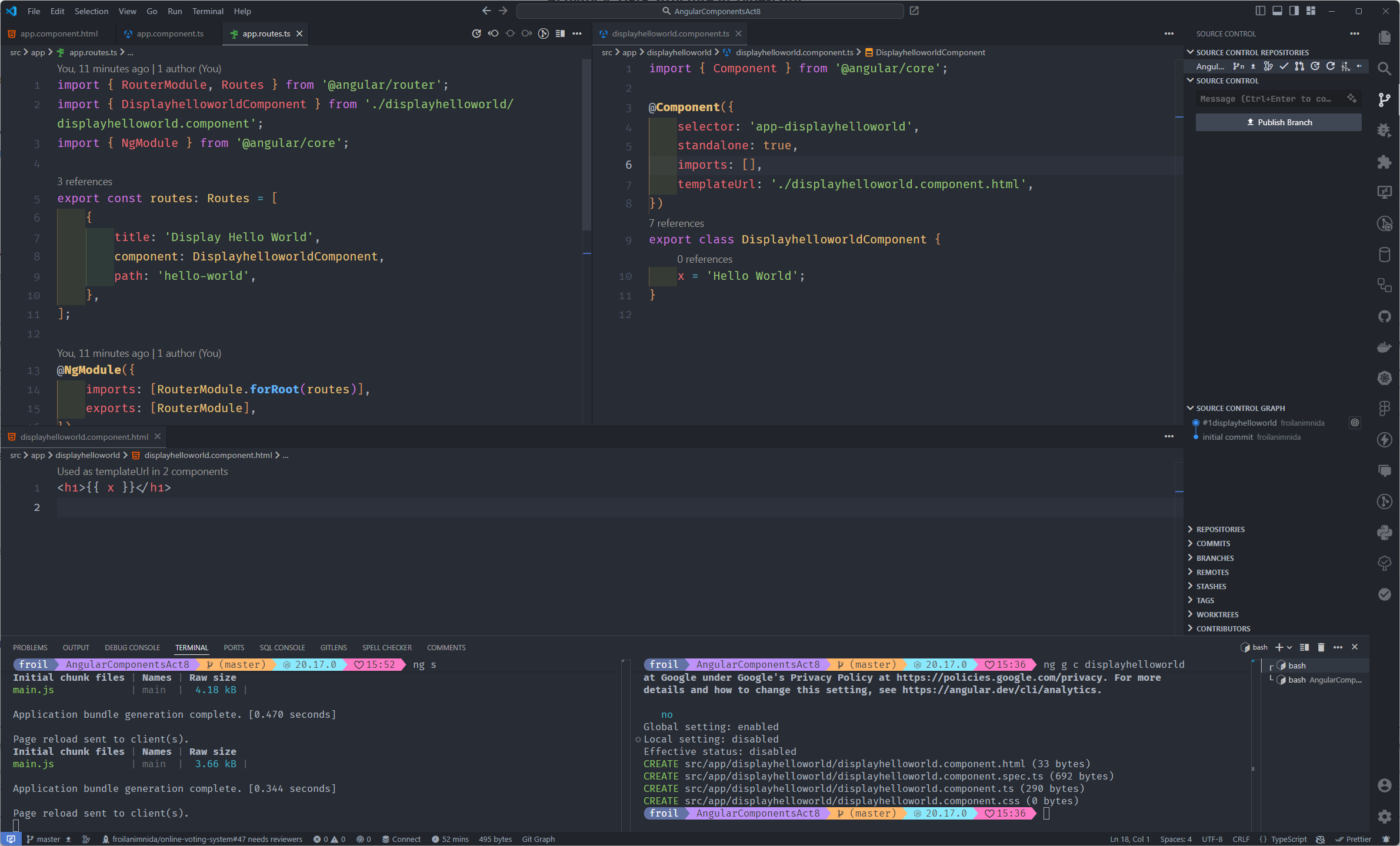
Display the text "Hello World" on the screen using a variable from the TypeScript file.
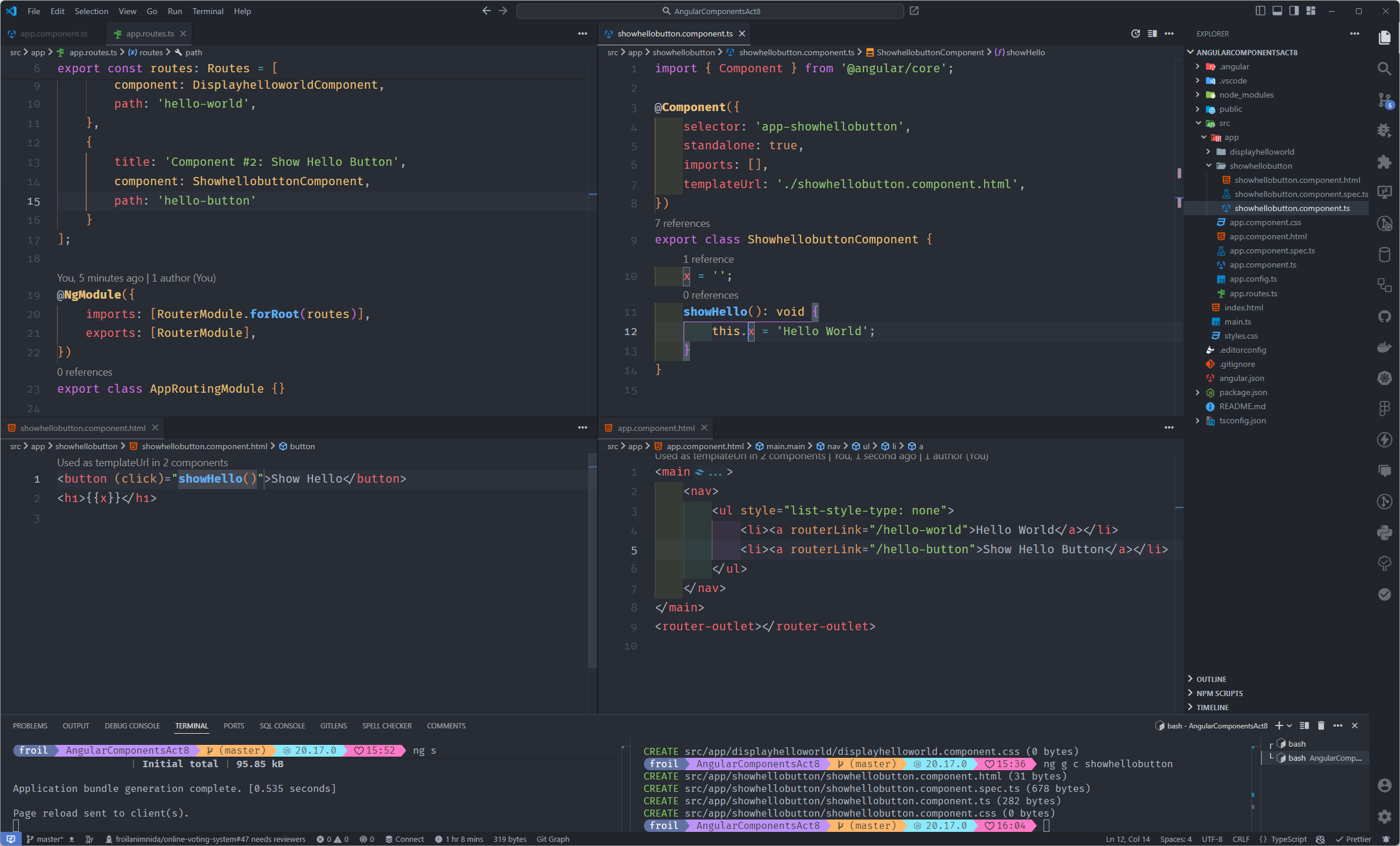
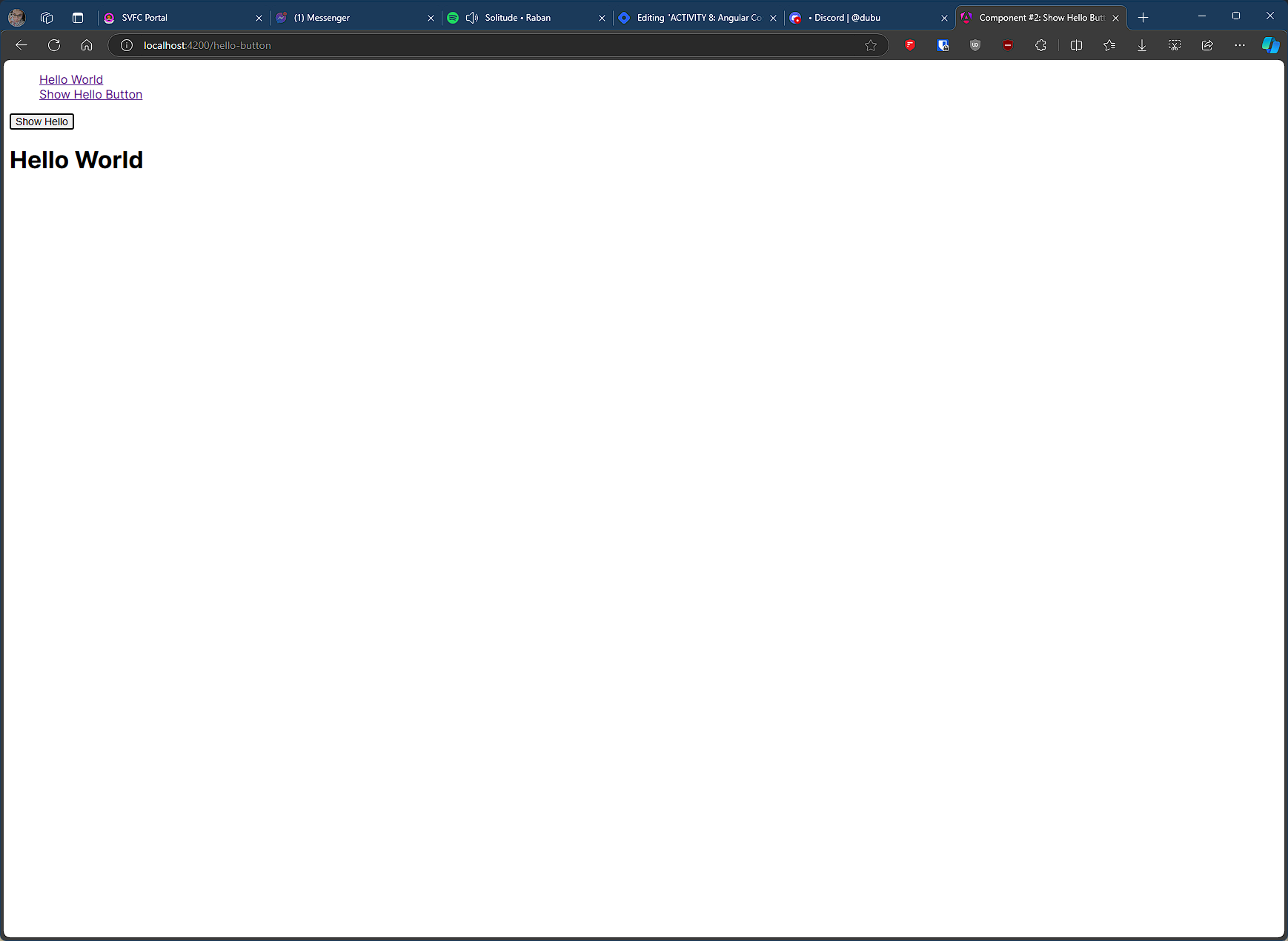
#2 component name: showhellobutton
Create a button, and when the user clicks the button, "Hello World" is displayed on the screen.
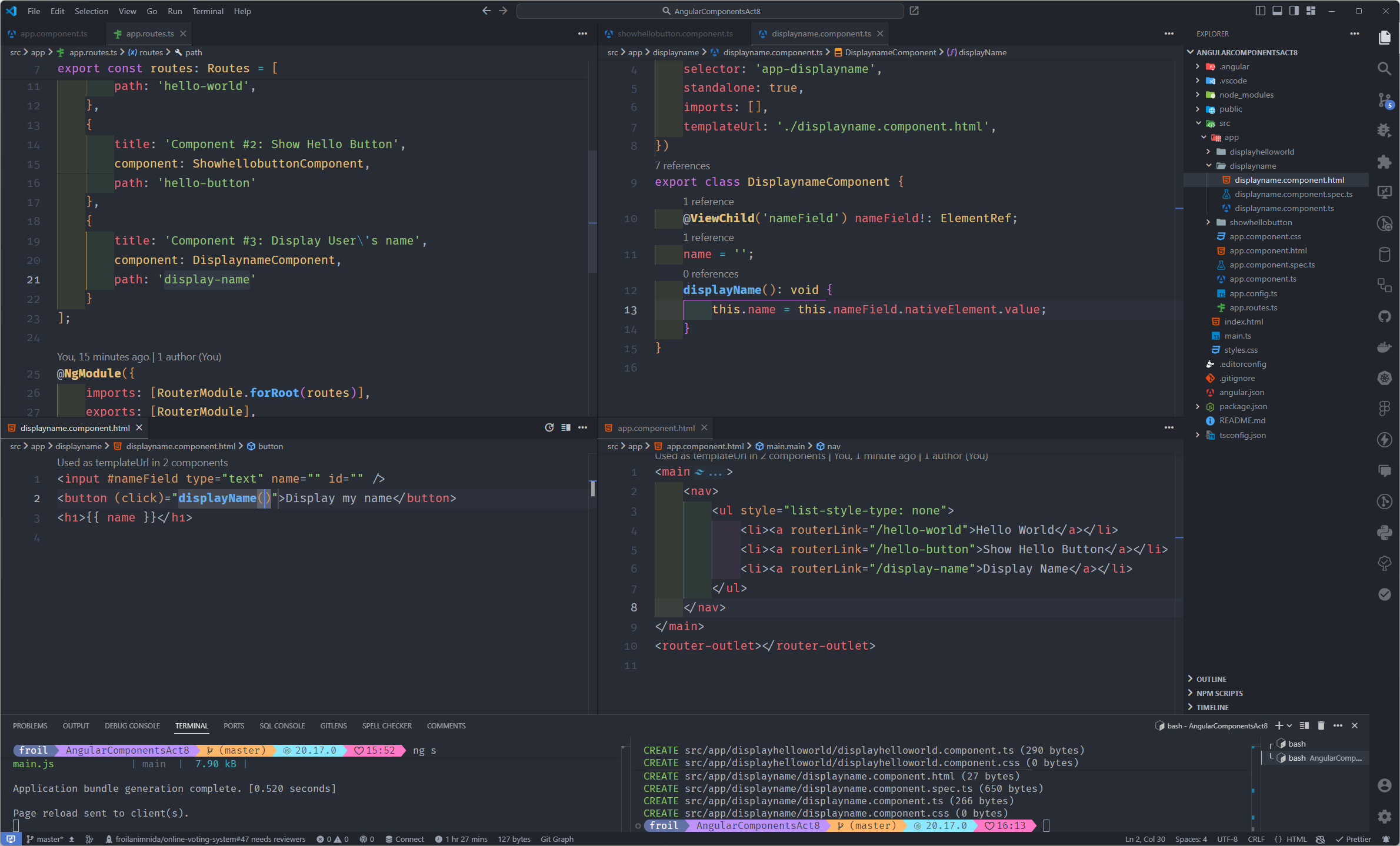
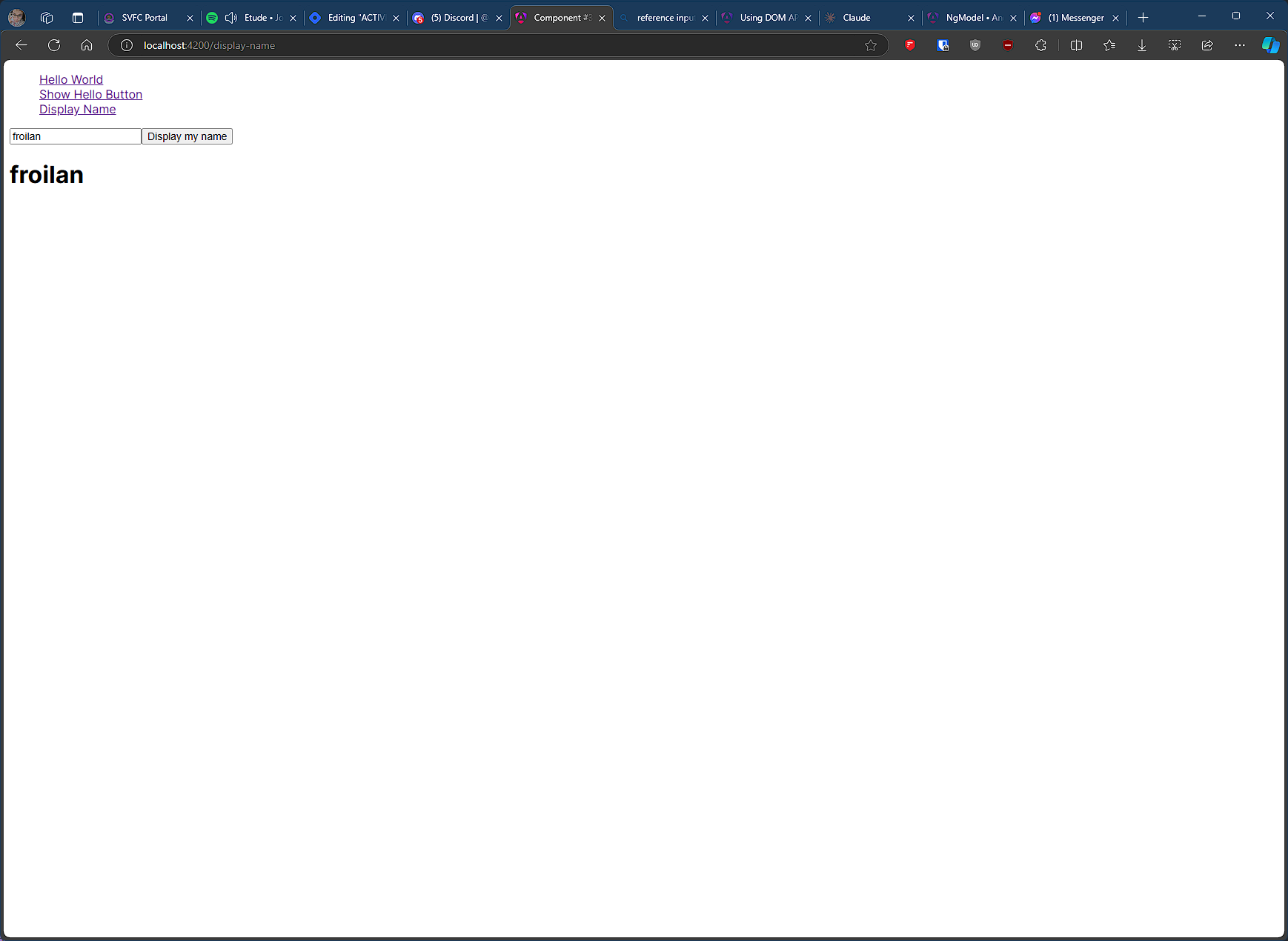
#3 component name: displayname
User inputs their name, and when the button is clicked, their name is displayed on the screen.
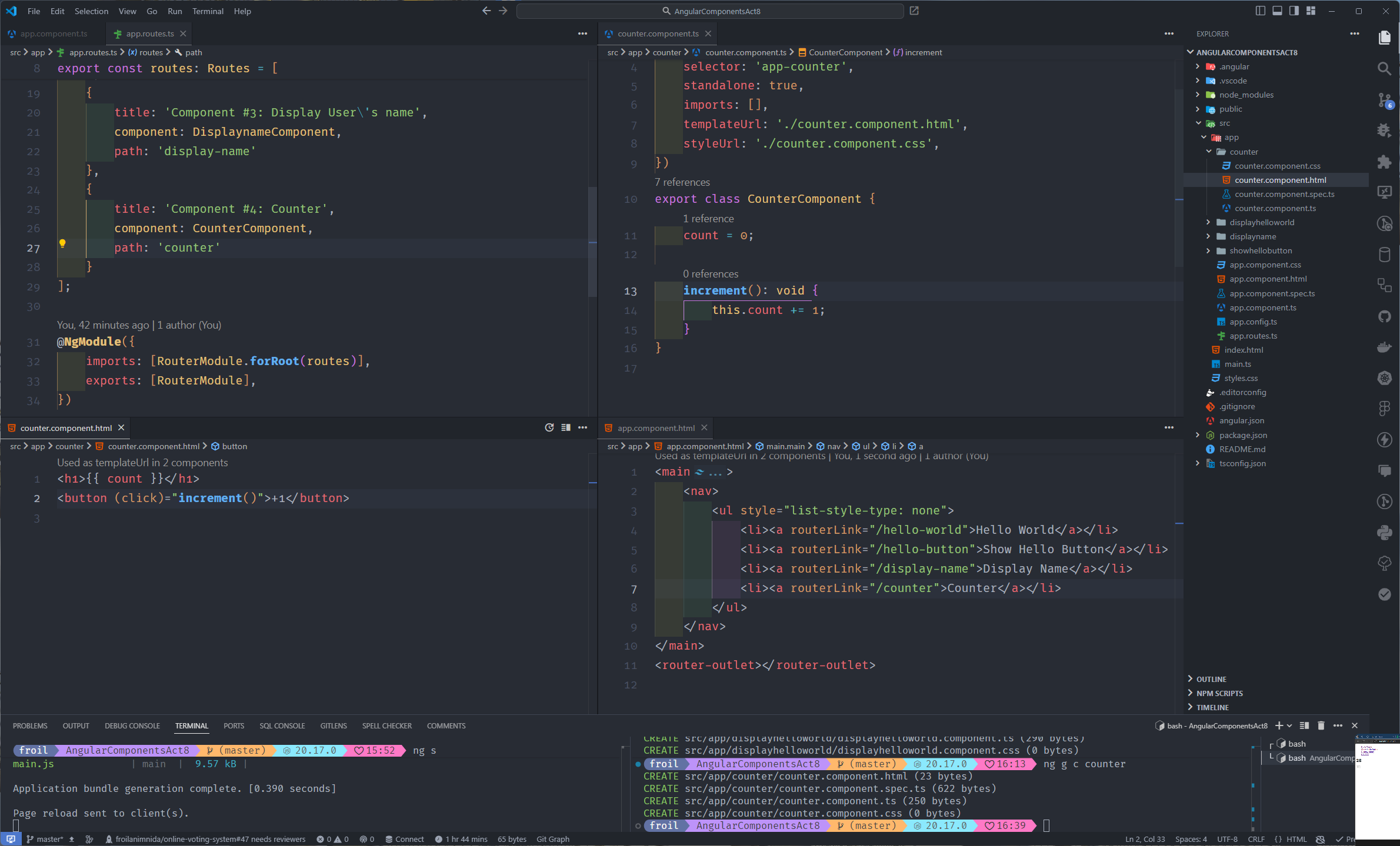
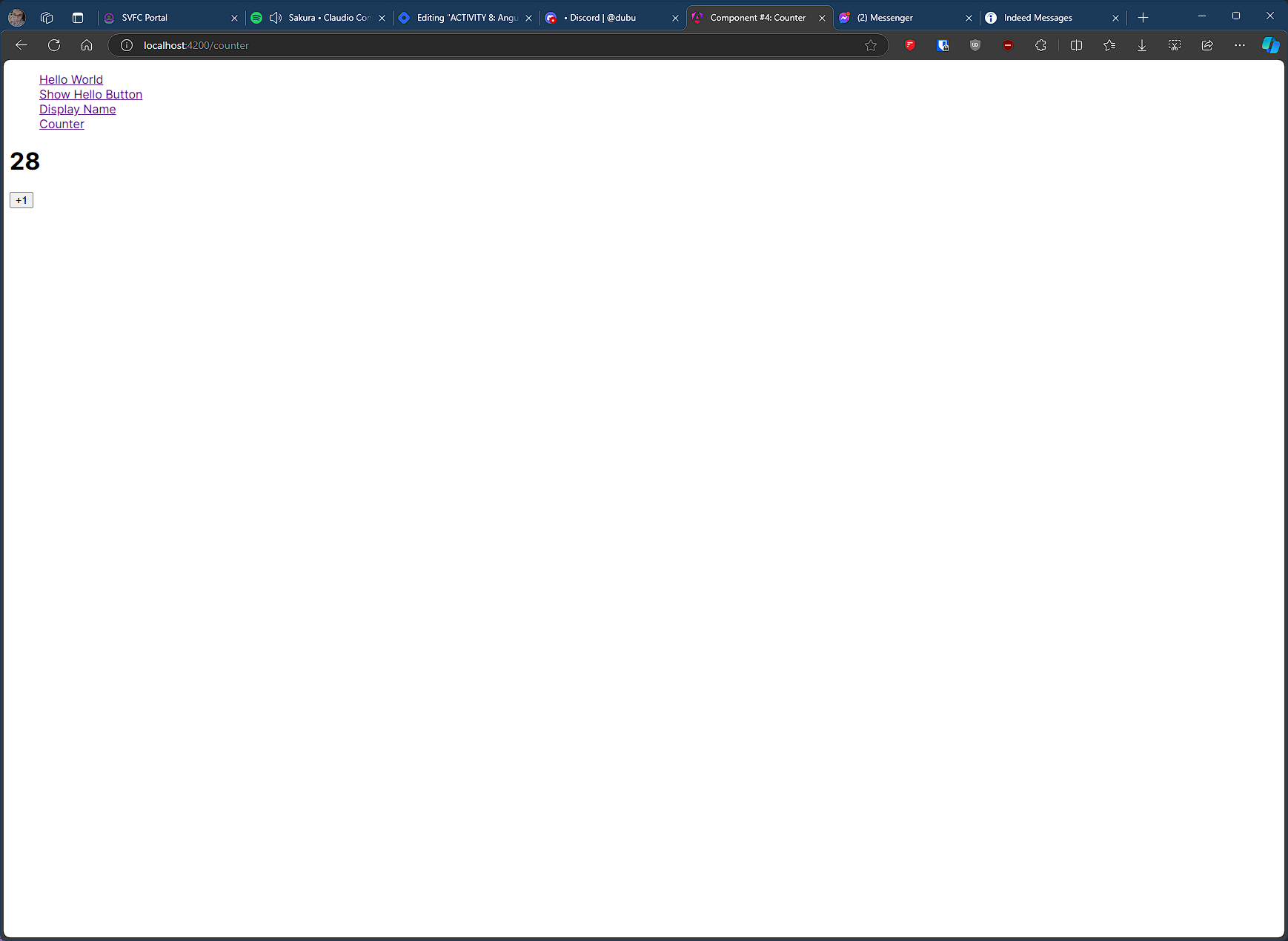
#4 component name: counter
Create a counter that increases by 1 when the user clicks a button.
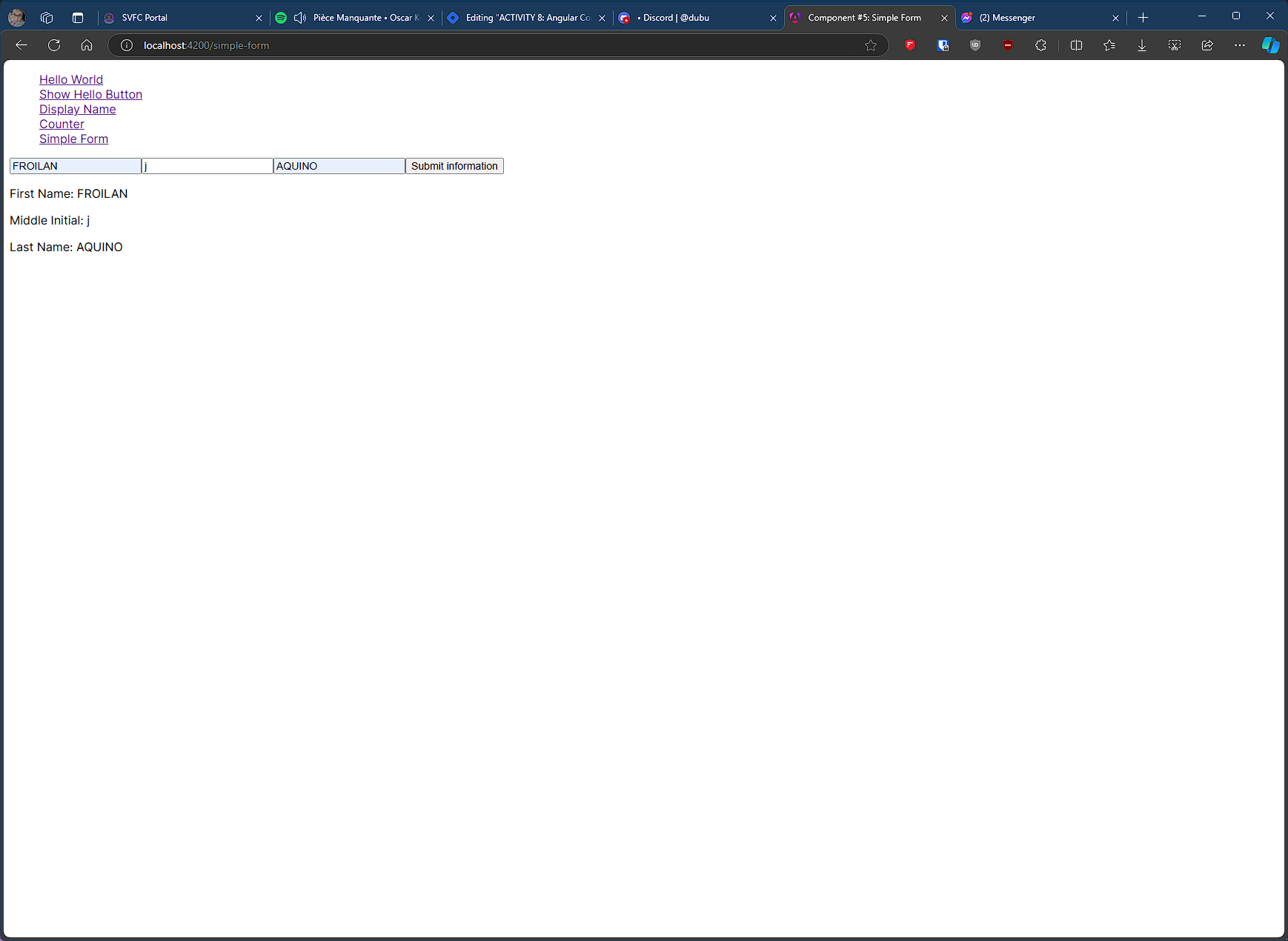
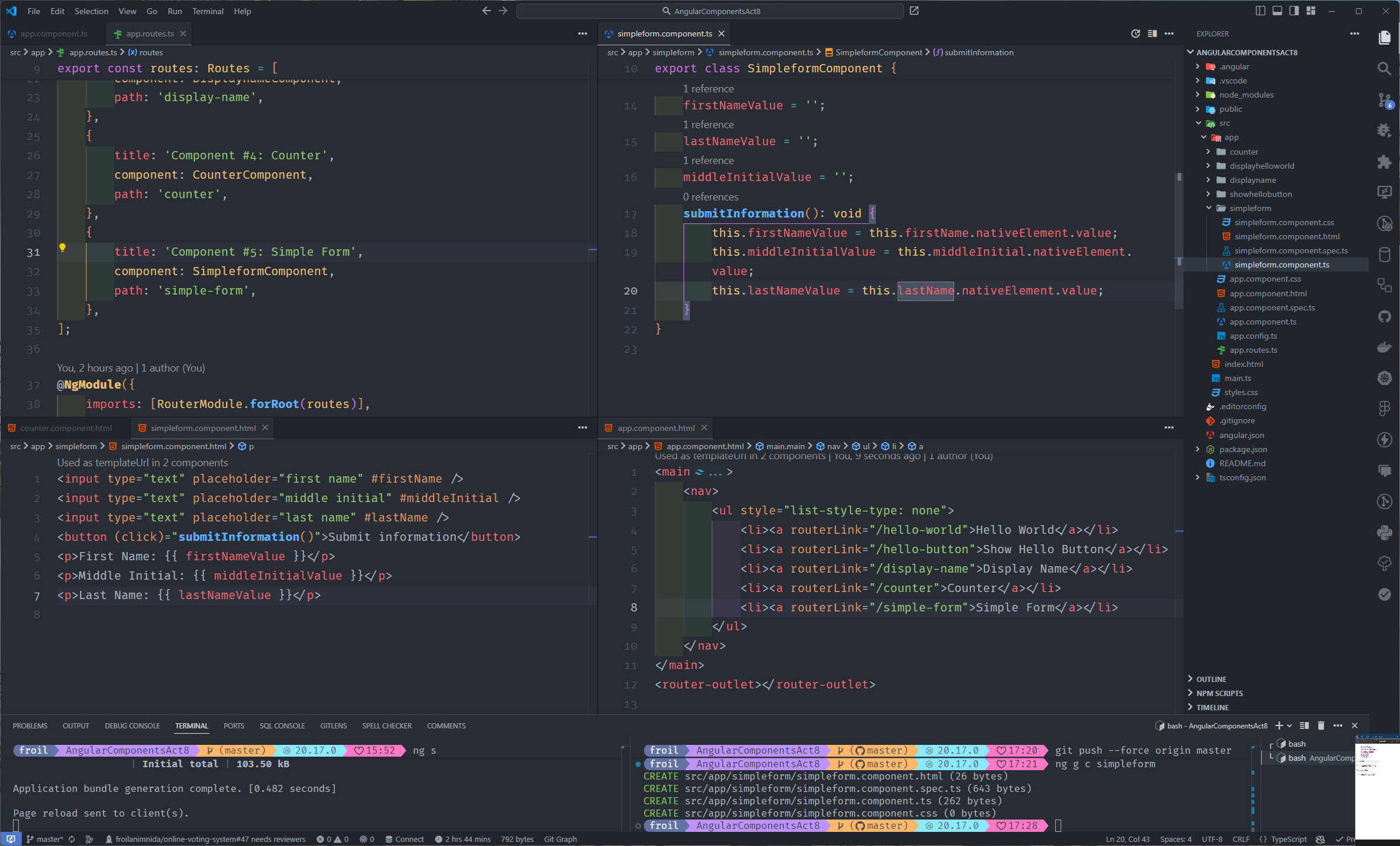
#5 component name: simpleform
Create a form with text inputs and a submit button, display the submitted input data.
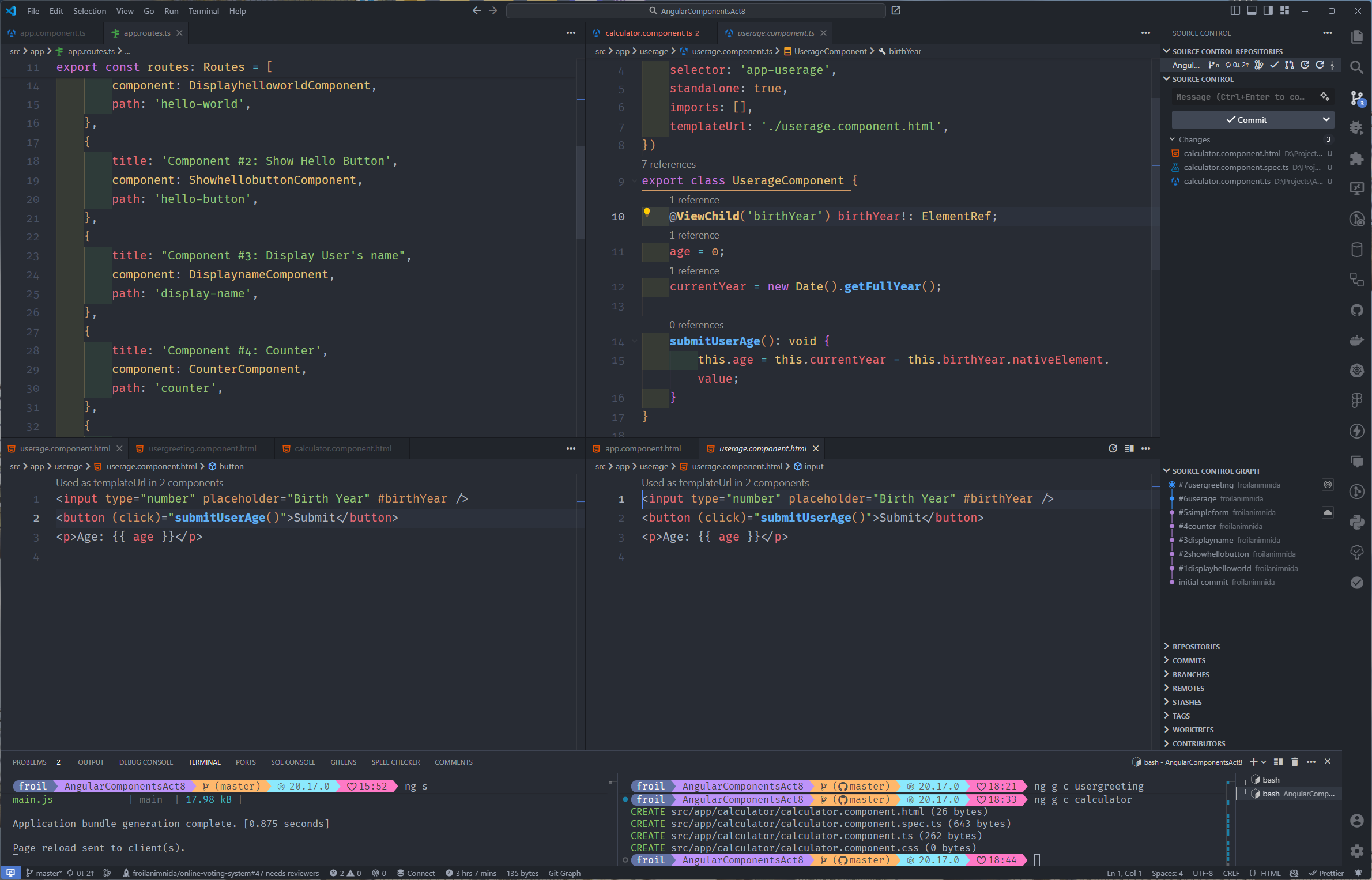
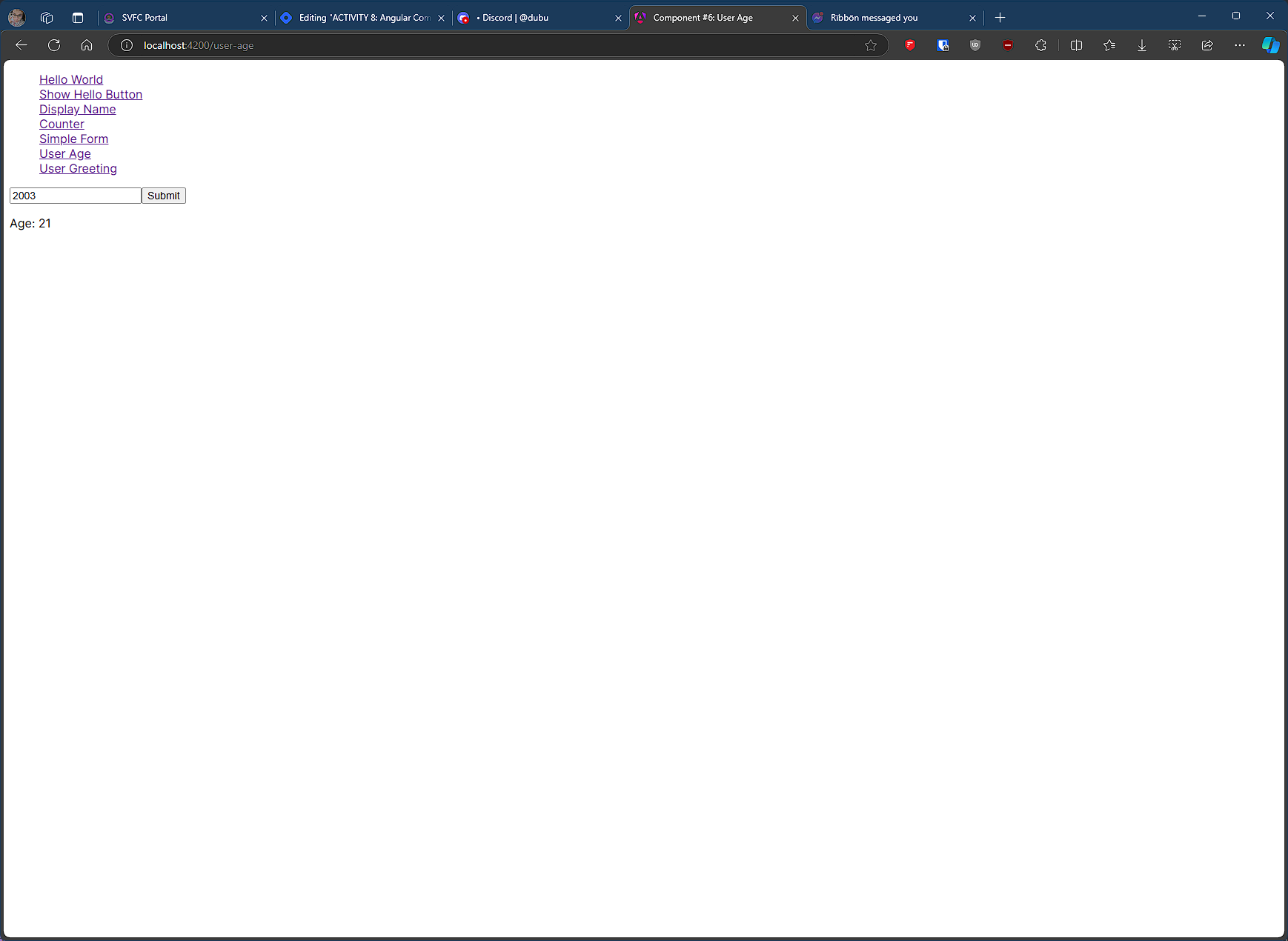
#6 component name: userage
Input user’s birth year, and when the button is clicked, display their age.
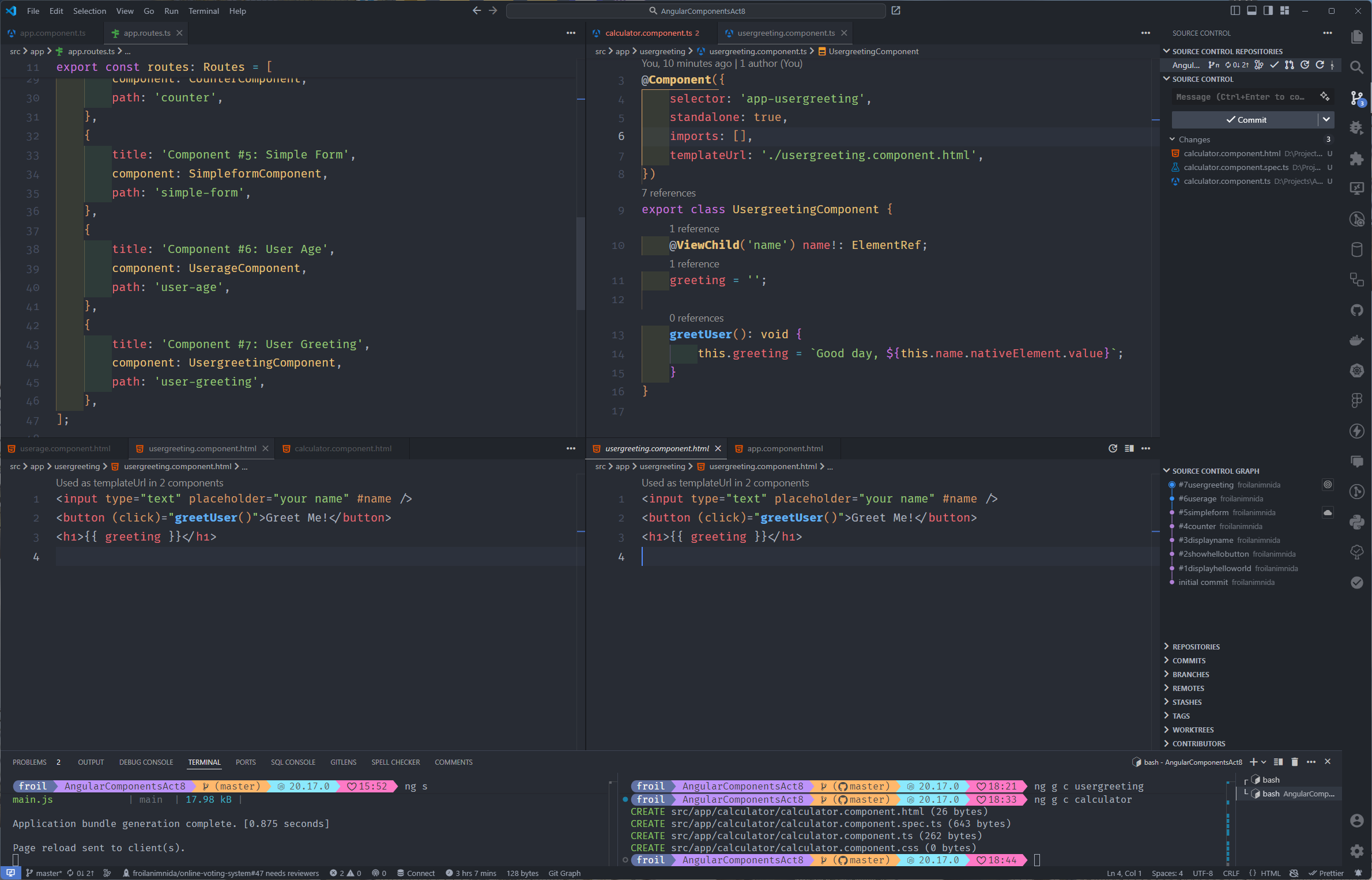
#7 component name: usergreeting
User inputs their name, and when clicked, display a personalized greeting.
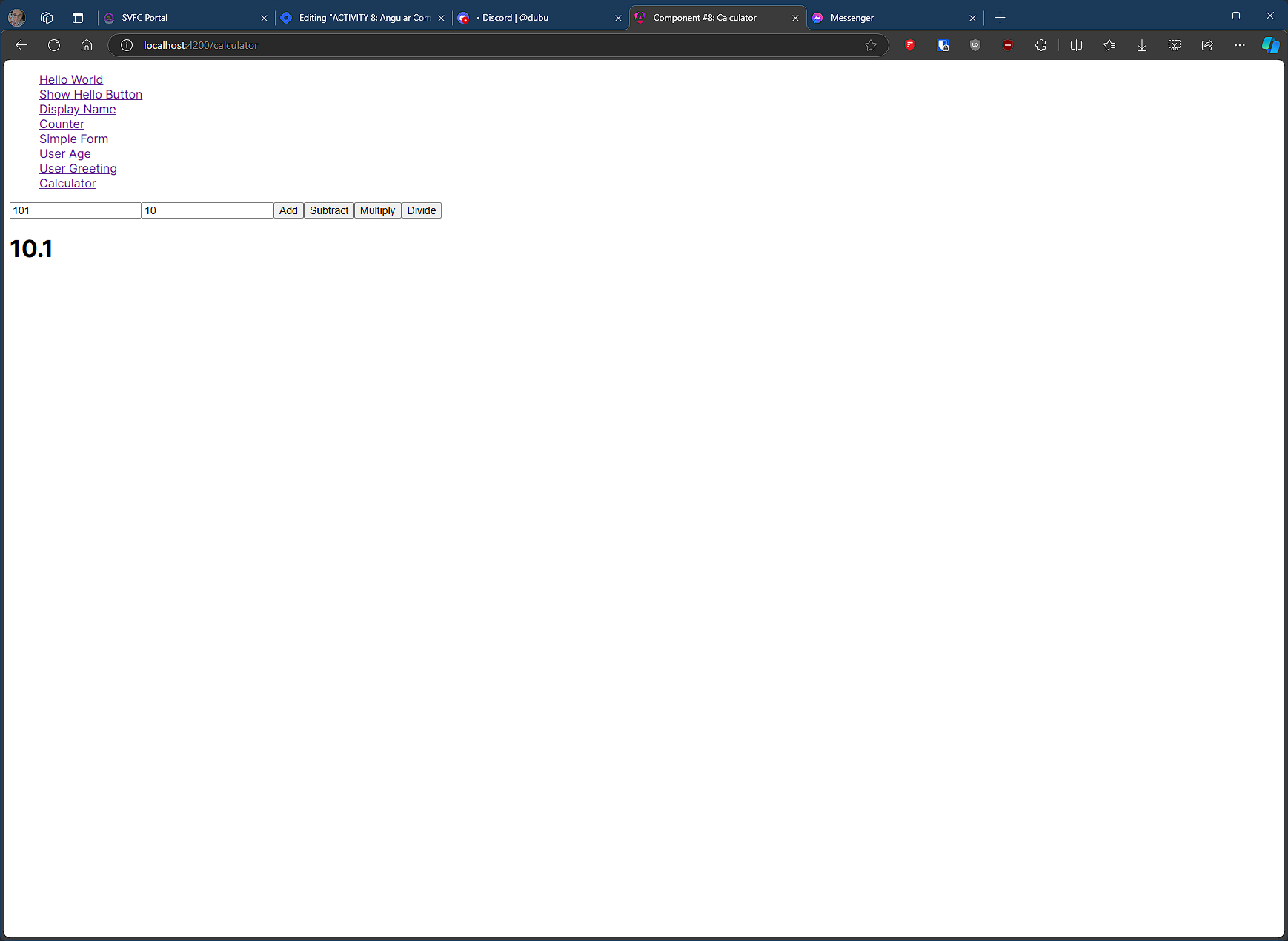
#8 component name: calculator
Create a simple calculator with add, subtract, multiply, and divide functionalities.
#9 component name: textlength
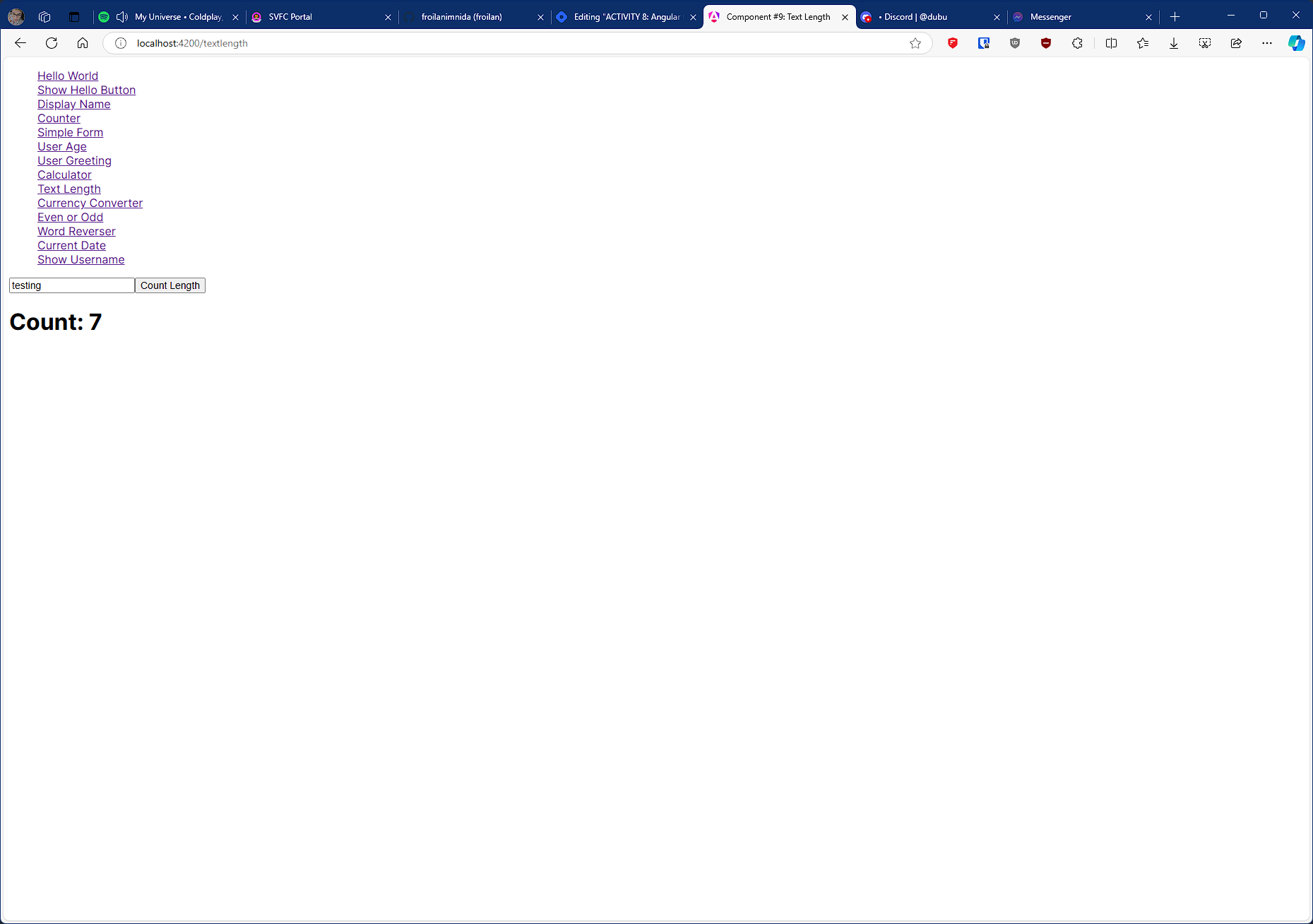
Input a string, and when the button is clicked, display the length of the string.
#10 component name: currencyconverter
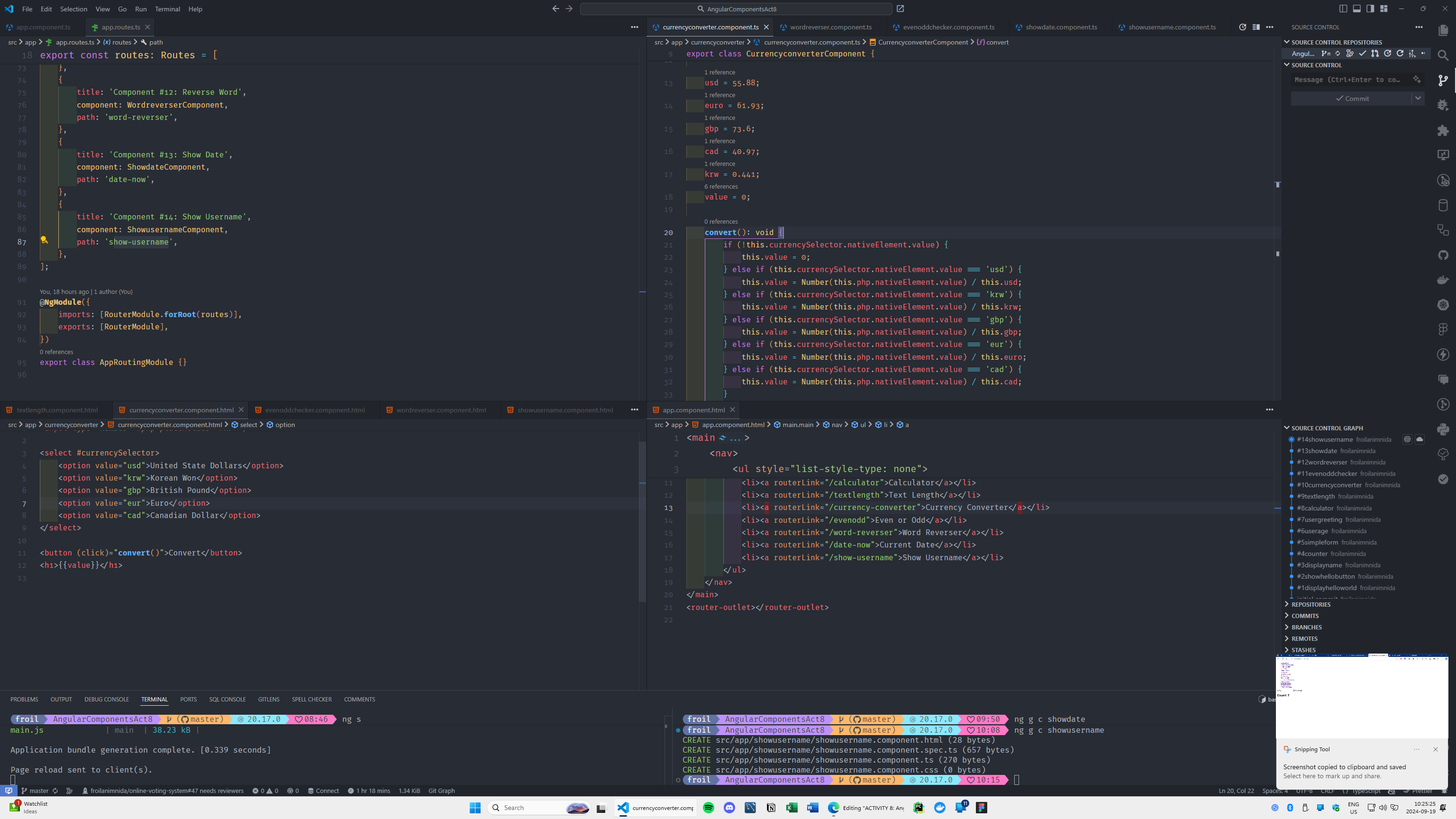
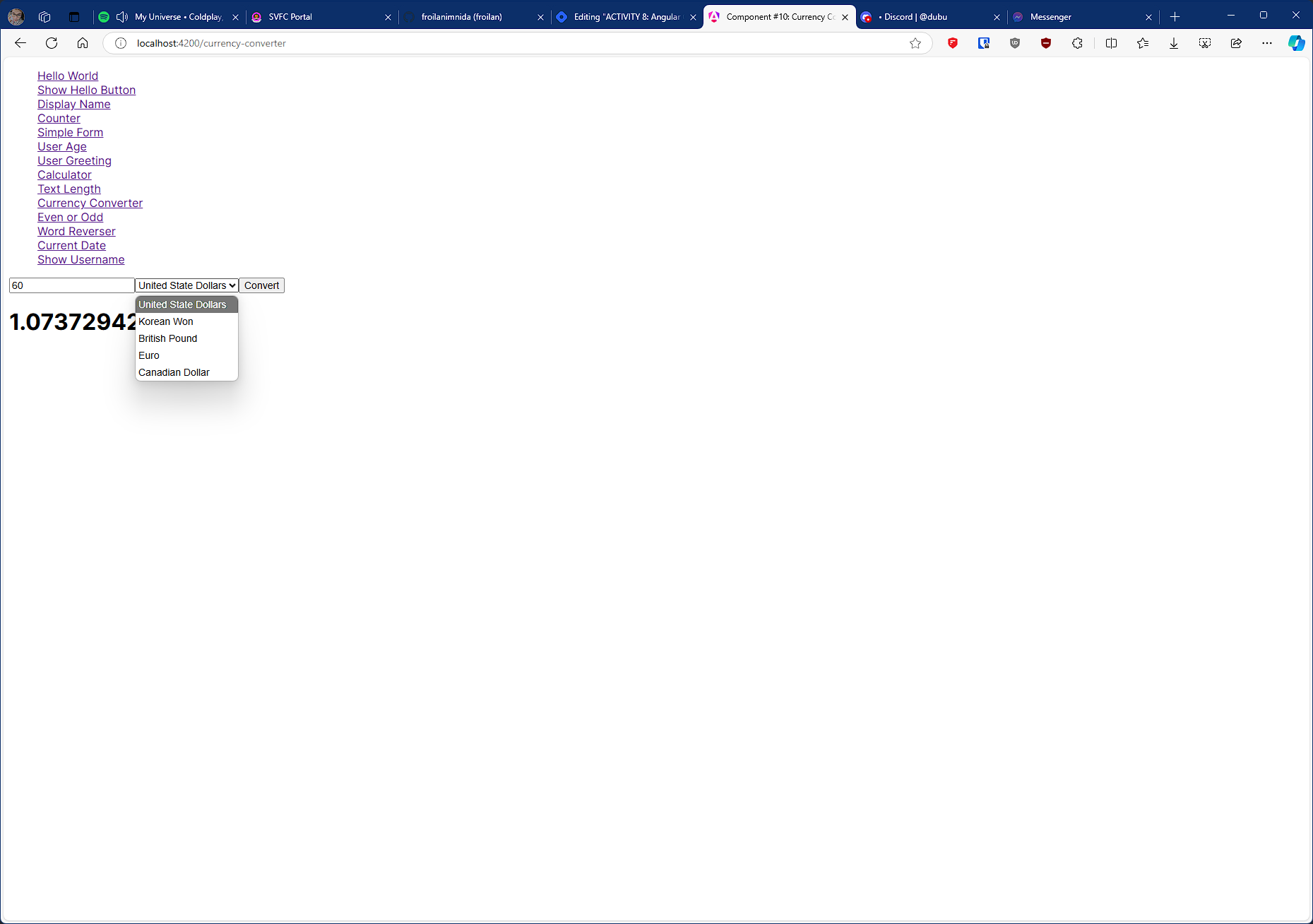
Input a value in one currency, convert it to another currency on button click (1 dollar = 56 Php).
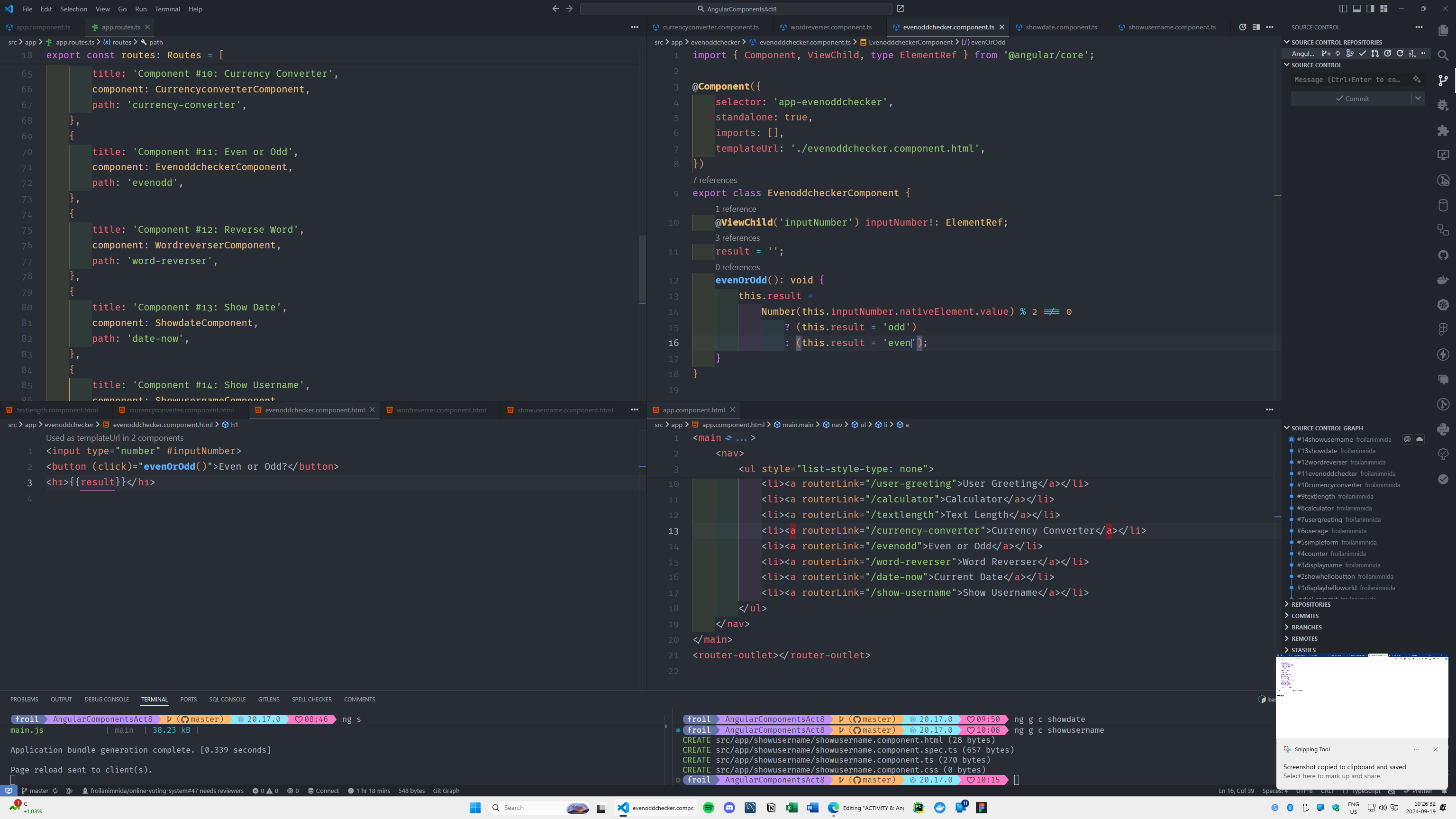
#11 component name: evenoddchecker
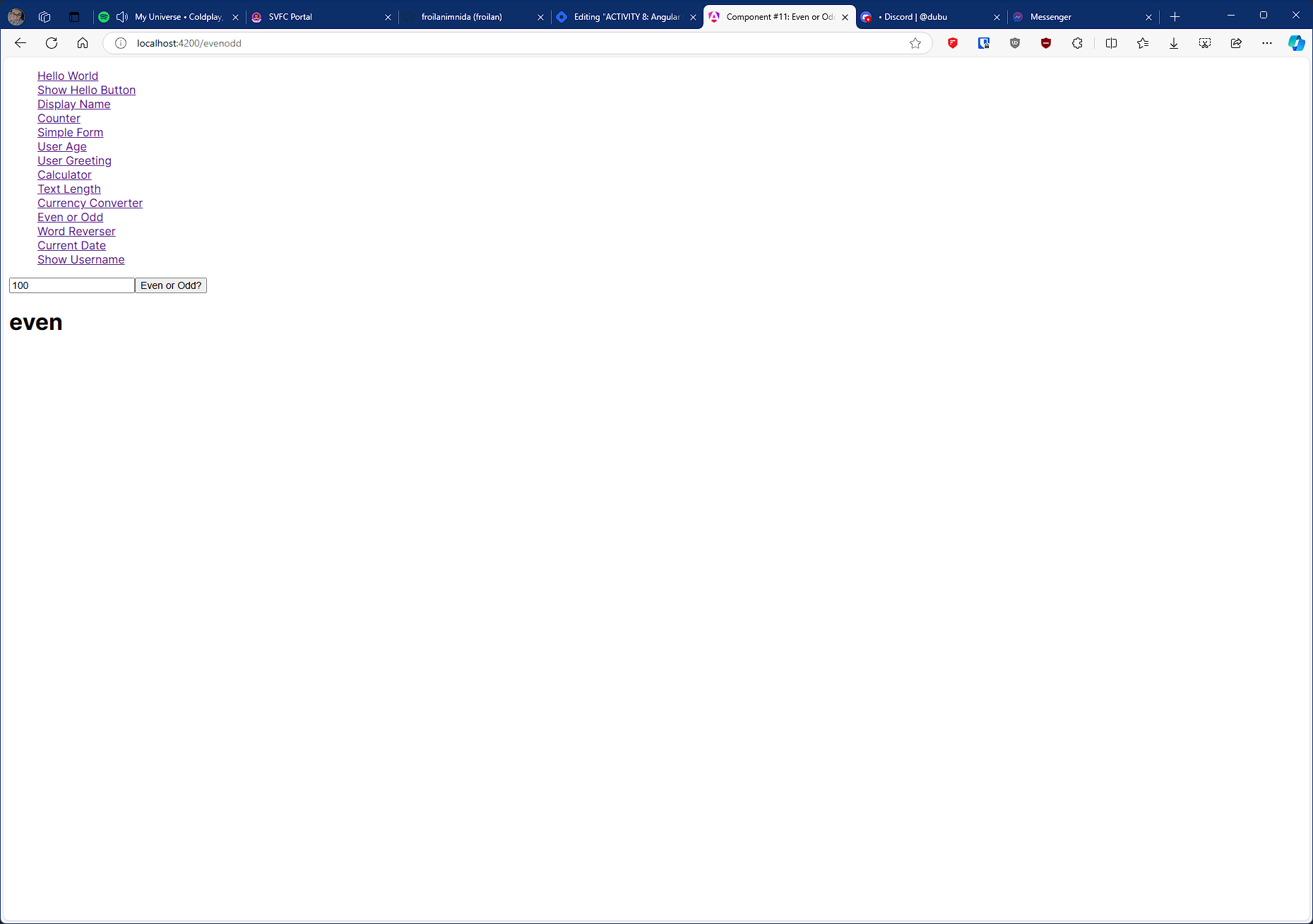
Input a number and check if it is even or odd.
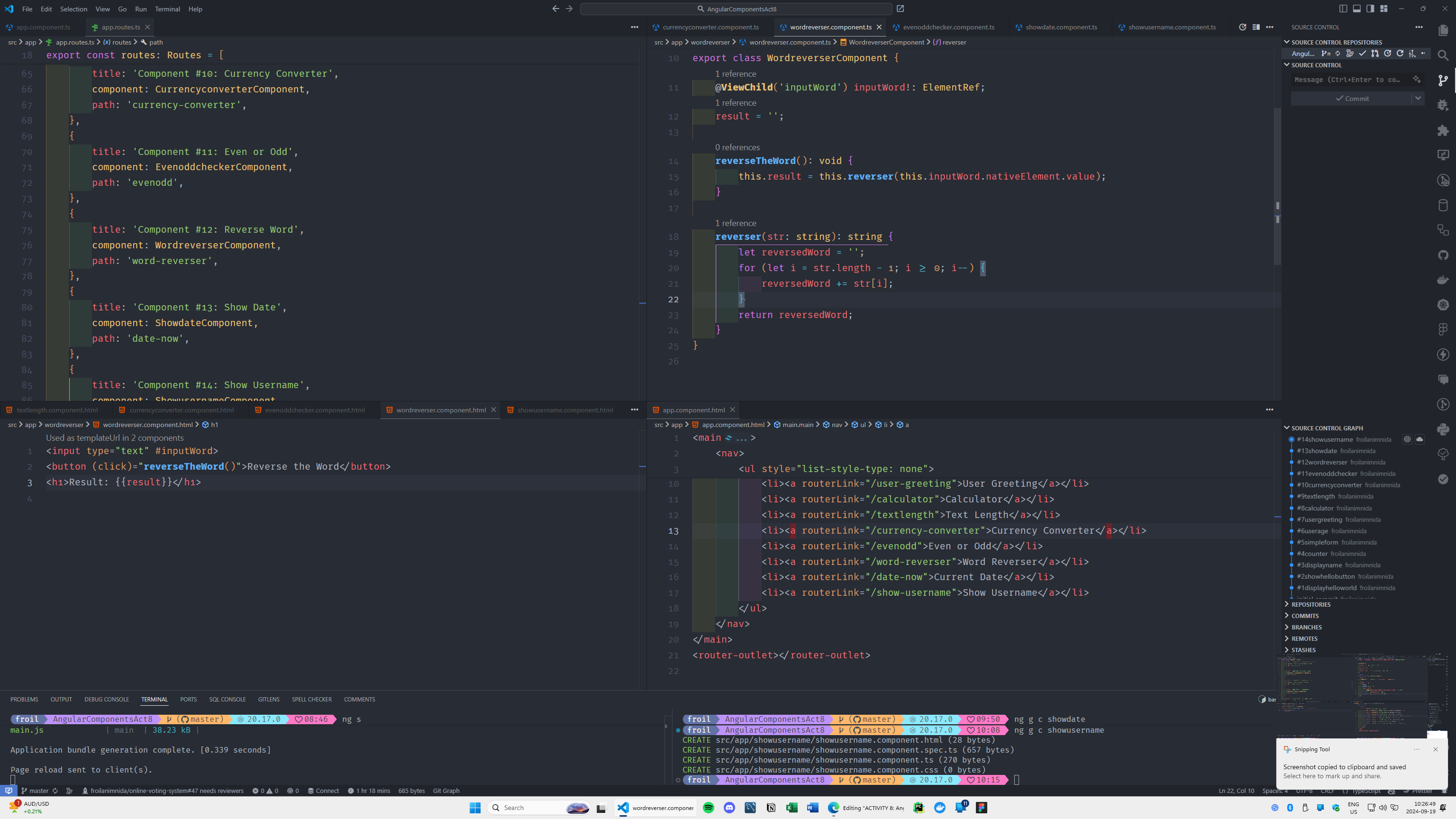
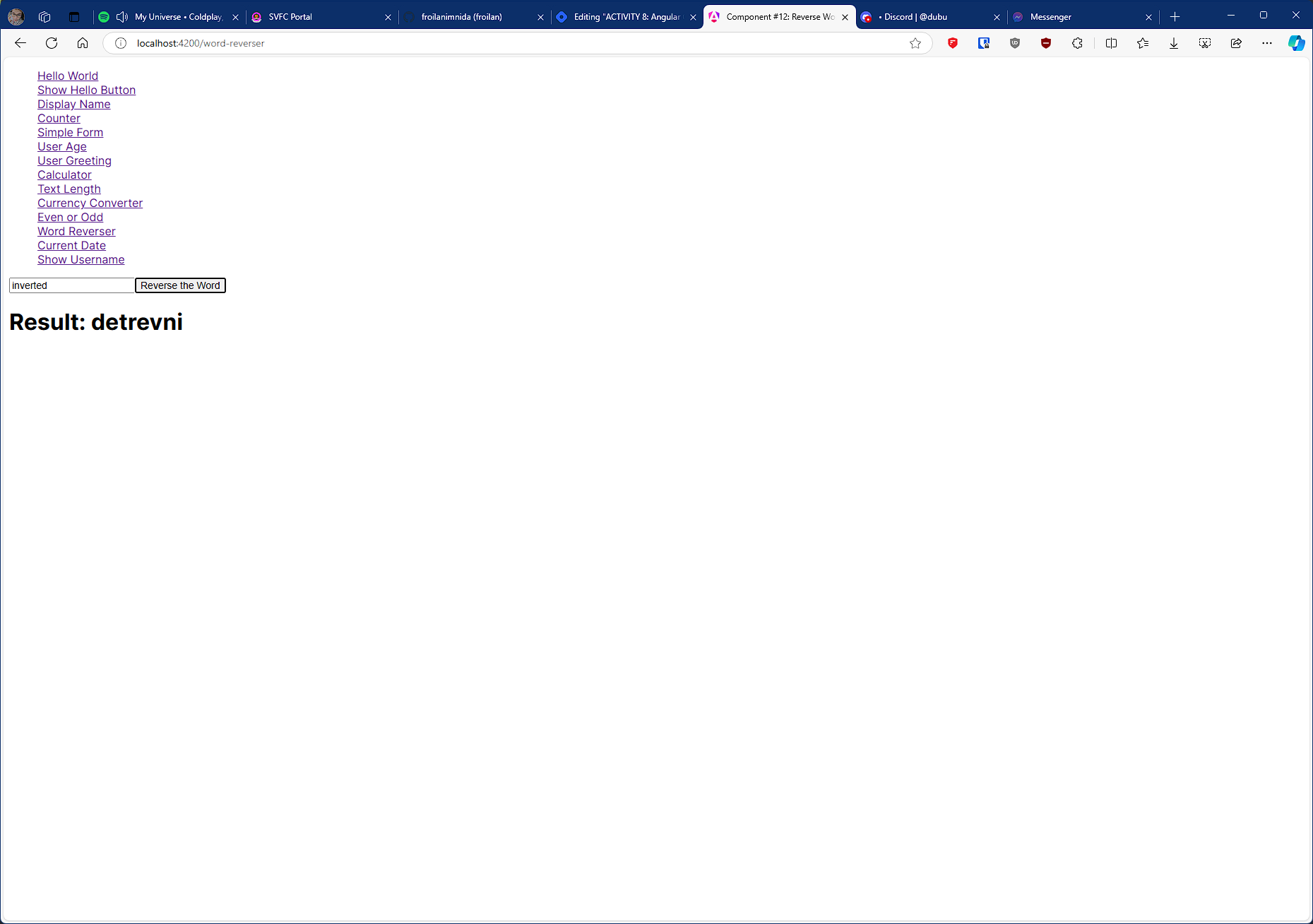
#12 component name: wordreverser
Input a word, and when the button is clicked, display the word reversed.
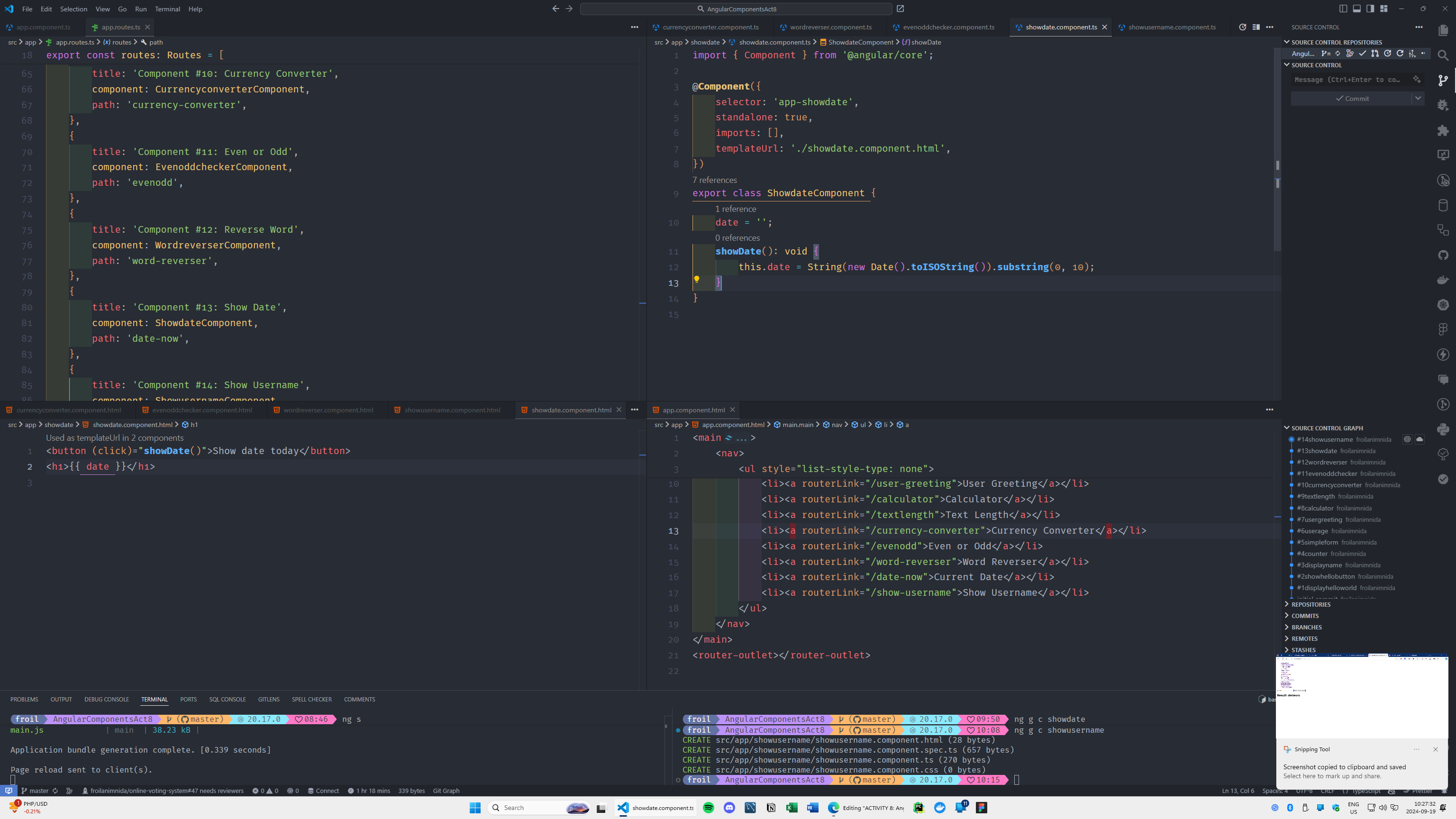
#13 component name: showdate
Create a button that shows the current date and time when clicked.
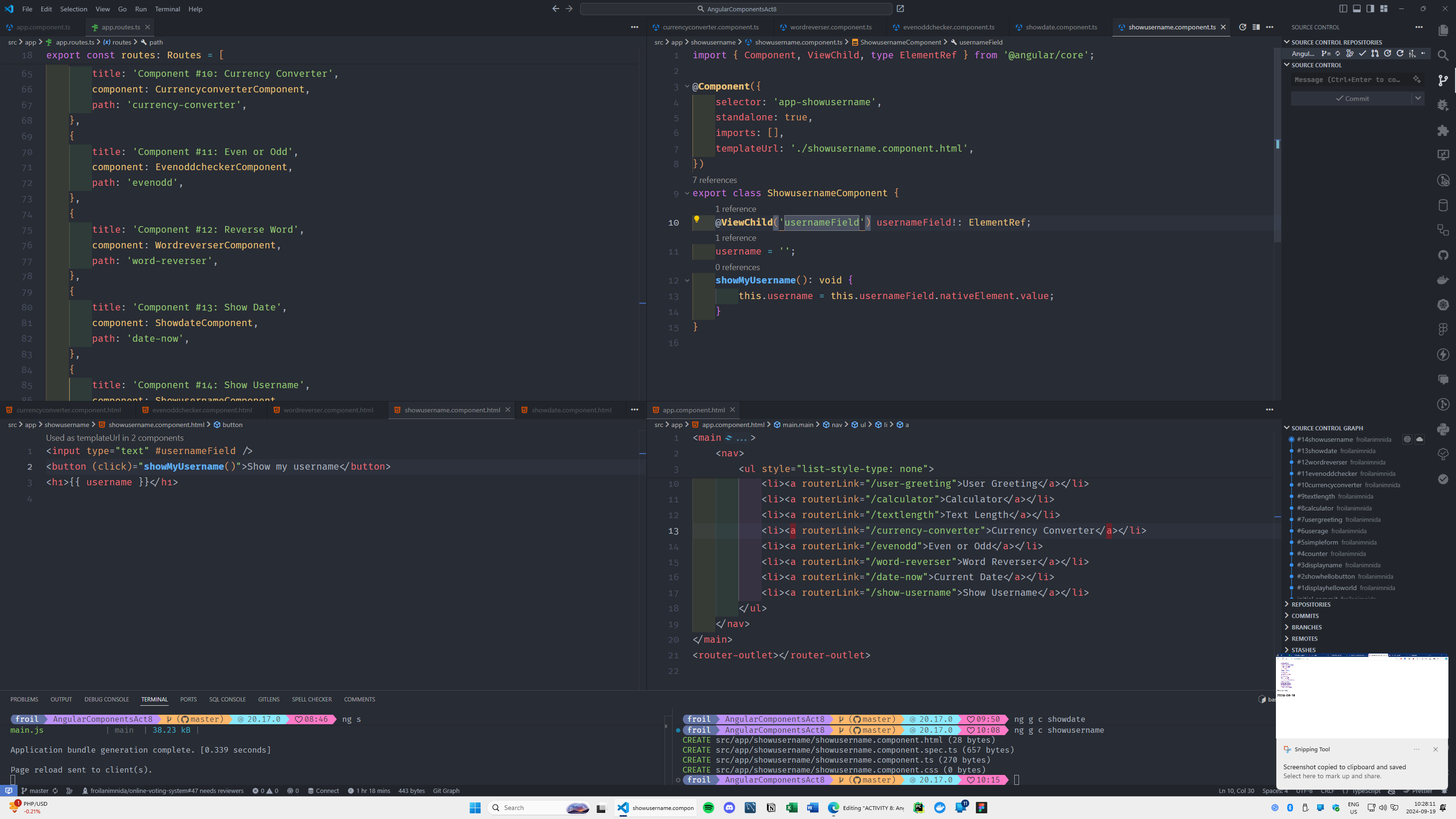
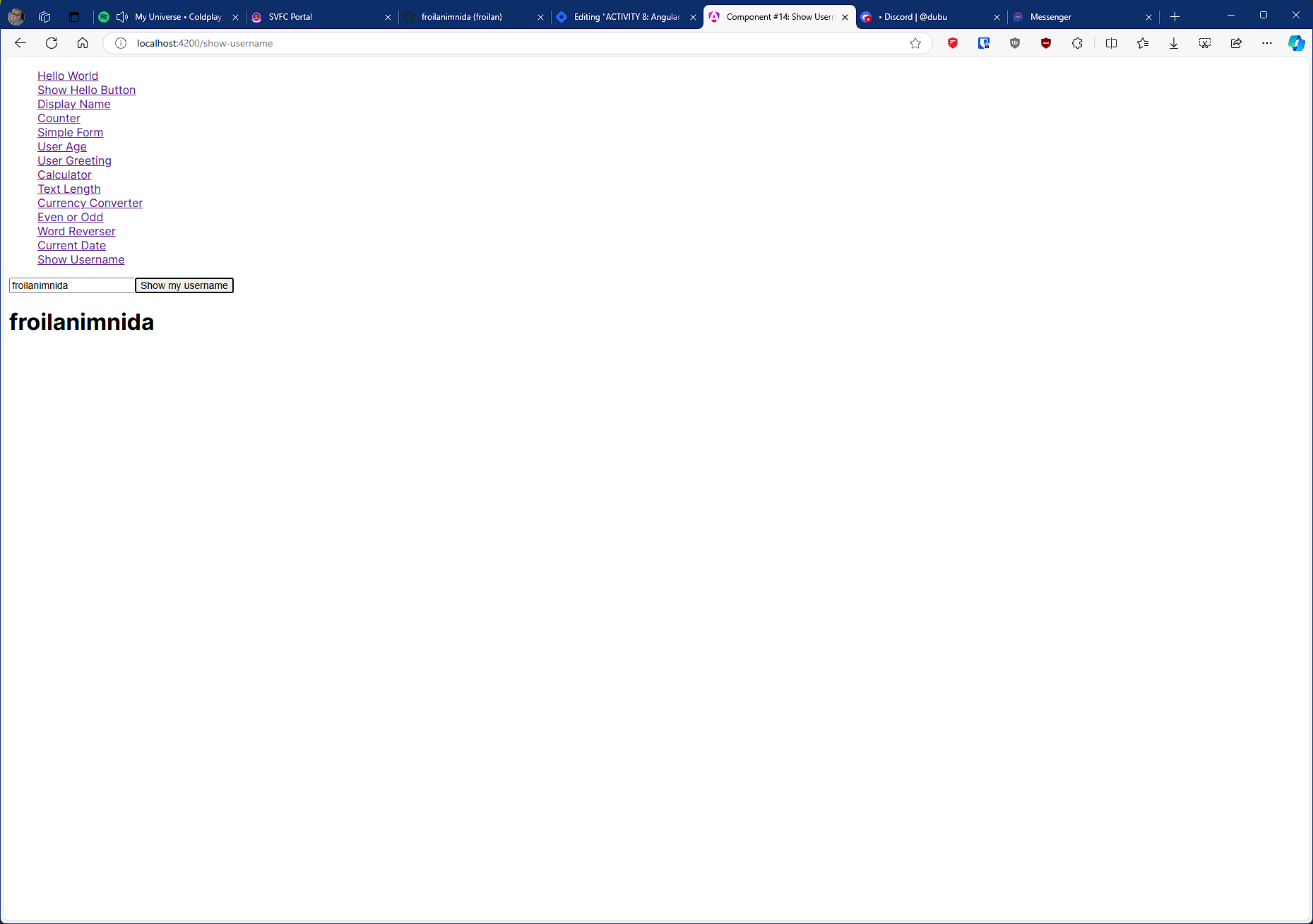
#14 component name: showusername
User inputs their username, and on clicking a button, their username is displayed on the screen.
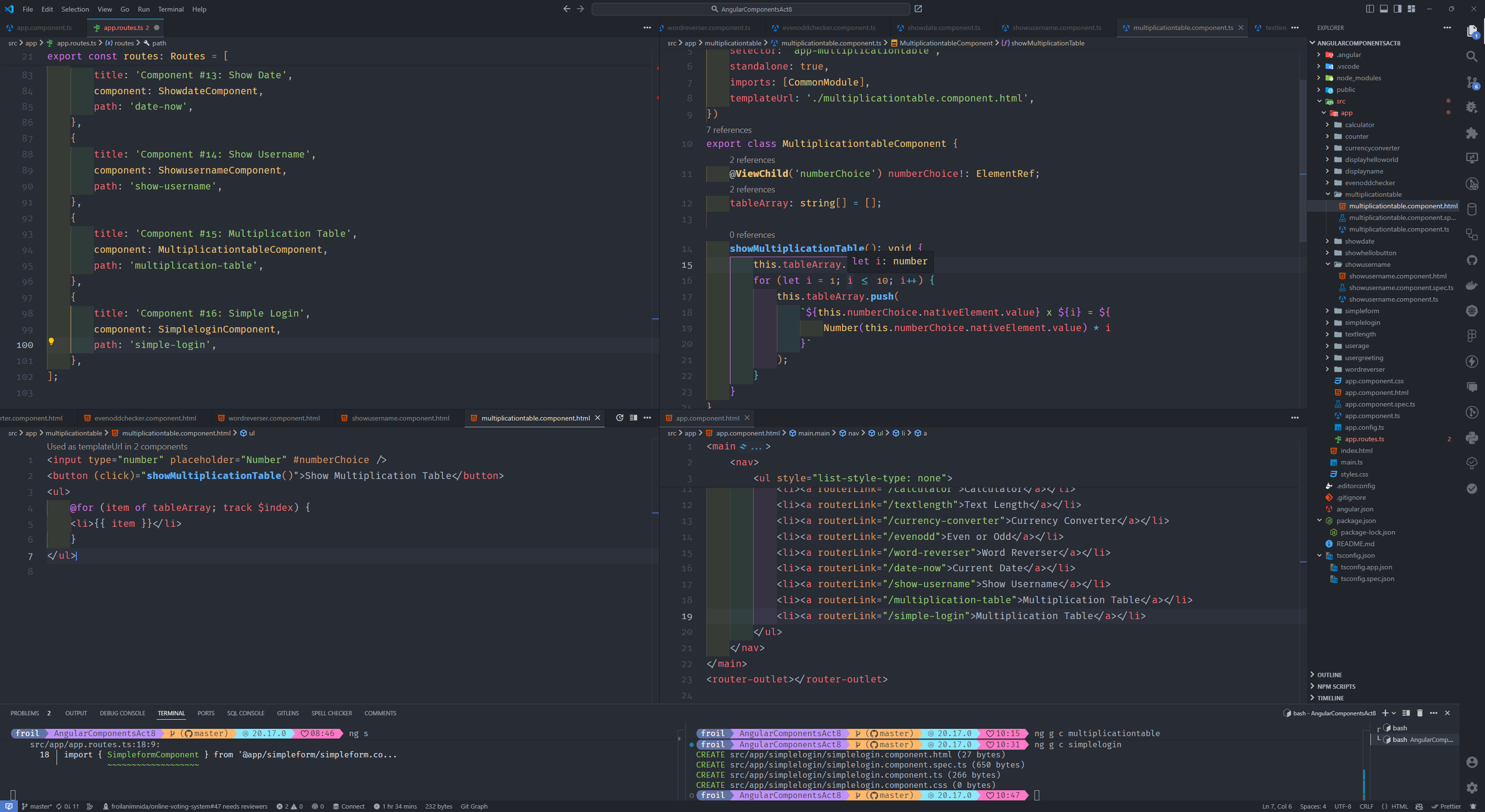
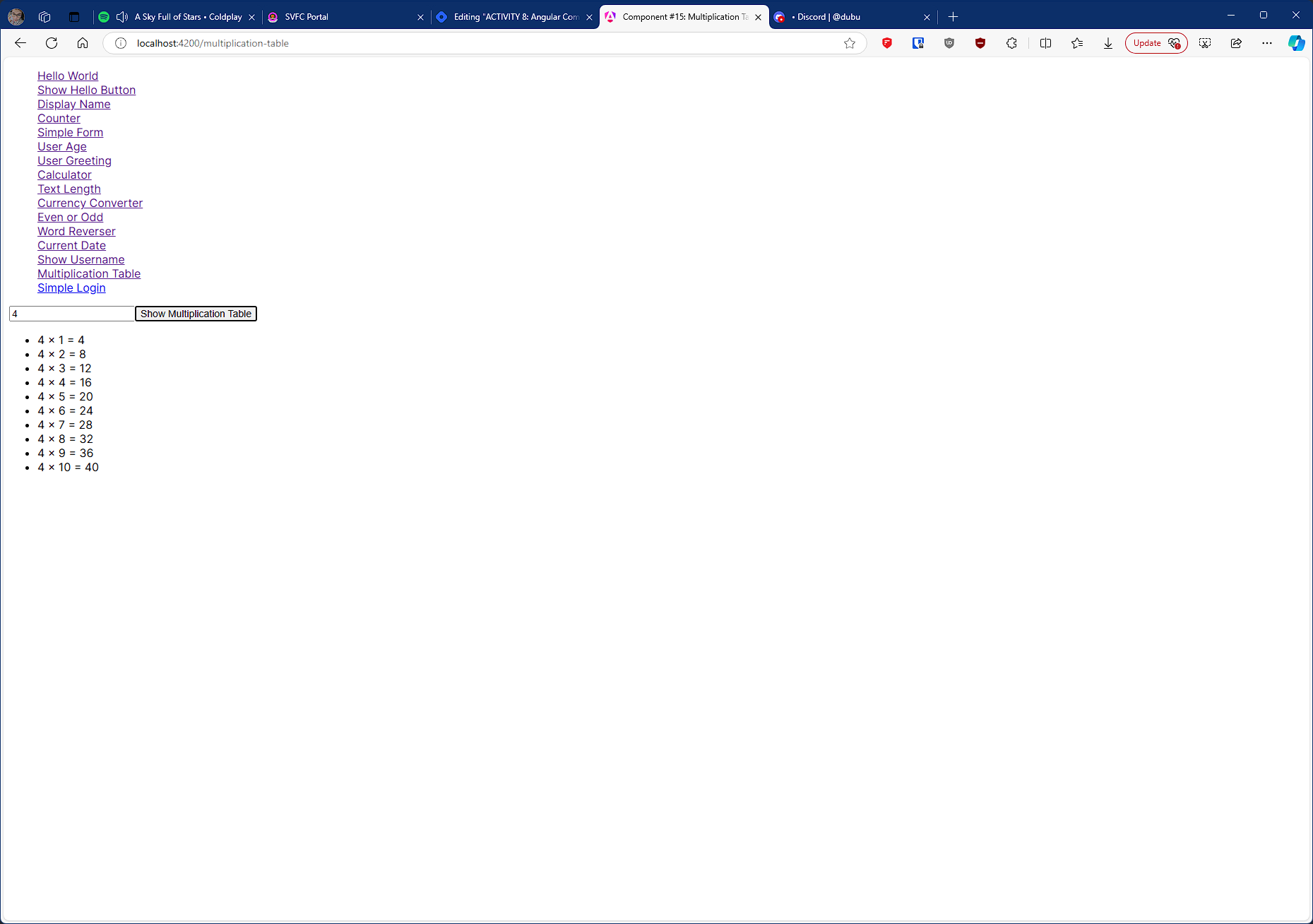
#15 component name: multiplicationtable
Input a number and generate its multiplication table.
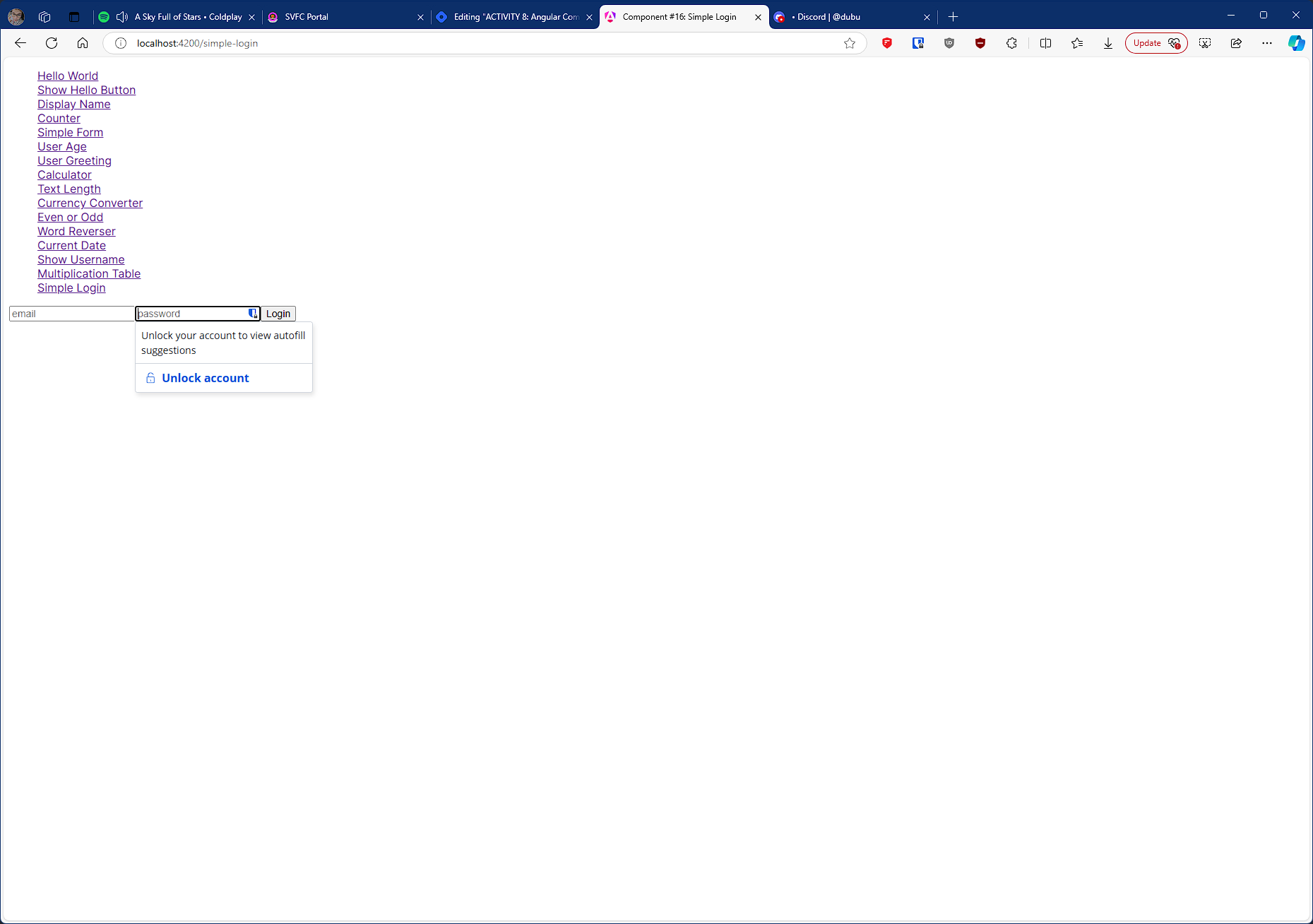
#16 component name: simplelogin
Create a simple login form with email and password fields.
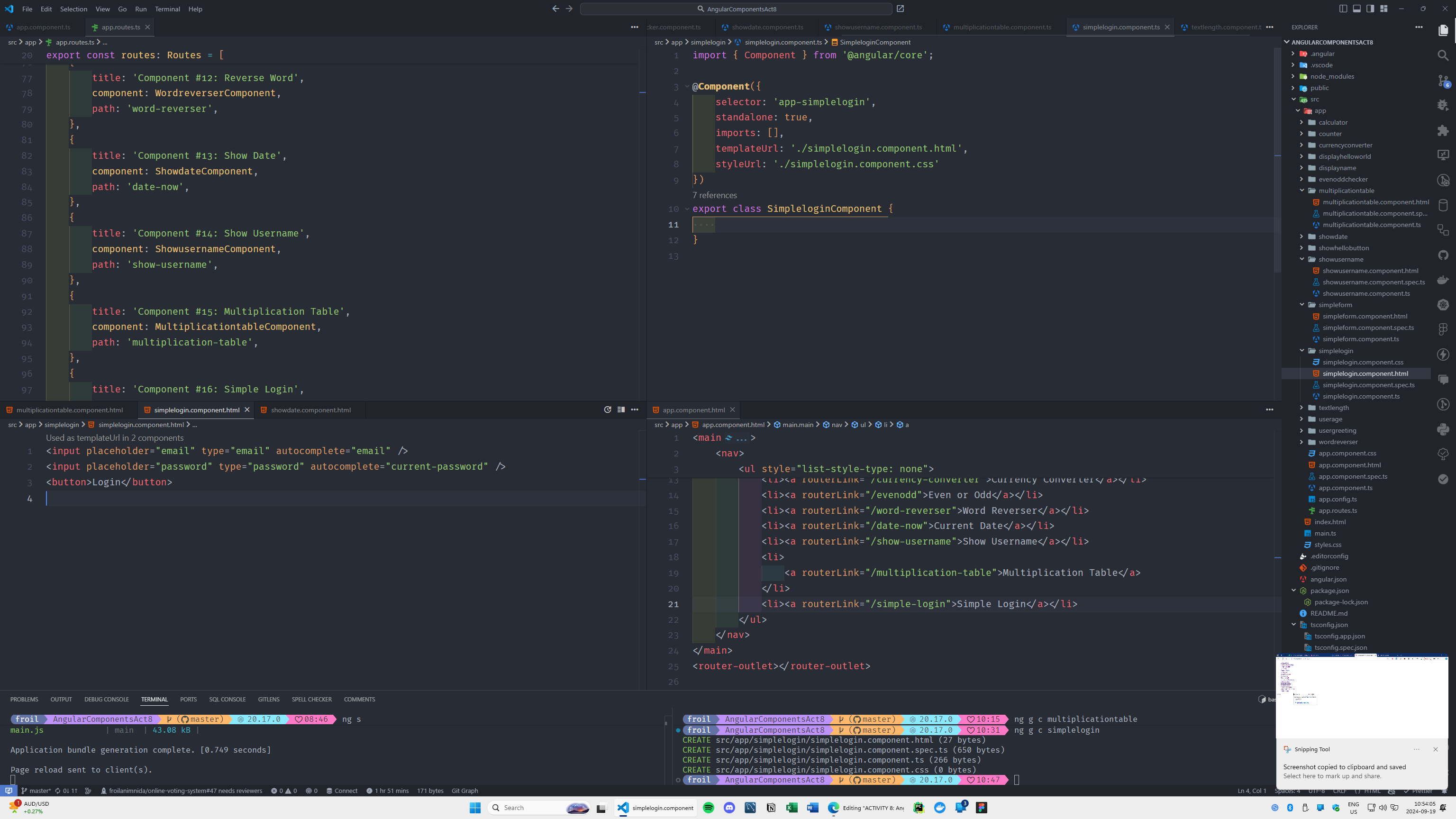
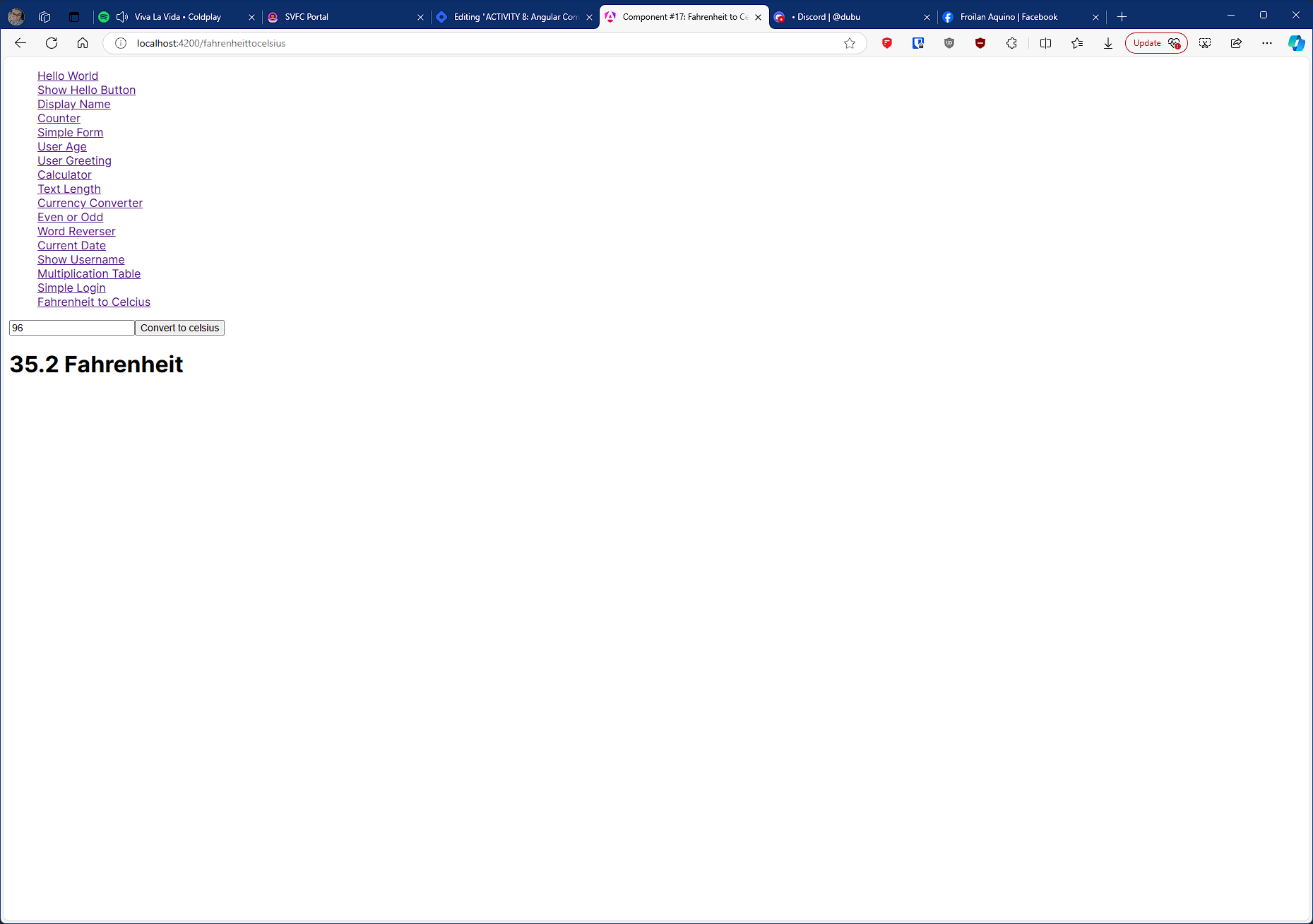
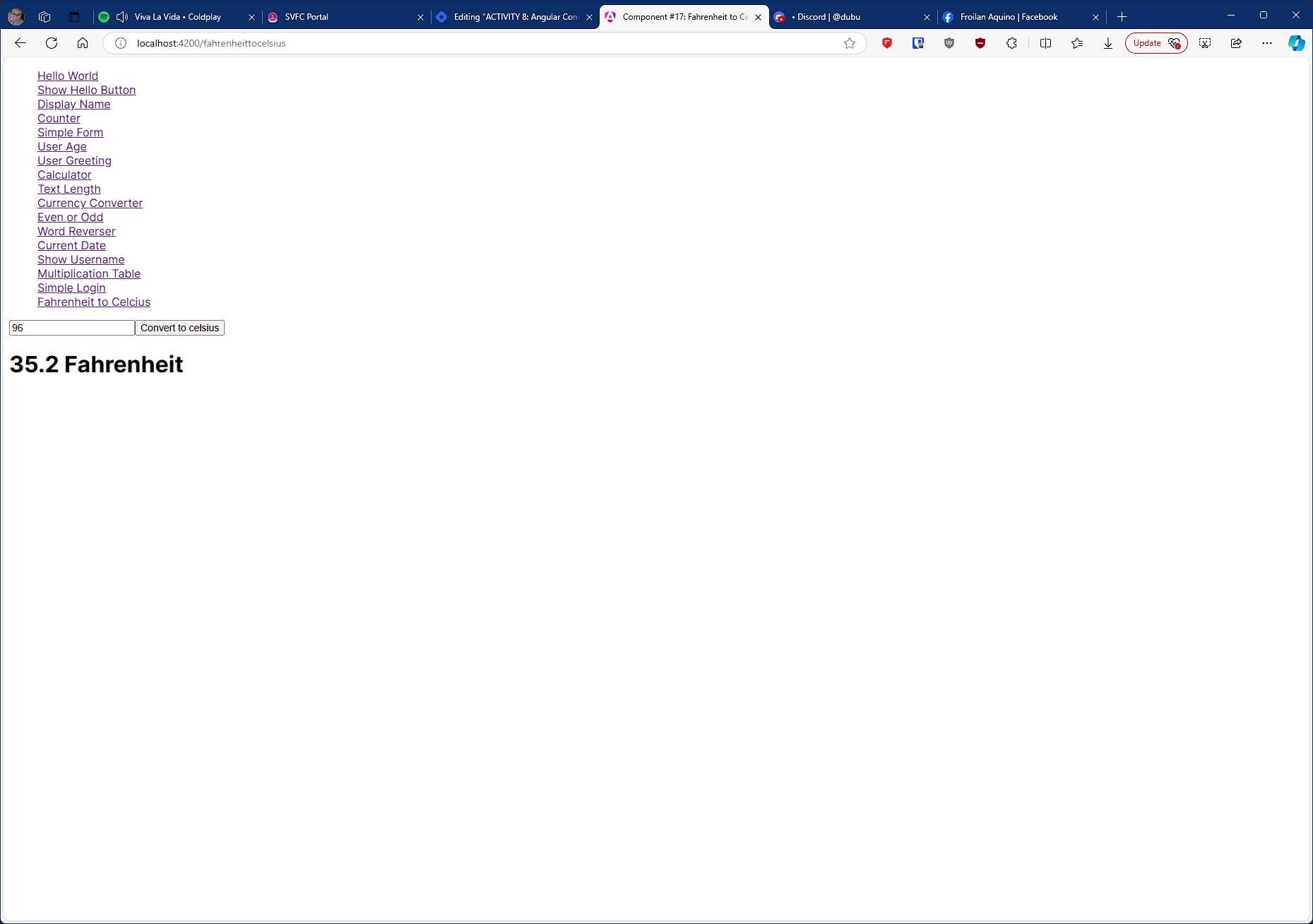
#17 component name: fahrenheittocelsius
Convert temperature from Fahrenheit to Celsius when the user inputs a value.
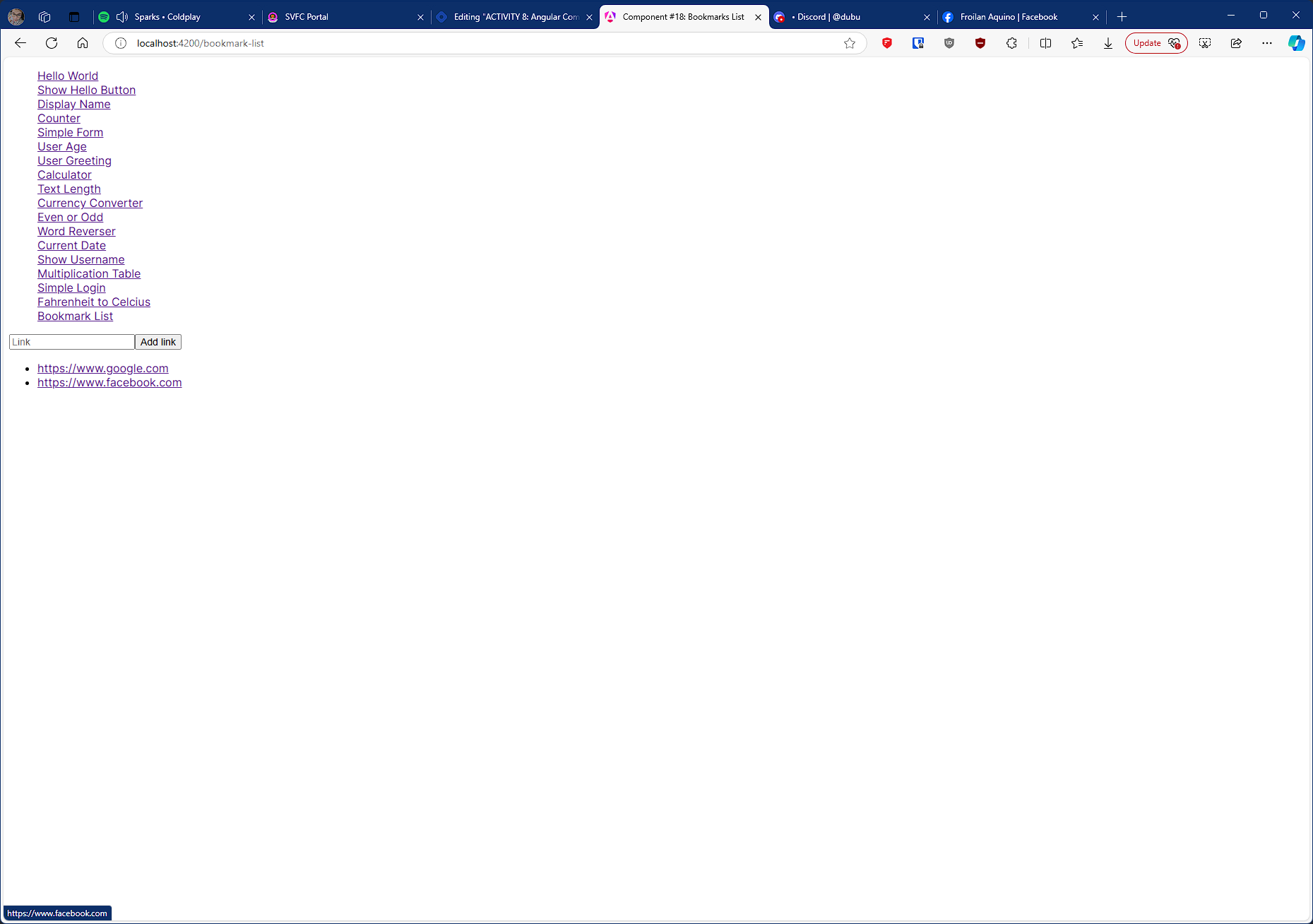
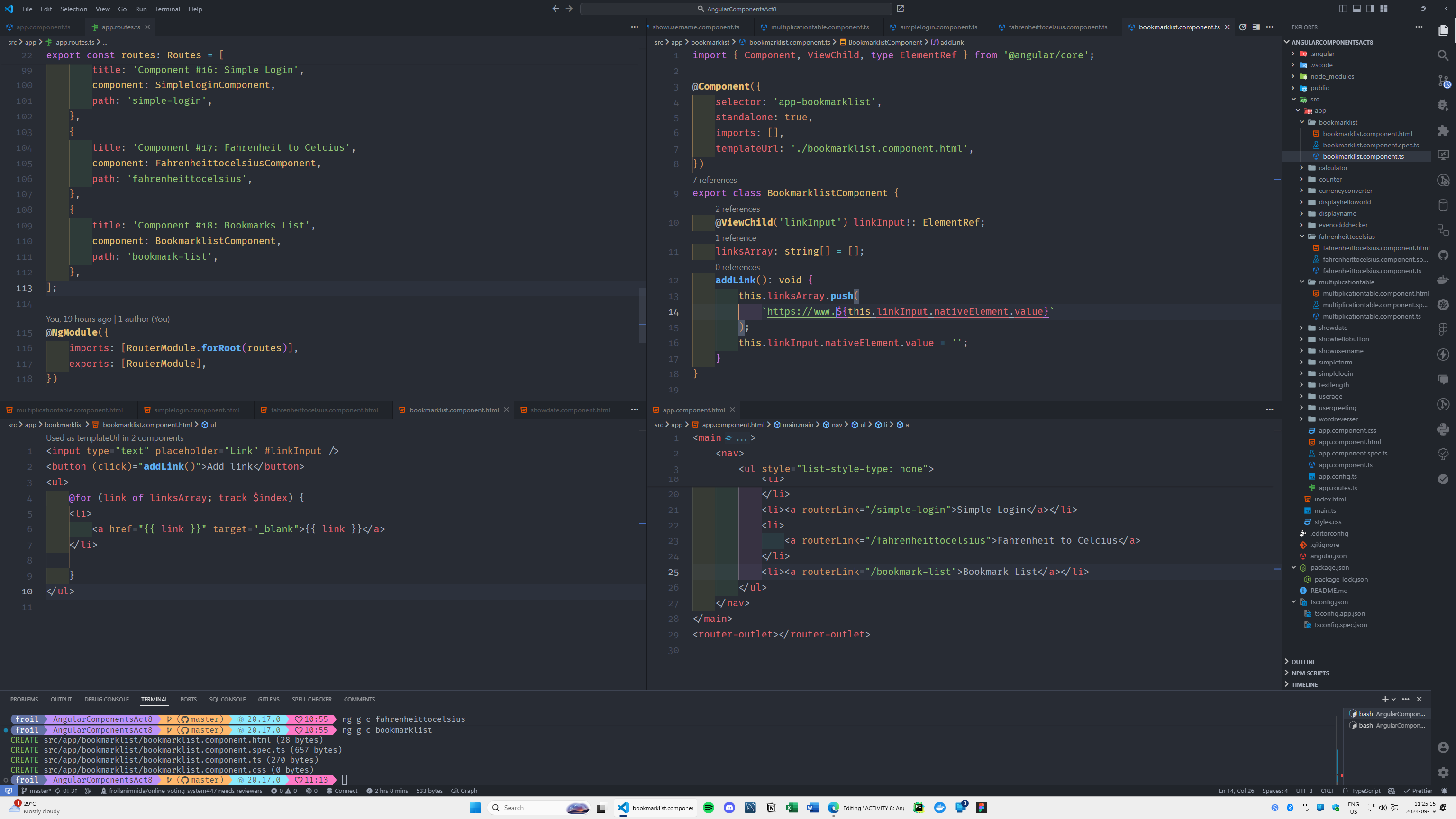
#18 component name: bookmarklist
Allow users to input URLs and display them using anchor tags.
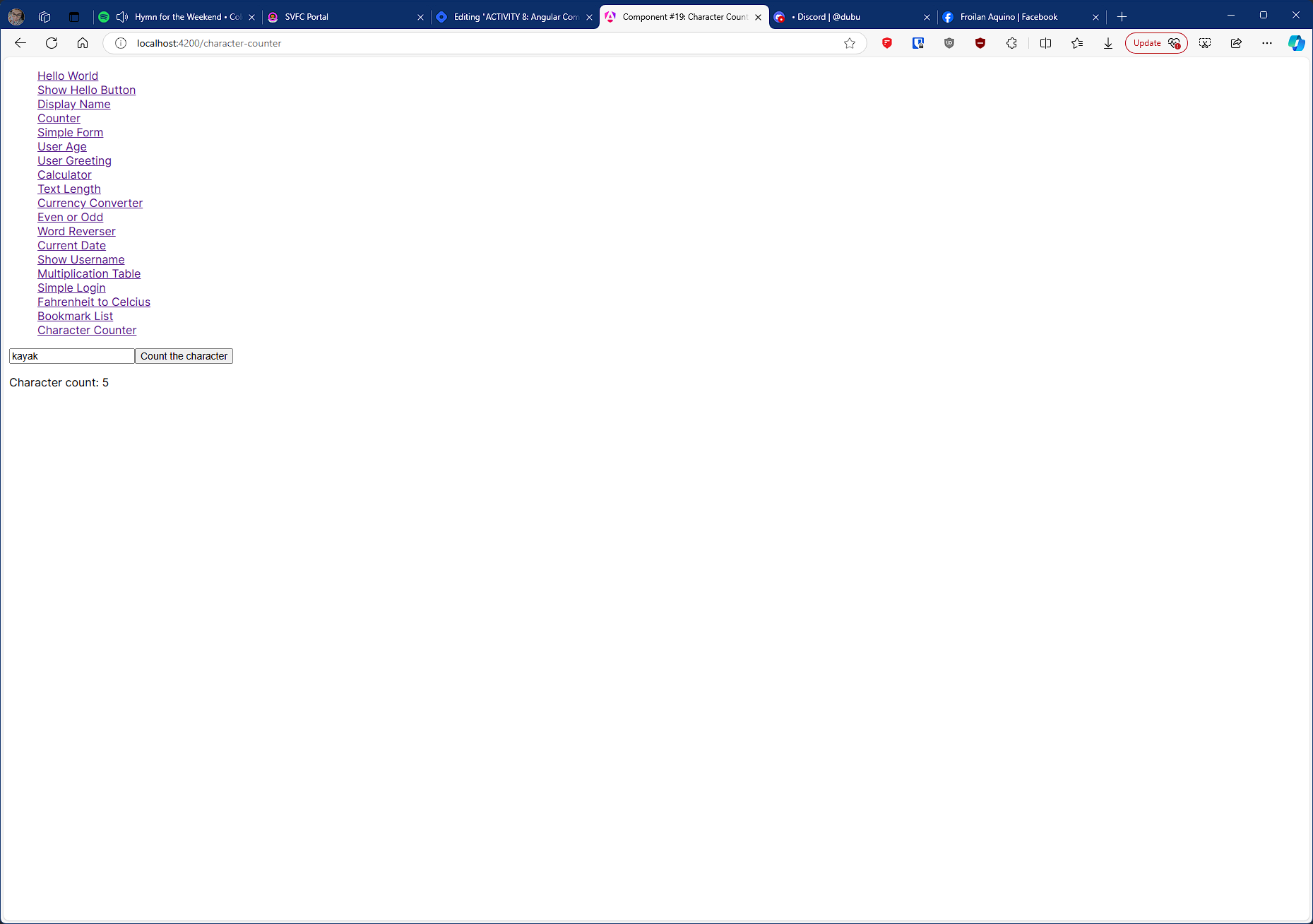
#19 component name: charactercounter
Input a string and count the number of characters in it.
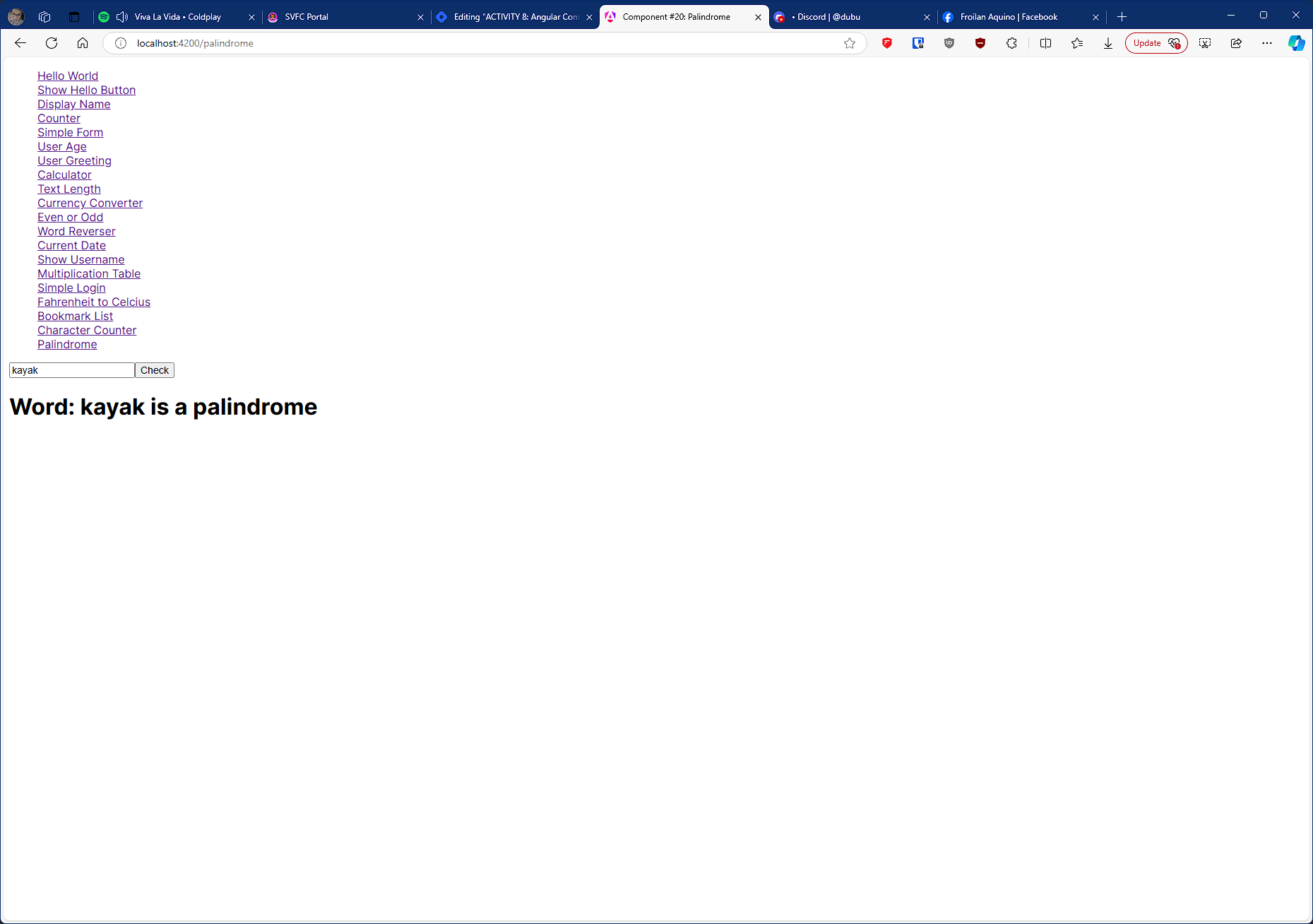
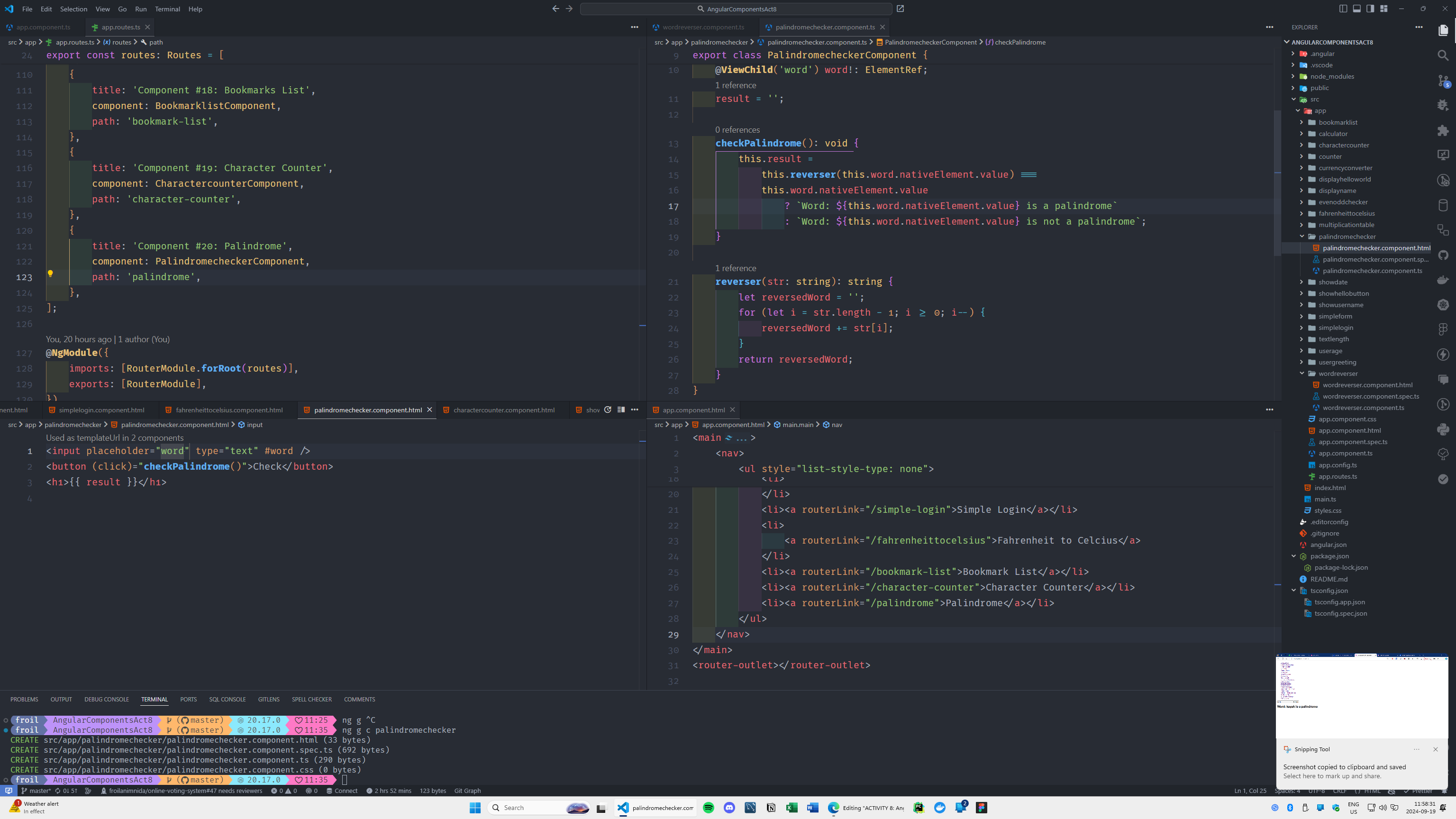
#20 component name: palindromechecker
Input a word and check if it's a palindrome.
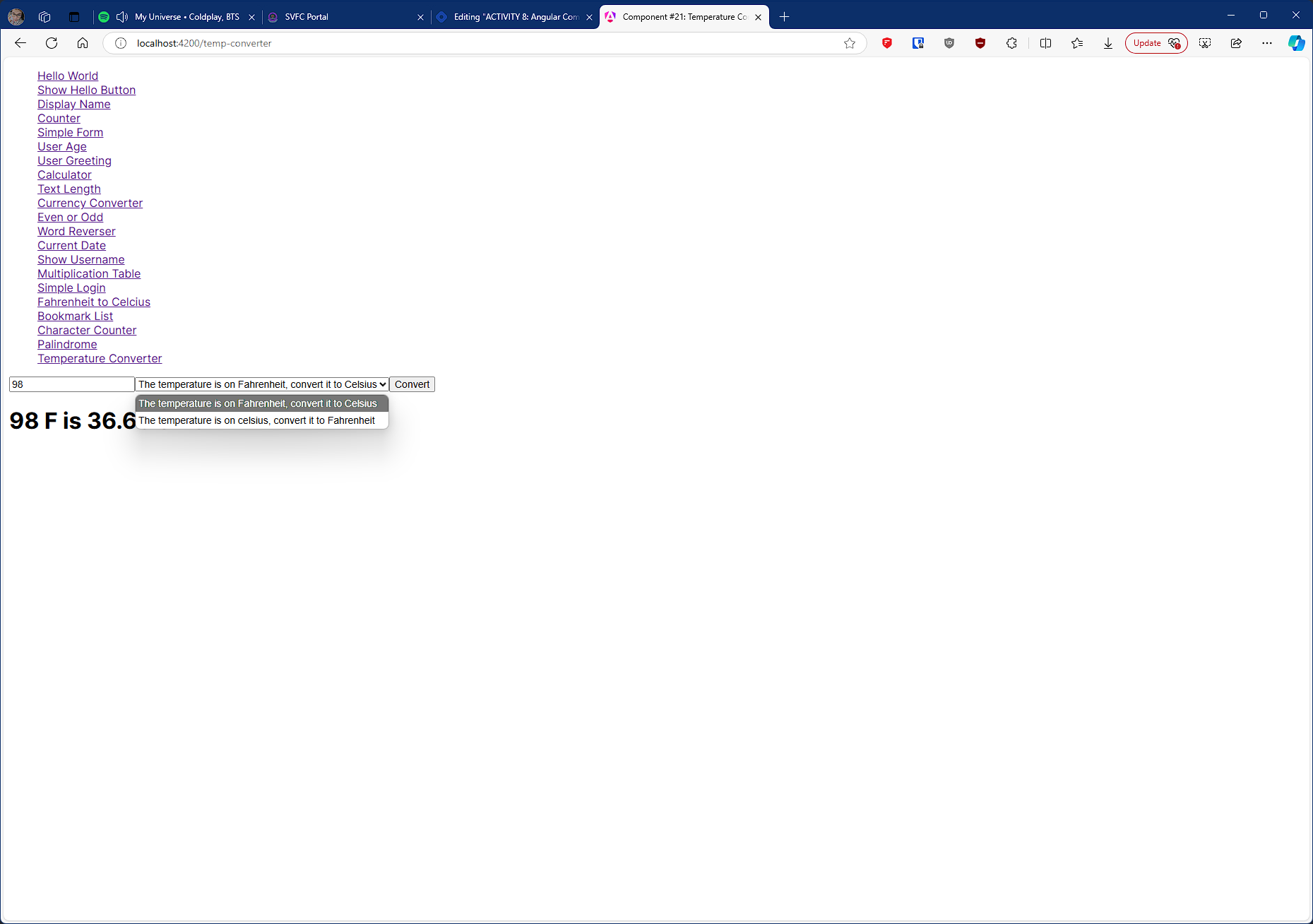
#21 component name: temperatureconverter
Convert temperature from Celsius to Fahrenheit and vice versa.
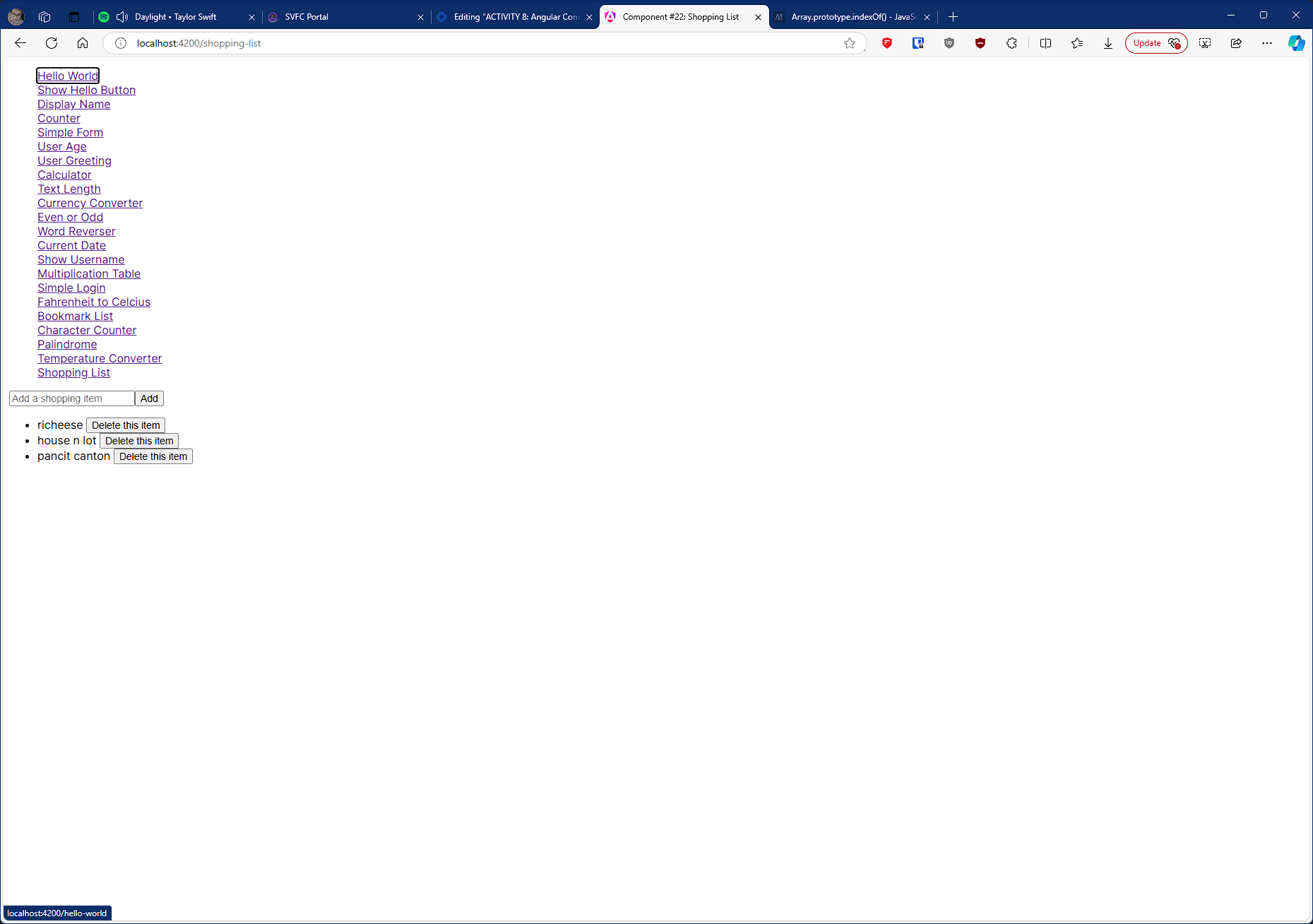
#22 component name: shoppinglist
Create a shopping list where users can add and remove items (use list data structure).
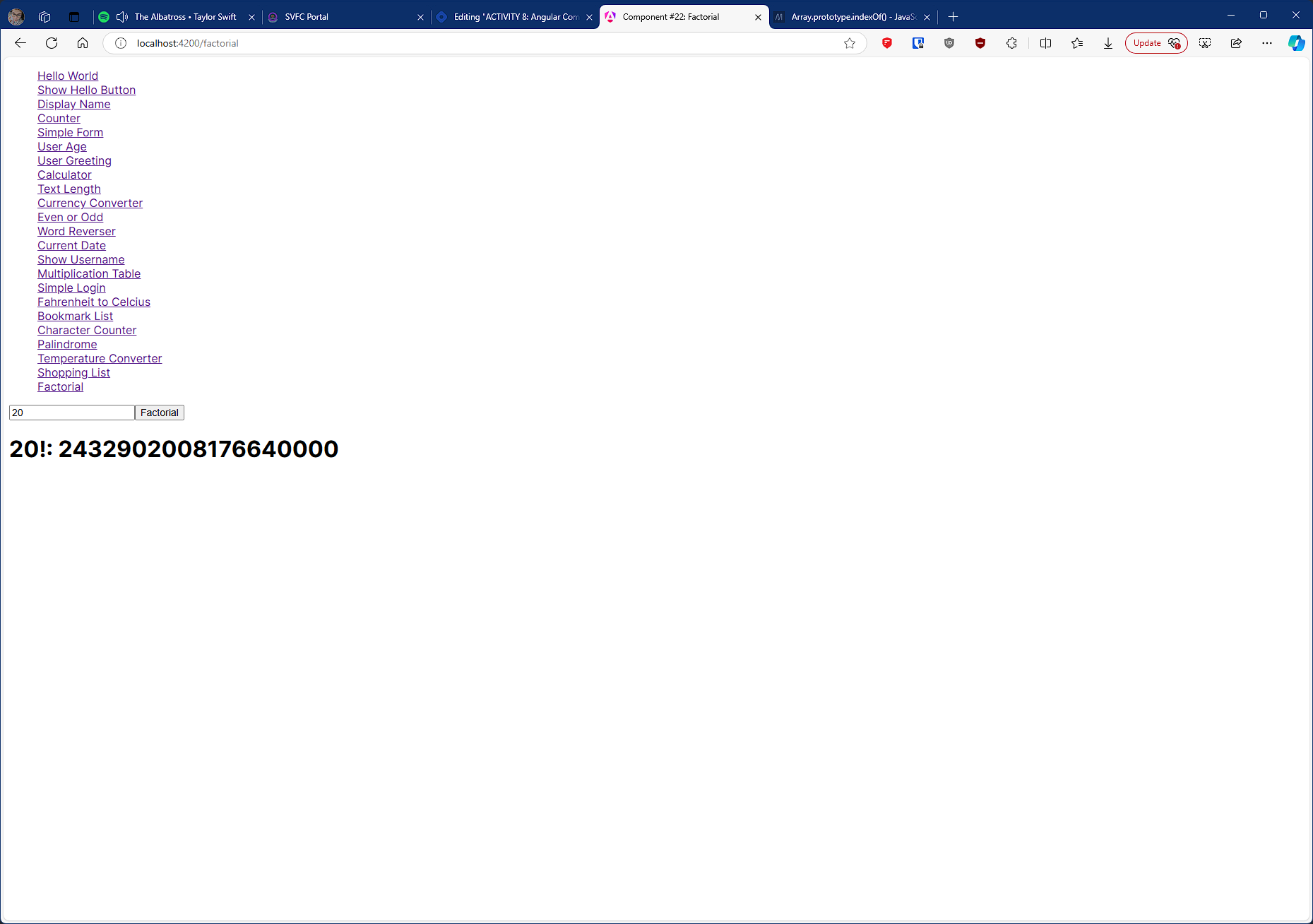
#23 component name: factorialcalculator
Input a number and calculate its factorial when a button is clicked.
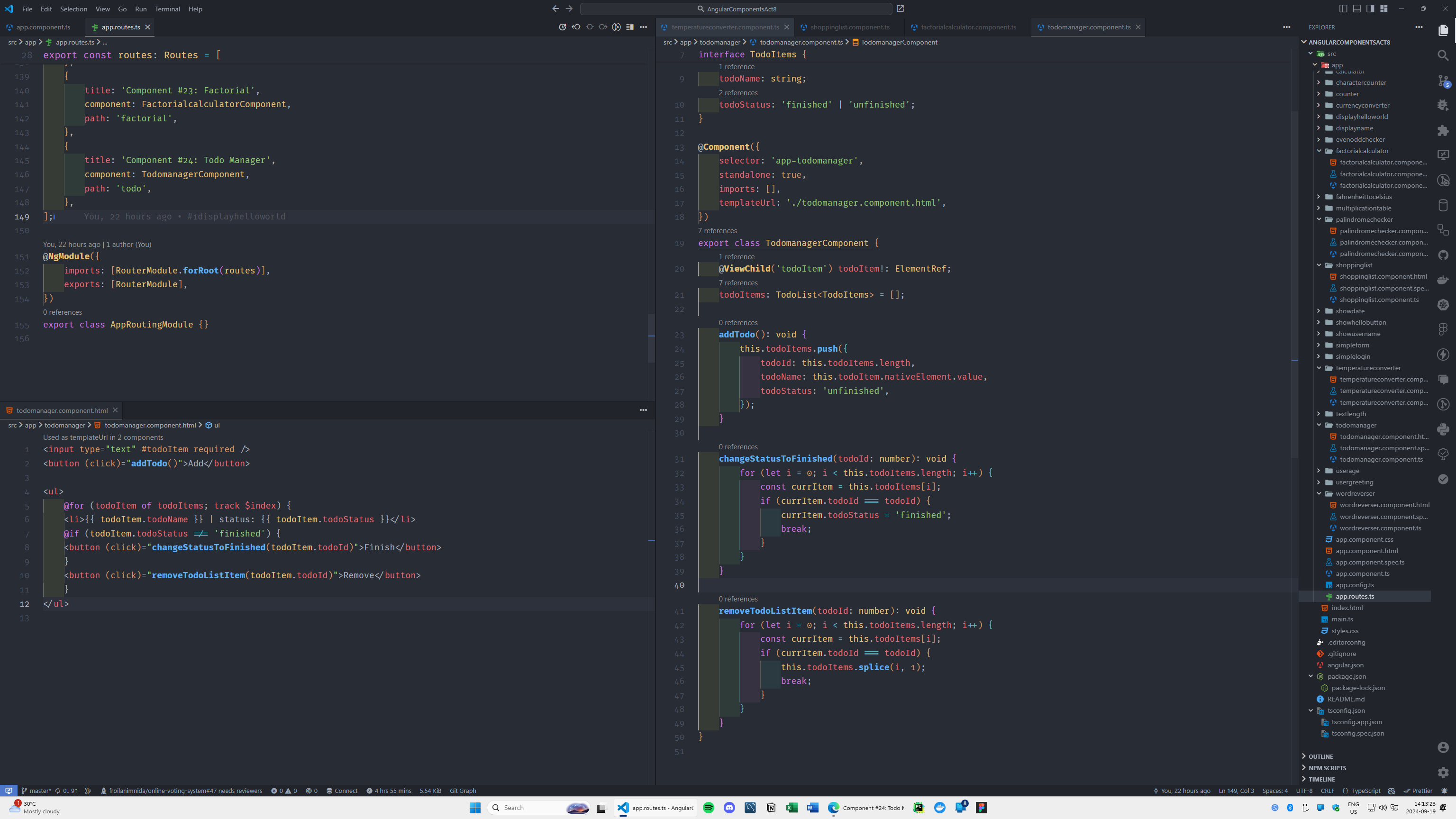
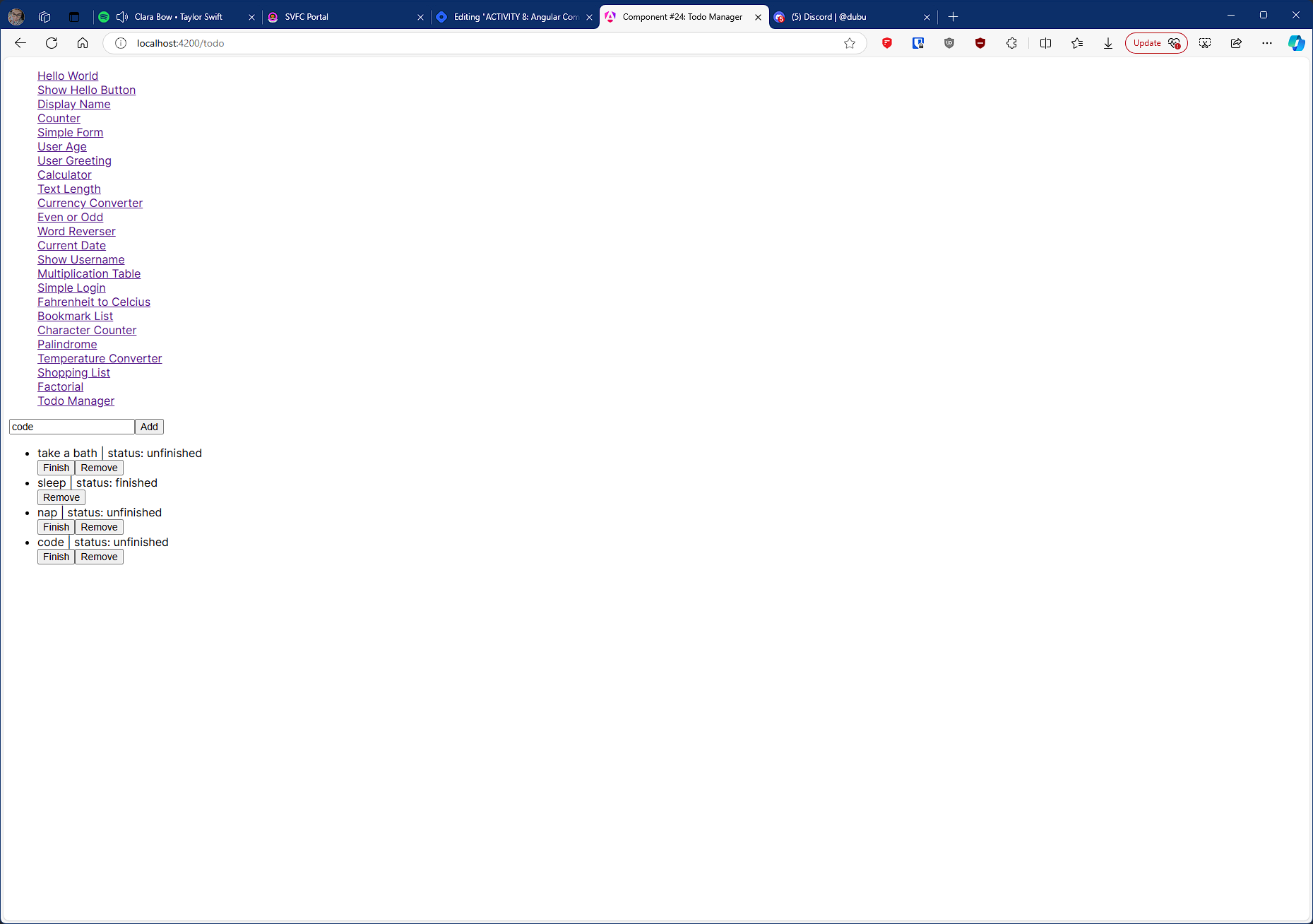
#24 component name: todomanager
Create a simple to-do list where users can add and remove tasks (use list data structure).
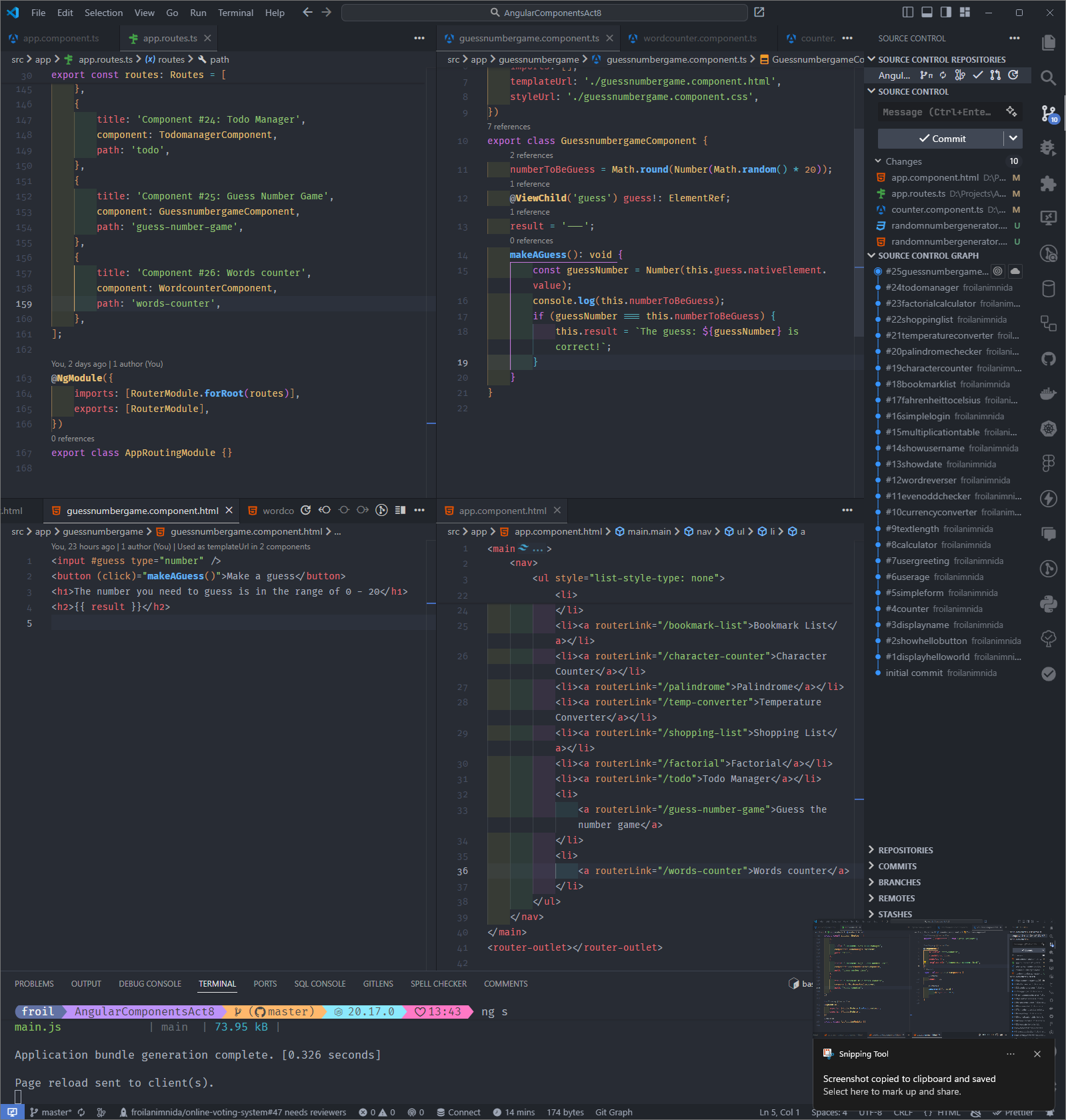
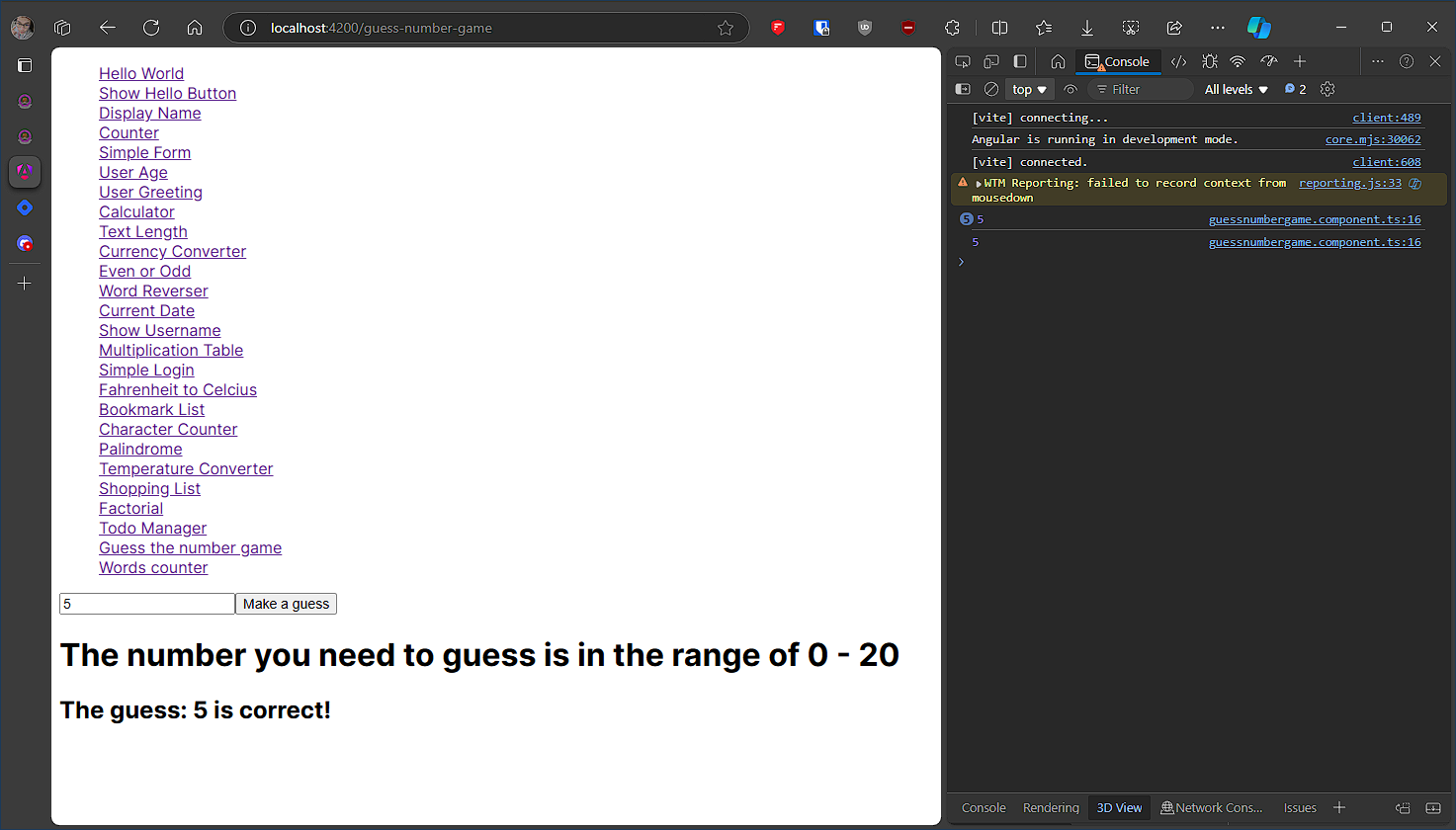
#25 component name: guessnumbergame
Create a number guessing game where the user inputs guesses.
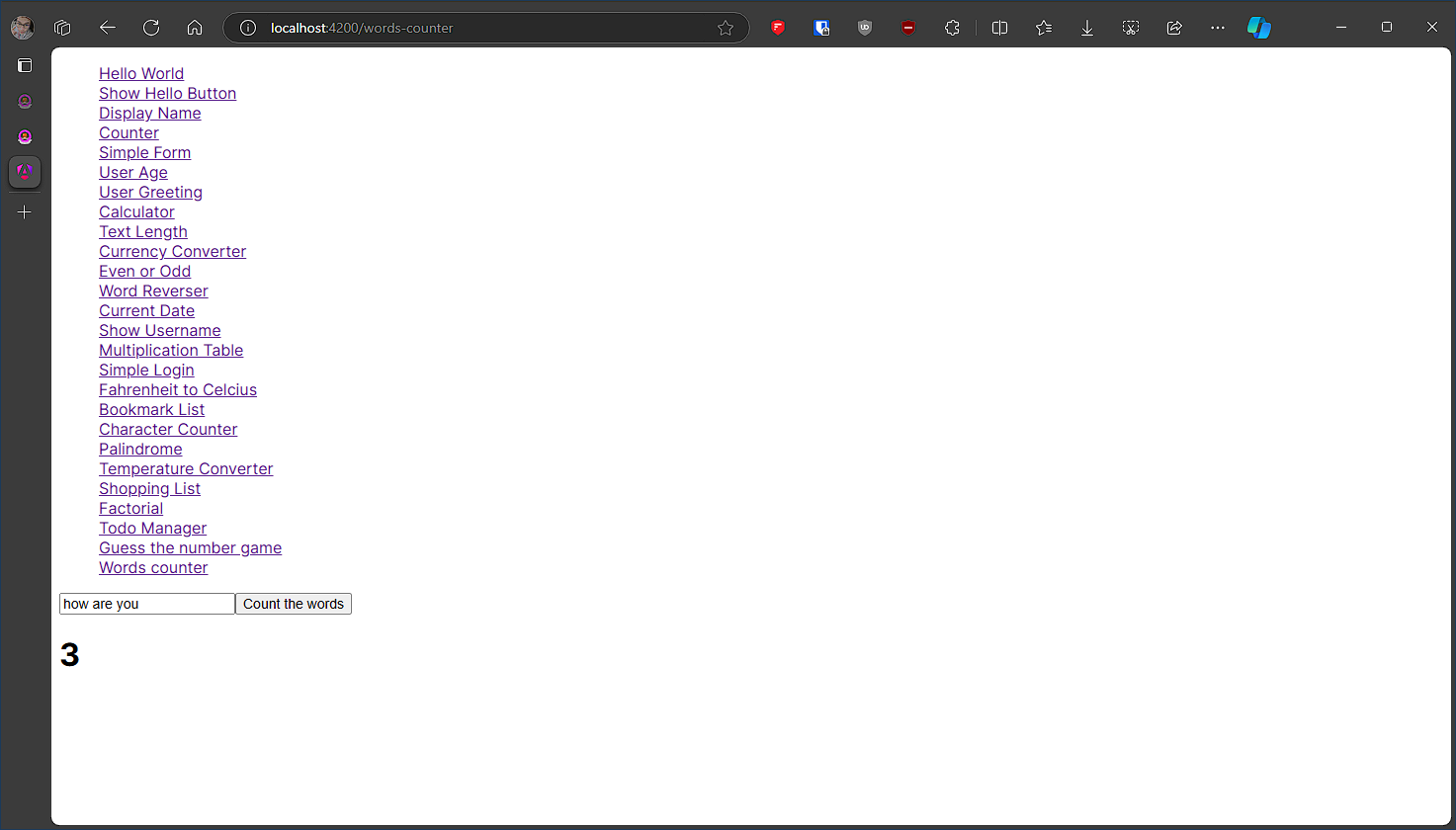
#26 component name: wordcounter
Input a string and count the number of words in it.
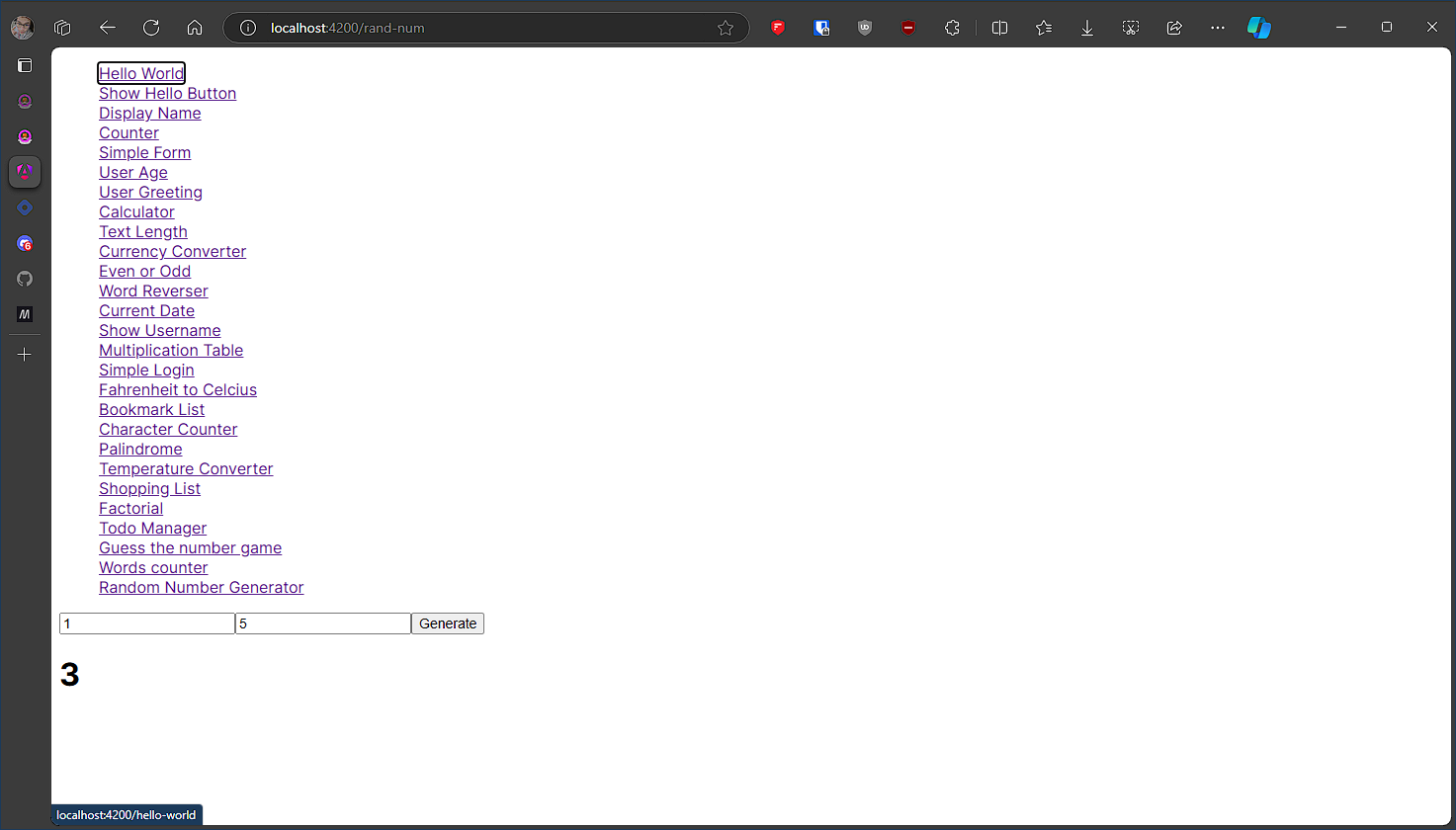
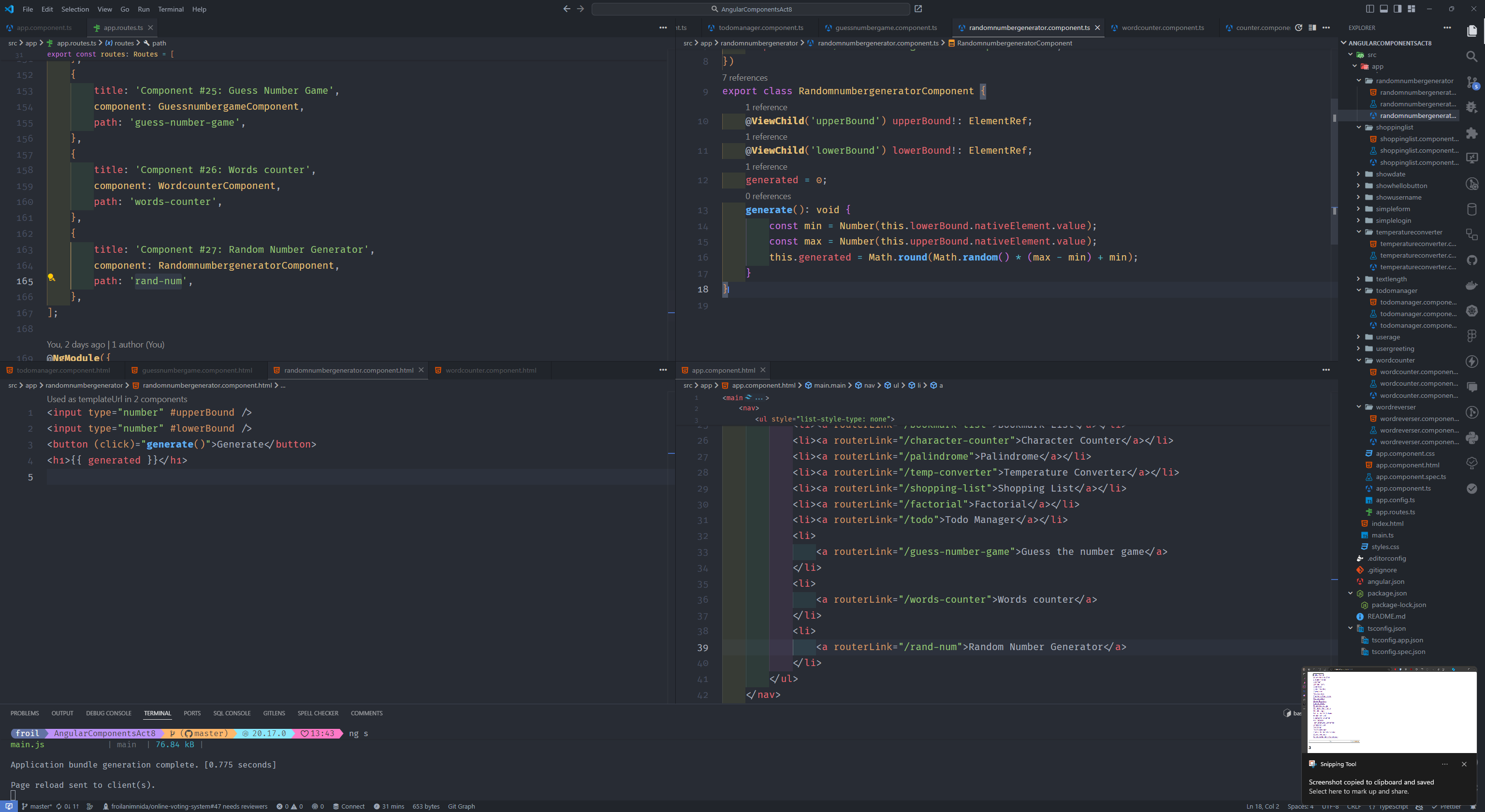
#27 component name: randomnumbergenerator
Generate and display a random number between a specified range when a button is clicked.
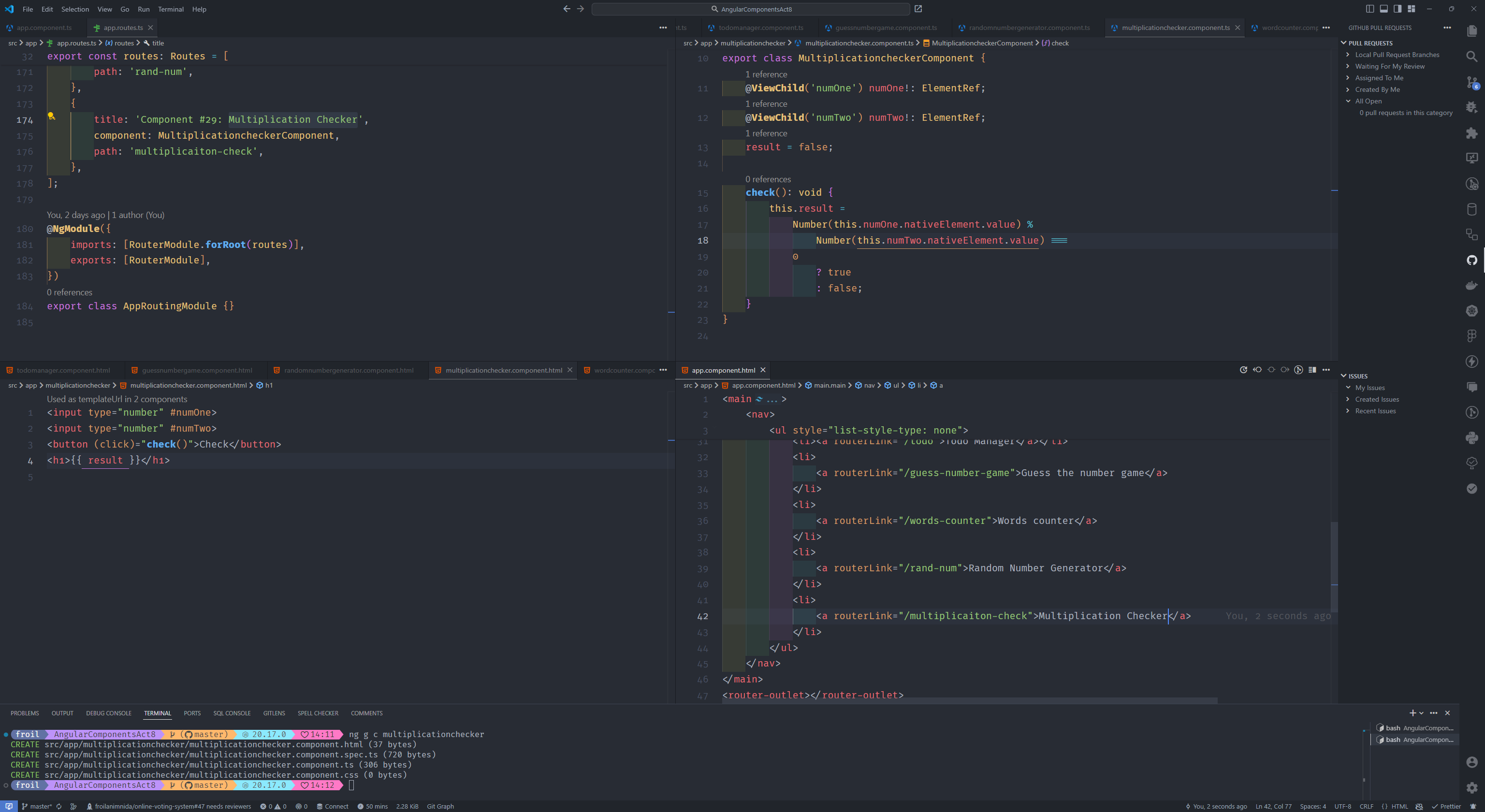
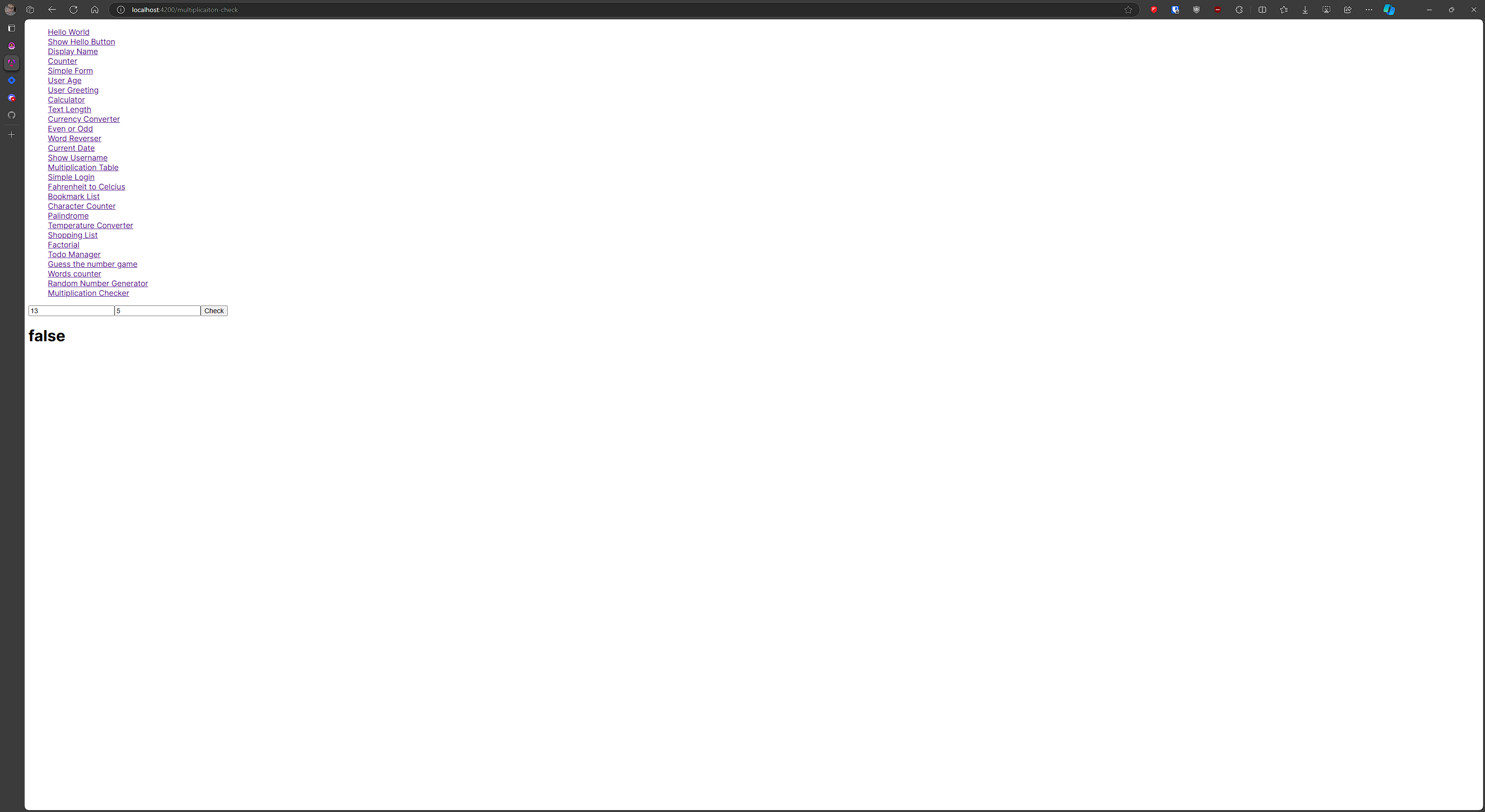
#28 component name: multiplicationchecker
Check if a number is a multiple of another number.
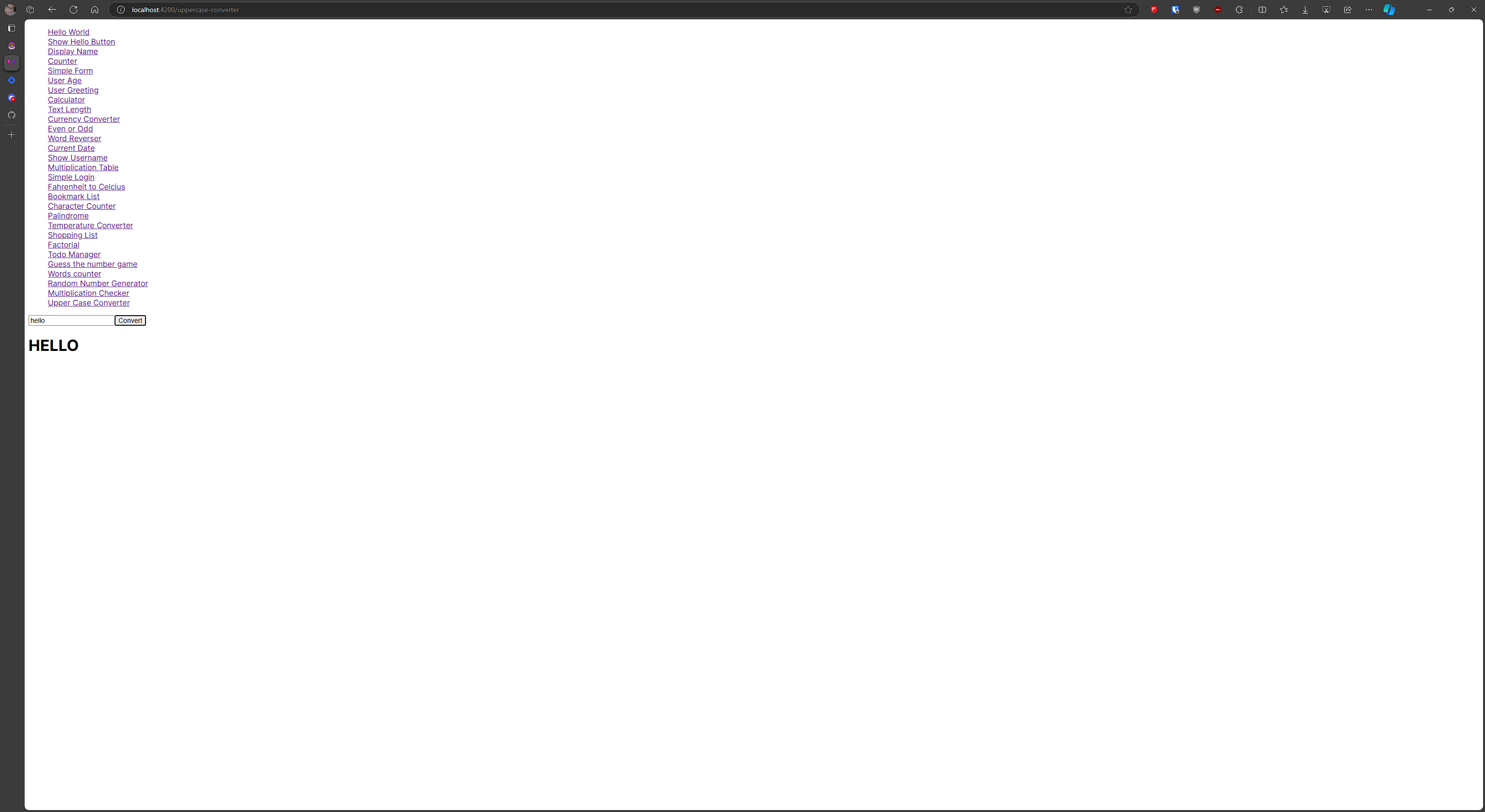
#29 component name: uppercaseconverter
Input a string and convert it to uppercase when the button is clicked.
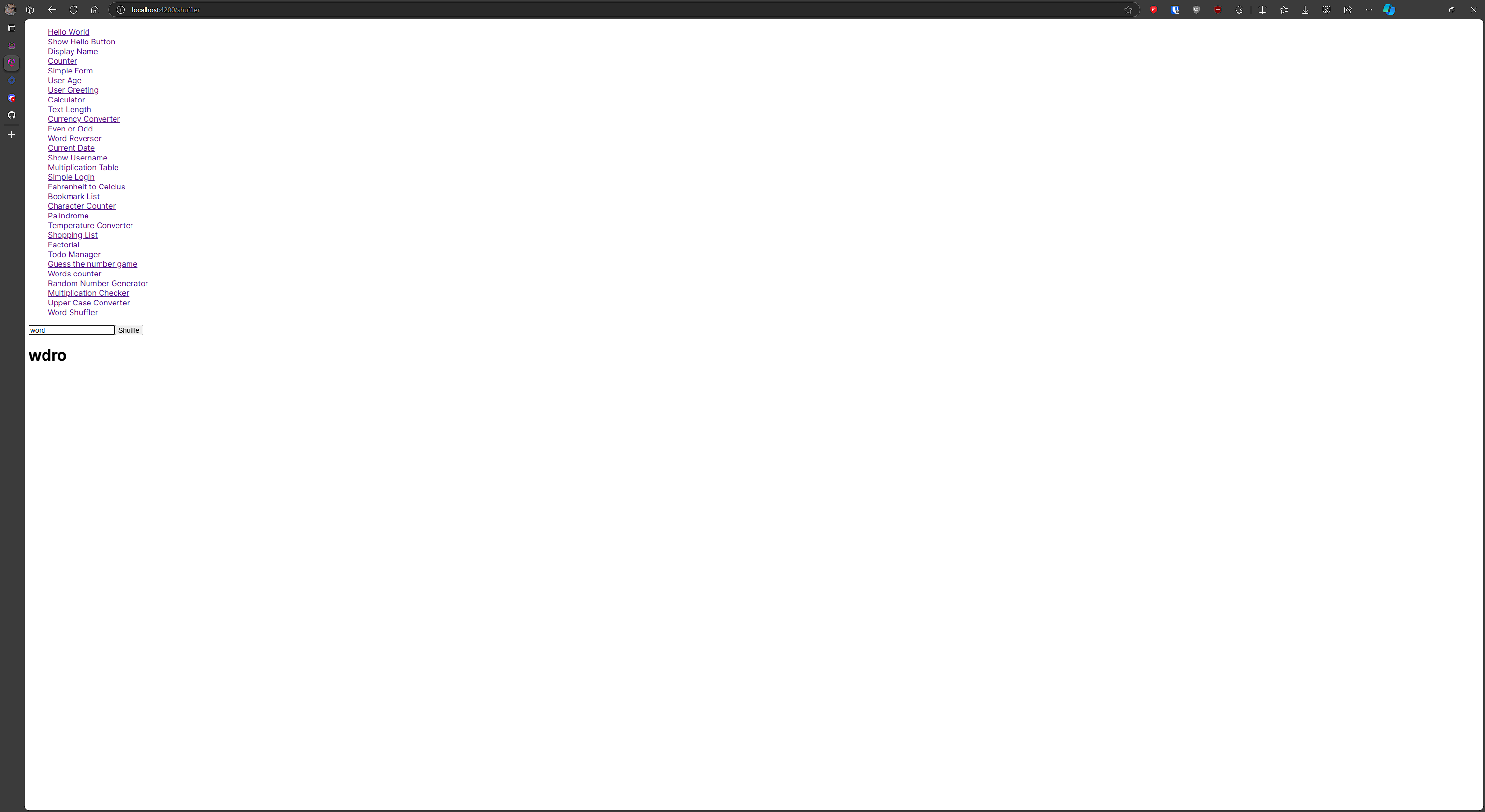
#30 component name: wordshuffler
Input a word and shuffle its letters randomly.
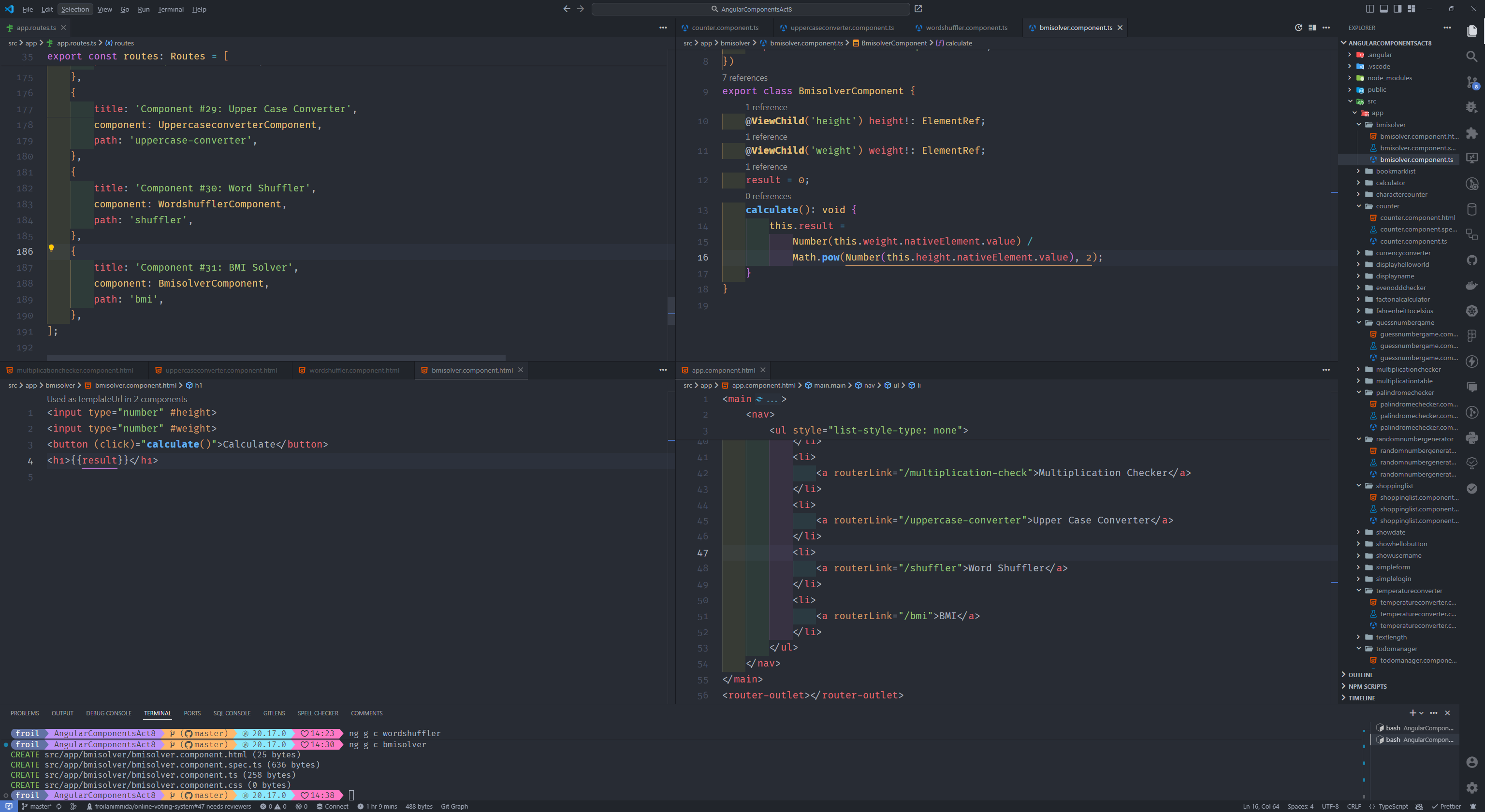
#31 component name: bmisolver
Input height and weight, calculate and display the BMI.
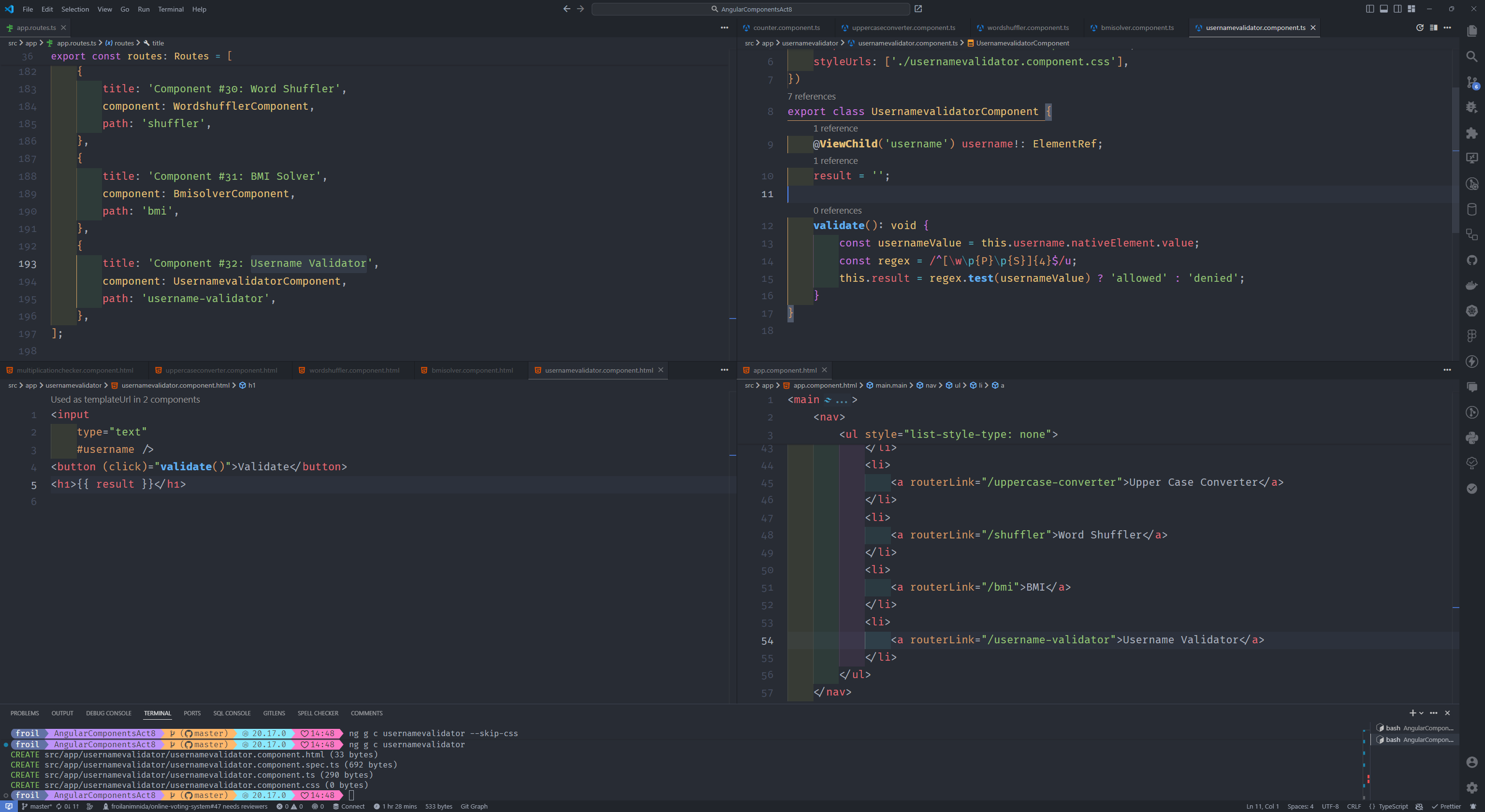
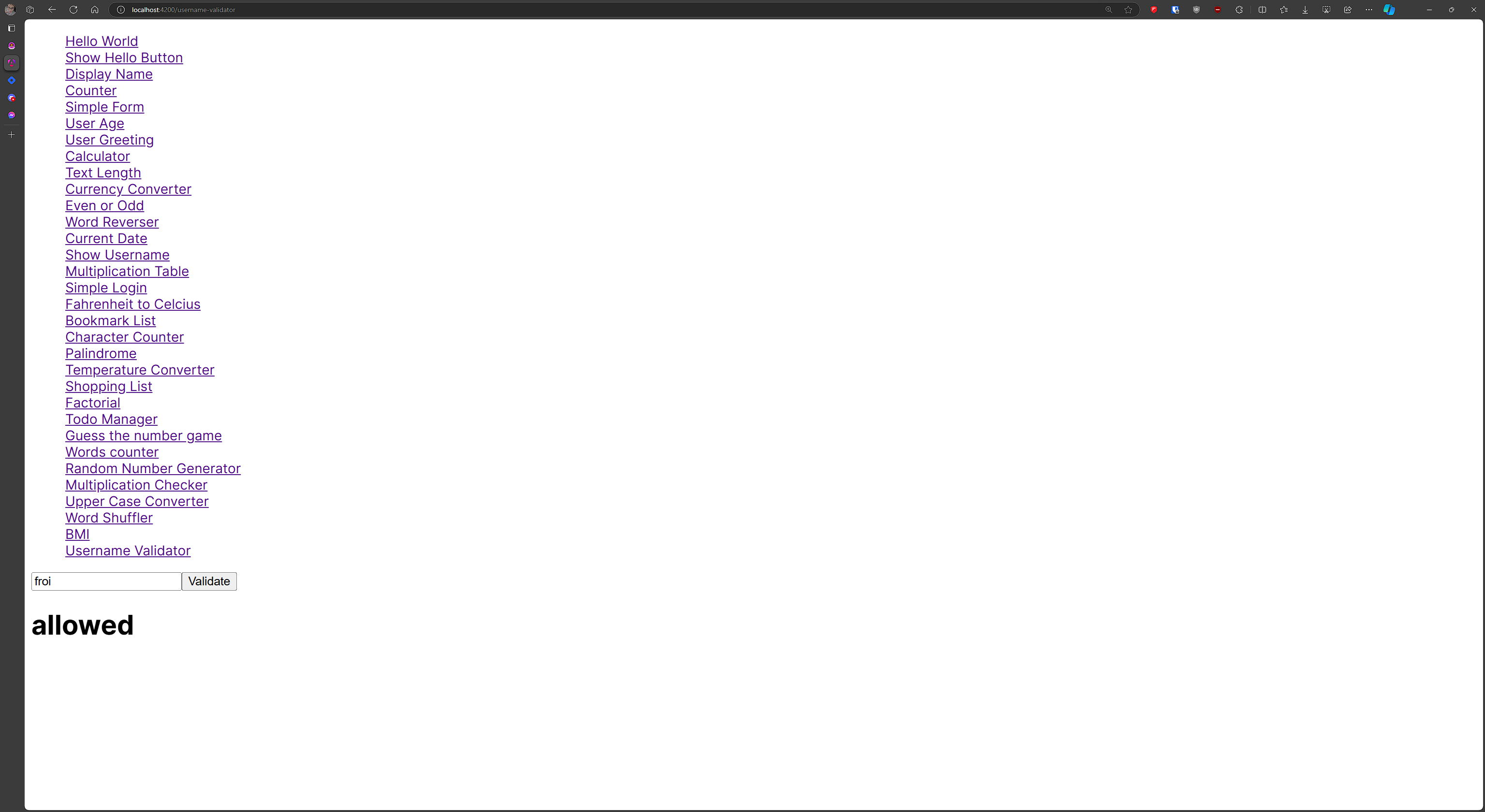
#32 component name: usernamevalidator
Input a username and check its validity based on predefined rules (Create a variable).
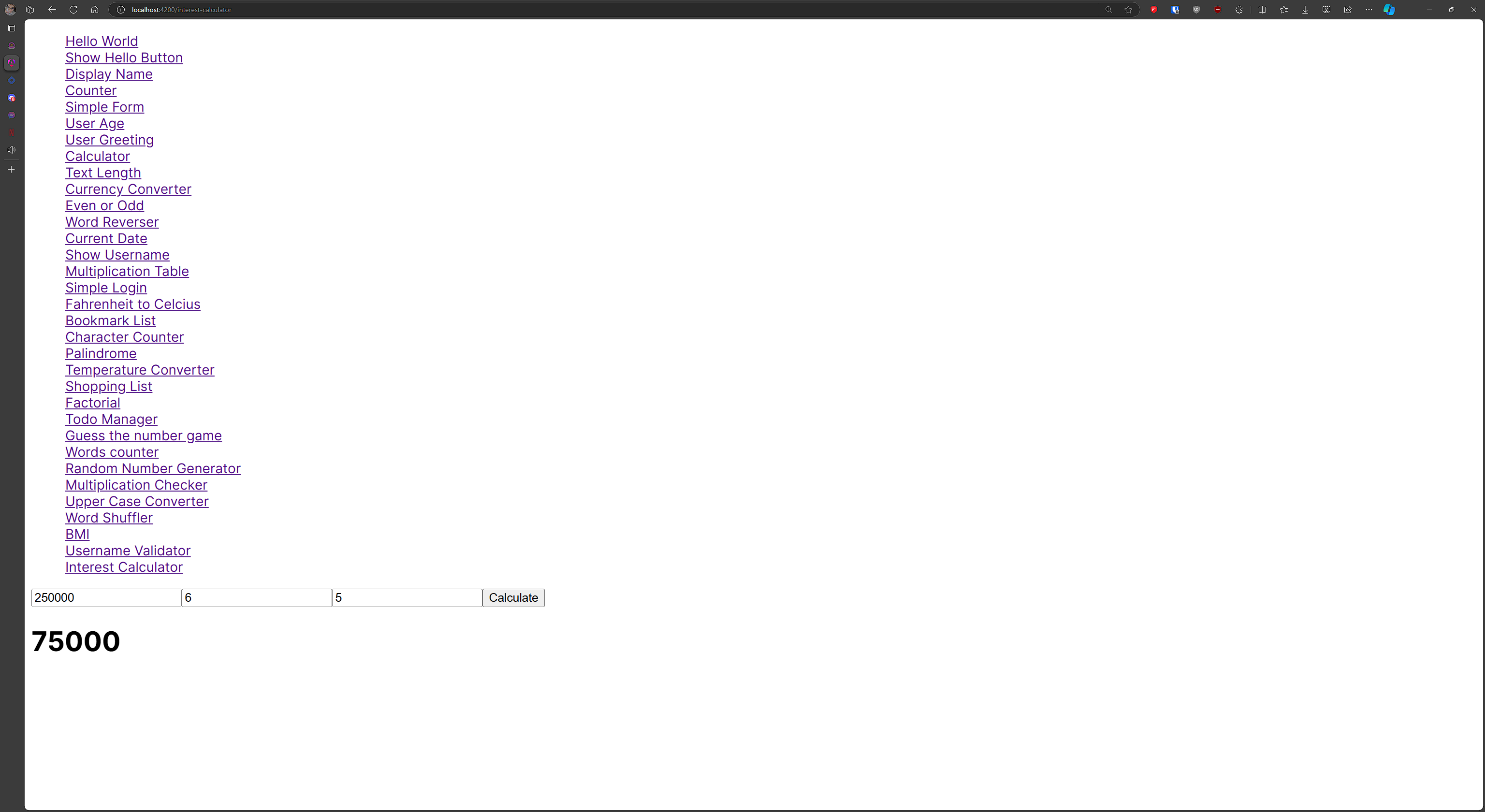
#33 component name: interestcalculator
Input principal, rate, and time, and calculate simple interest.
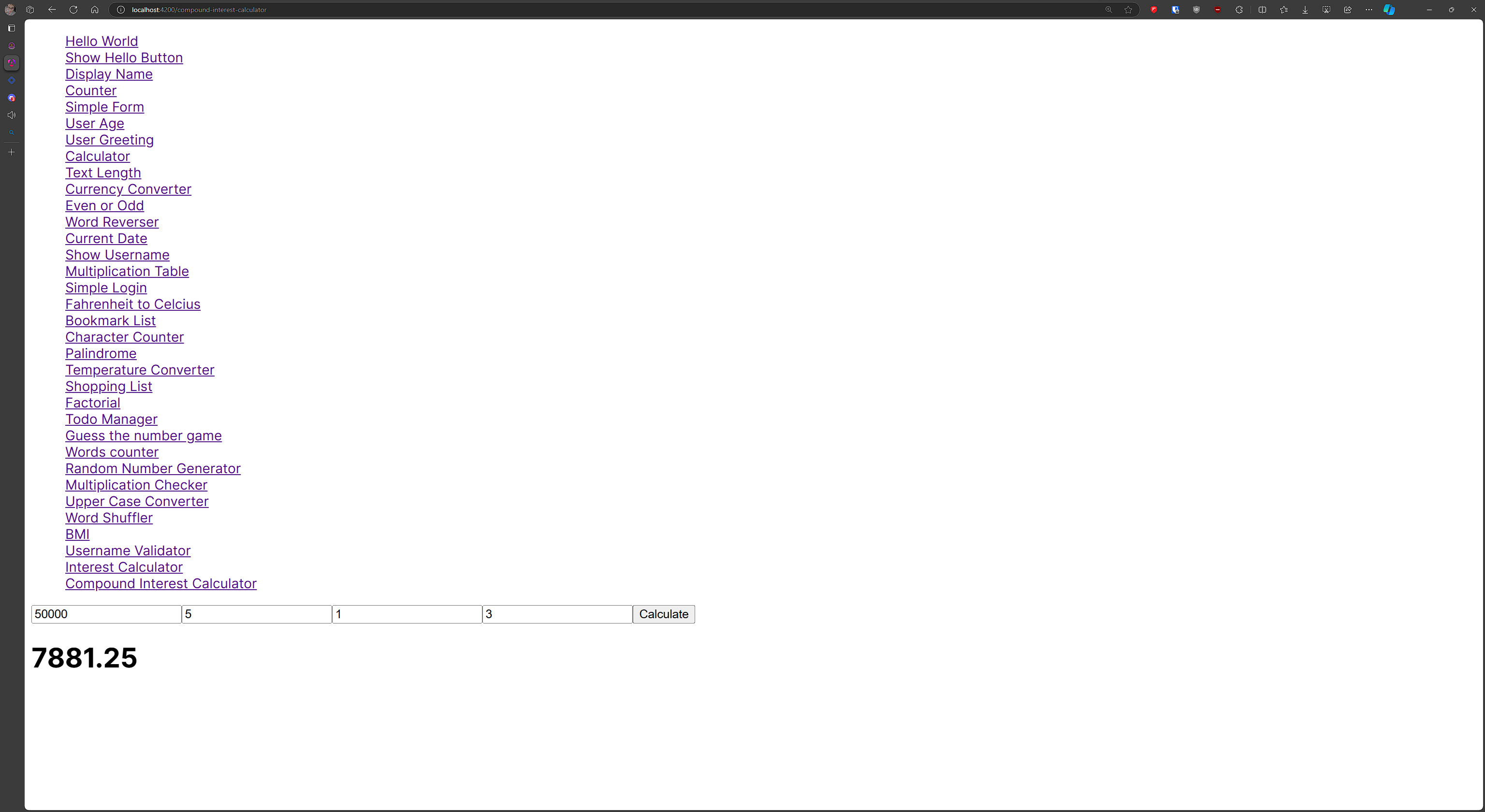
#34 component name: compoundinterestcalculator
Calculate compound interest when principal, rate, time, and frequency are input.
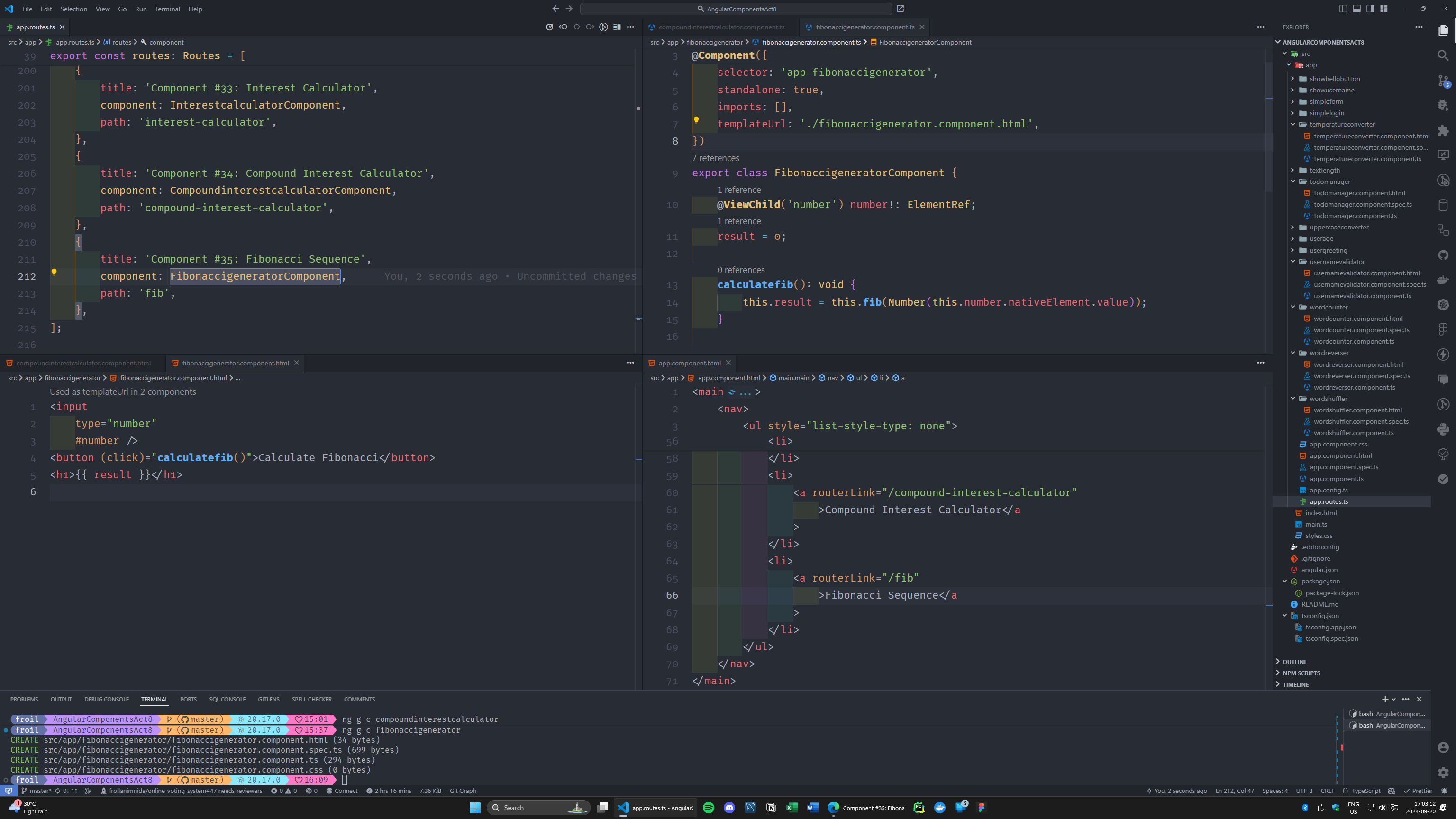
#35 component name: fibonaccigenerator
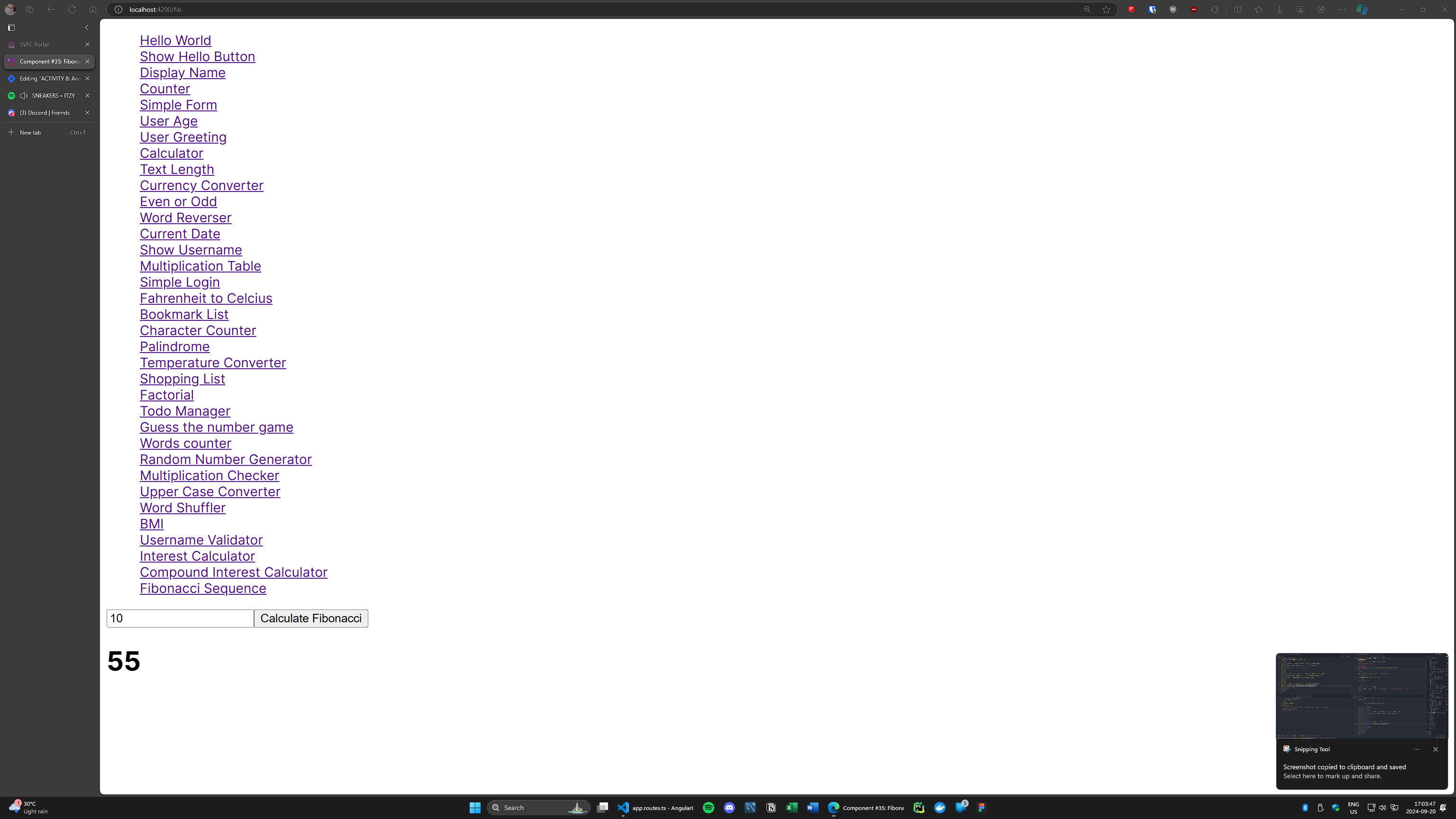
Generate and display the first N Fibonacci numbers when a button is clicked.
#36 component name: oddsumcalculator
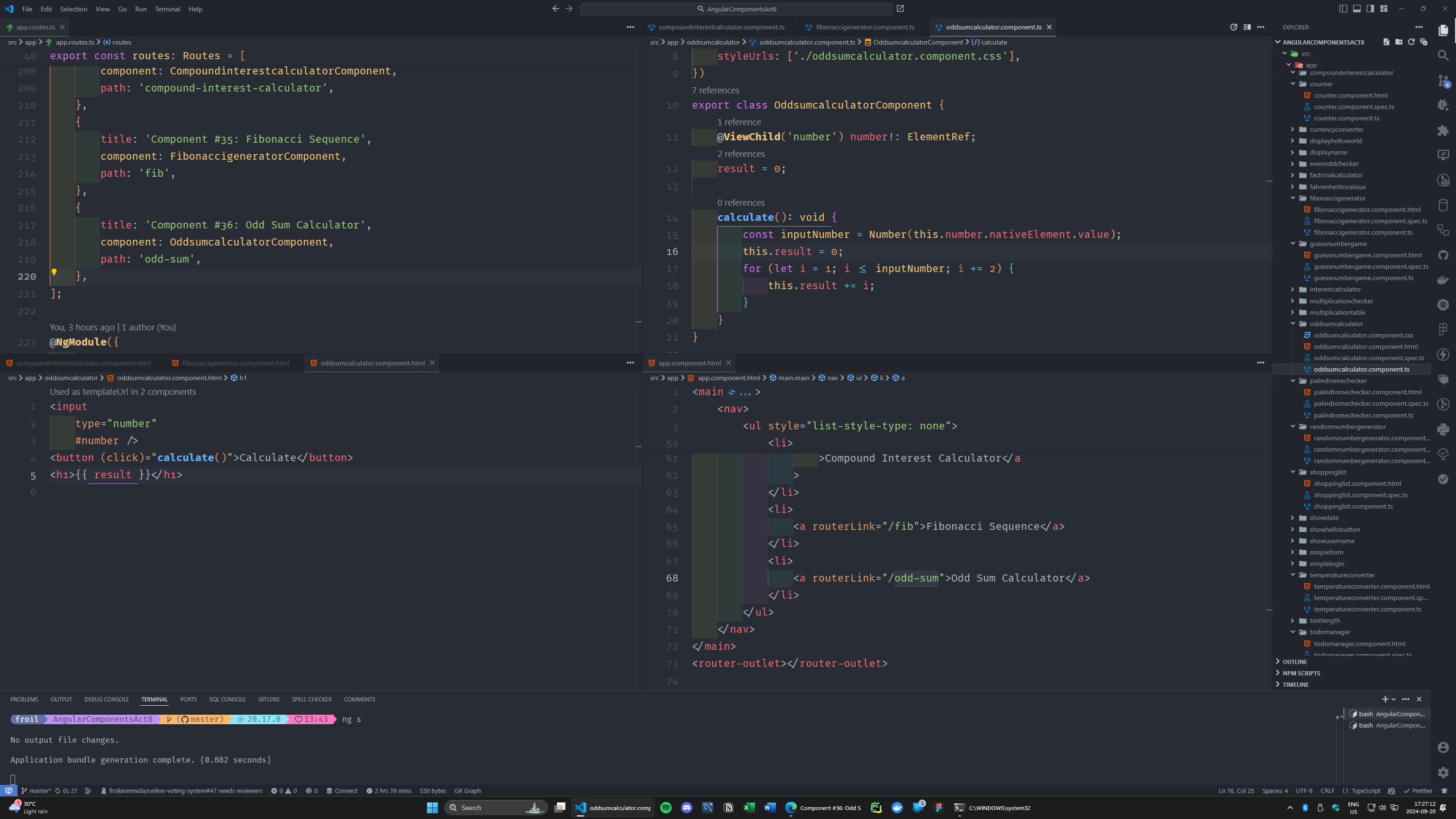
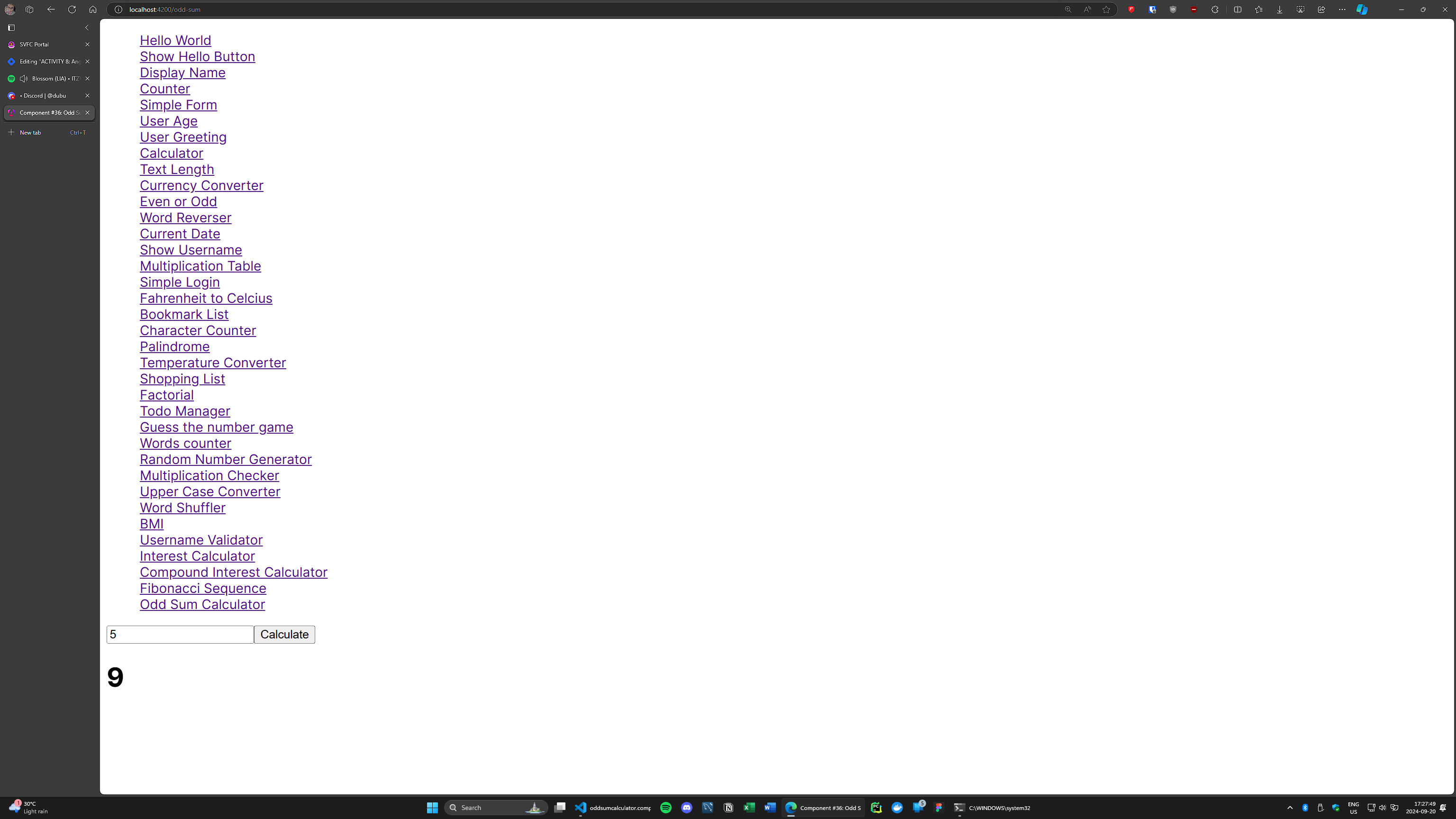
Input a number, and calculate the sum of odd numbers up to that number.
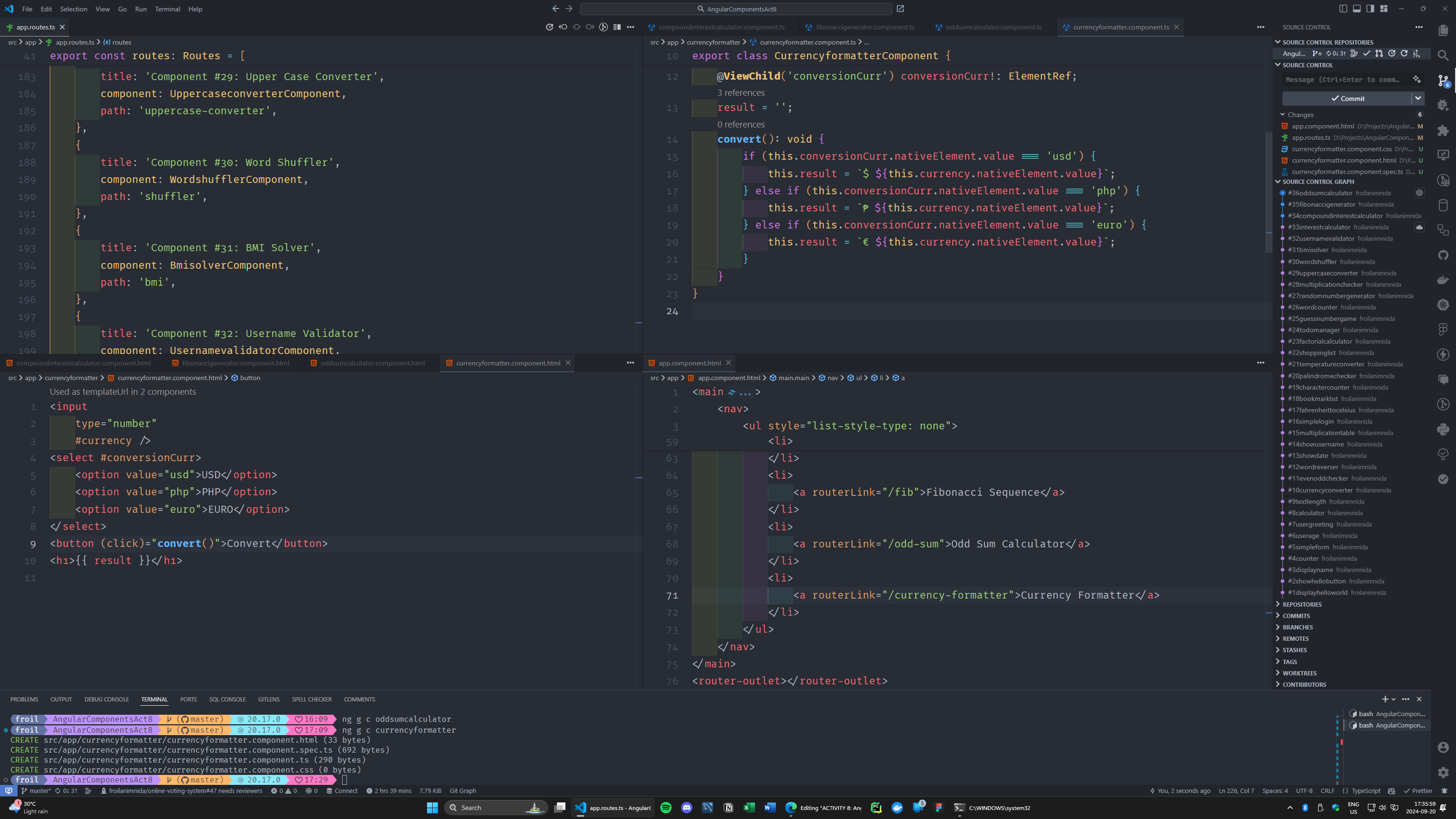
#37 component name: currencyformatter
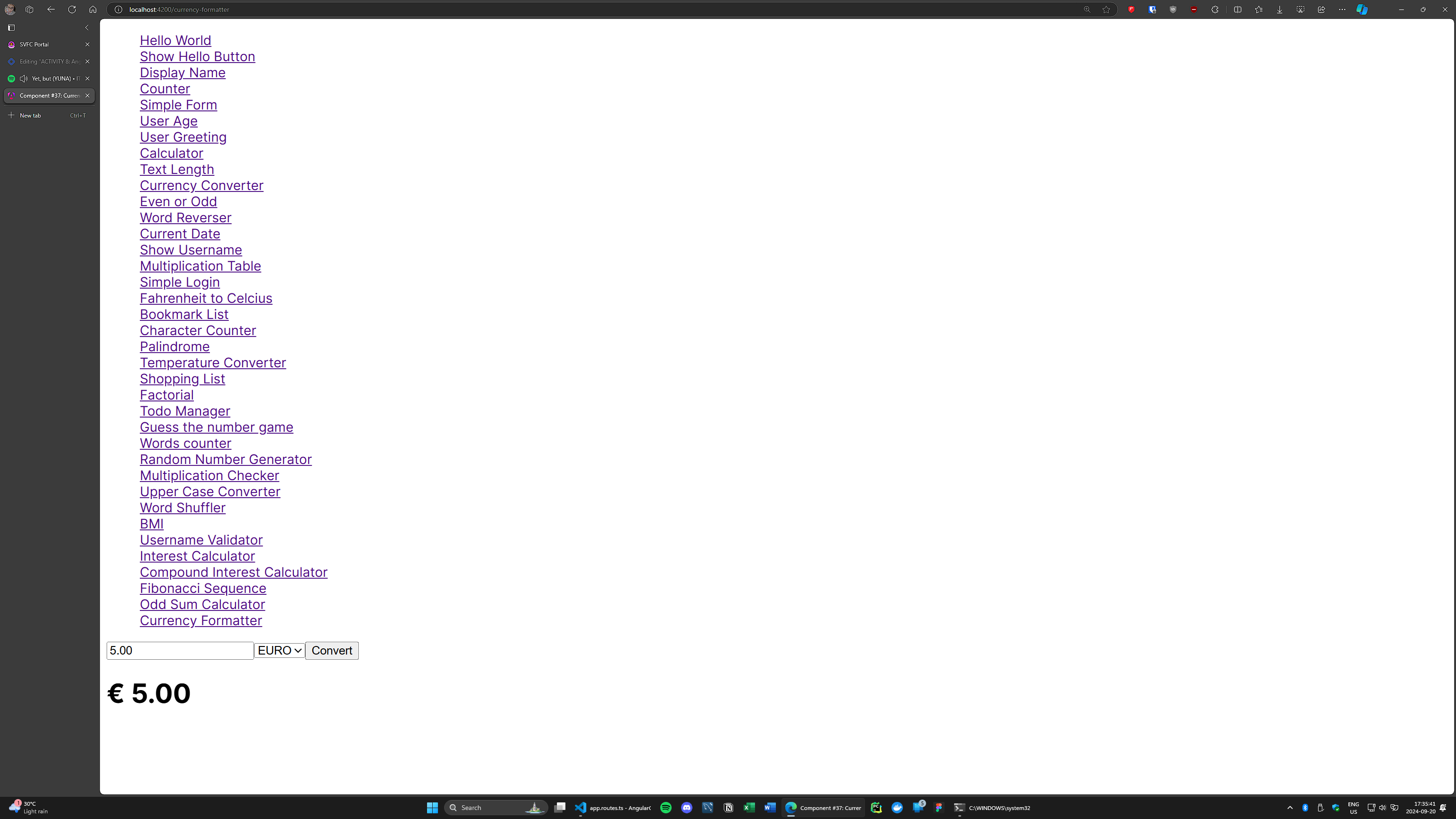
Input a number and format it as currency when a button is clicked (Dollar, Php, Euro - search euro conversion).
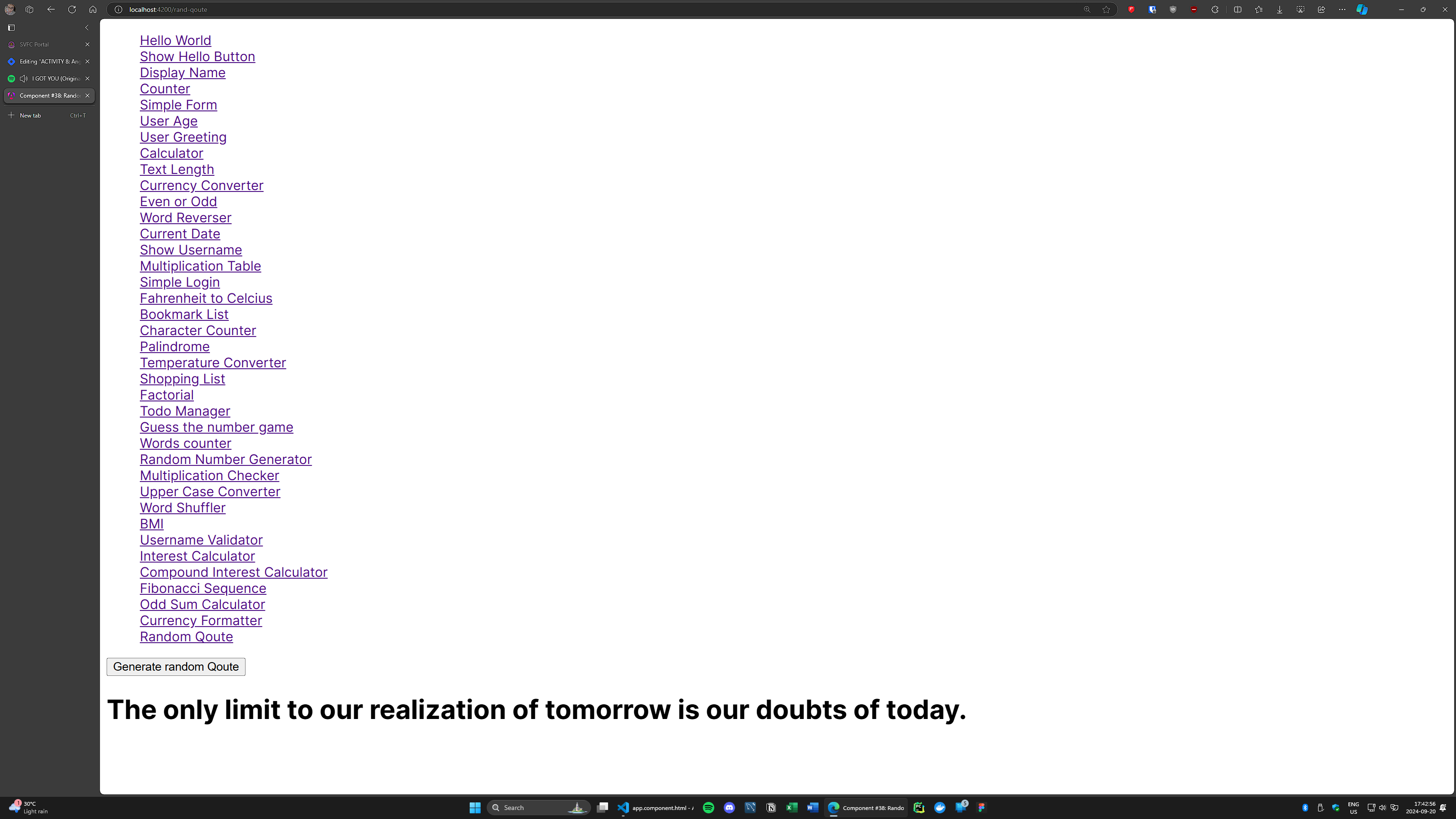
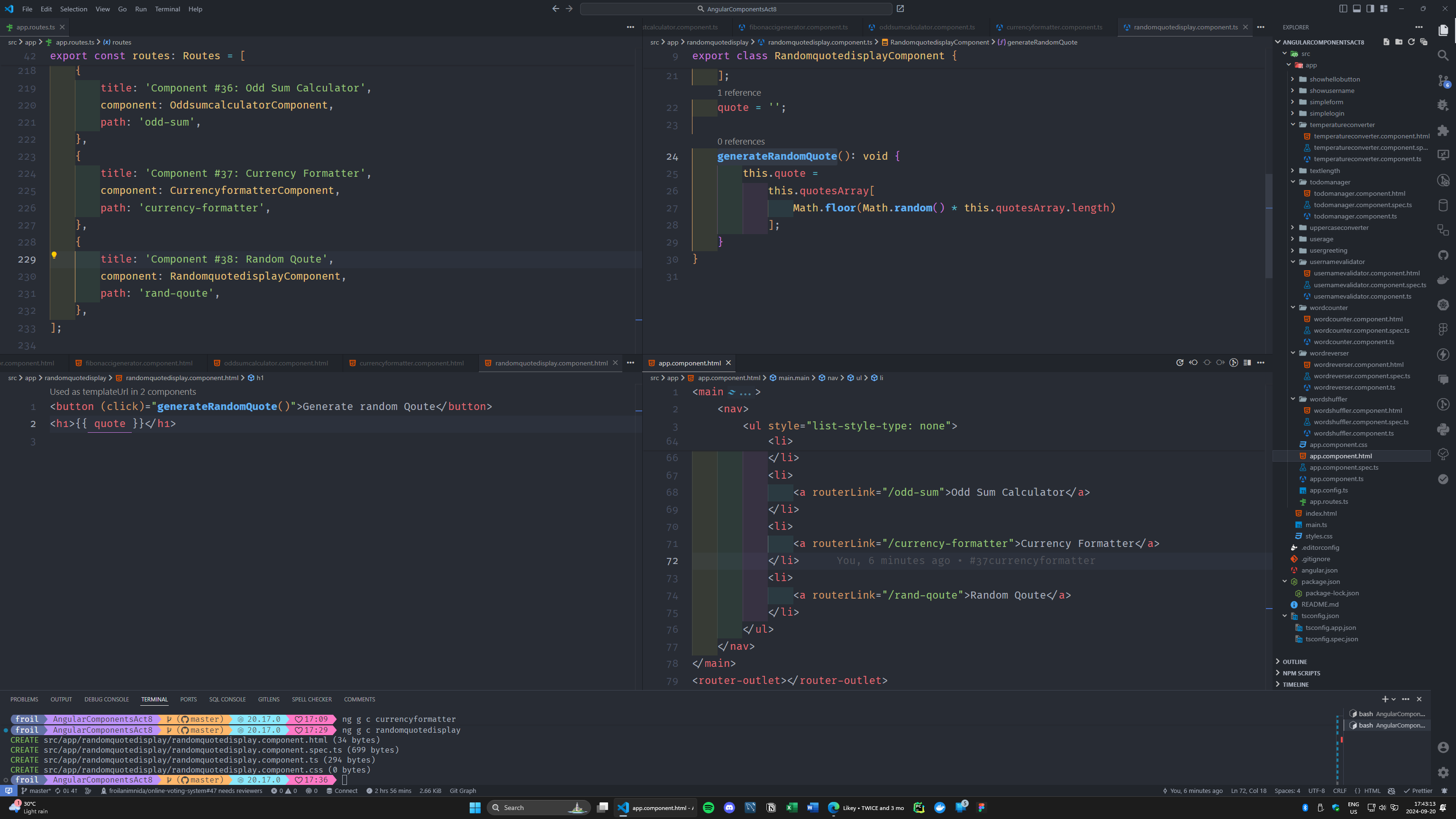
#38 component name: randomquotedisplay
Display a random quote when a button is clicked (use list data structures).
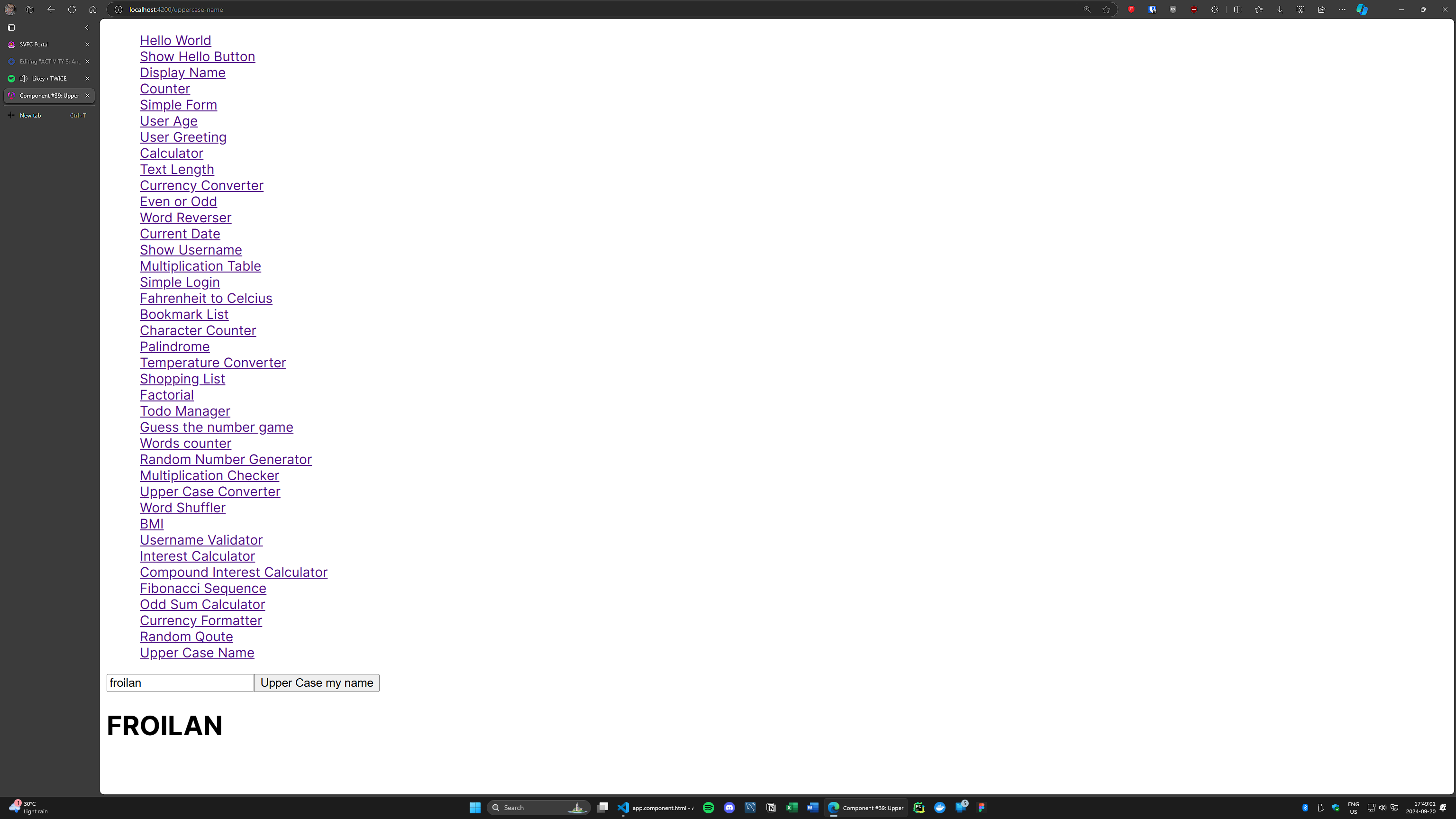
#39 component name: uppercasegreeting
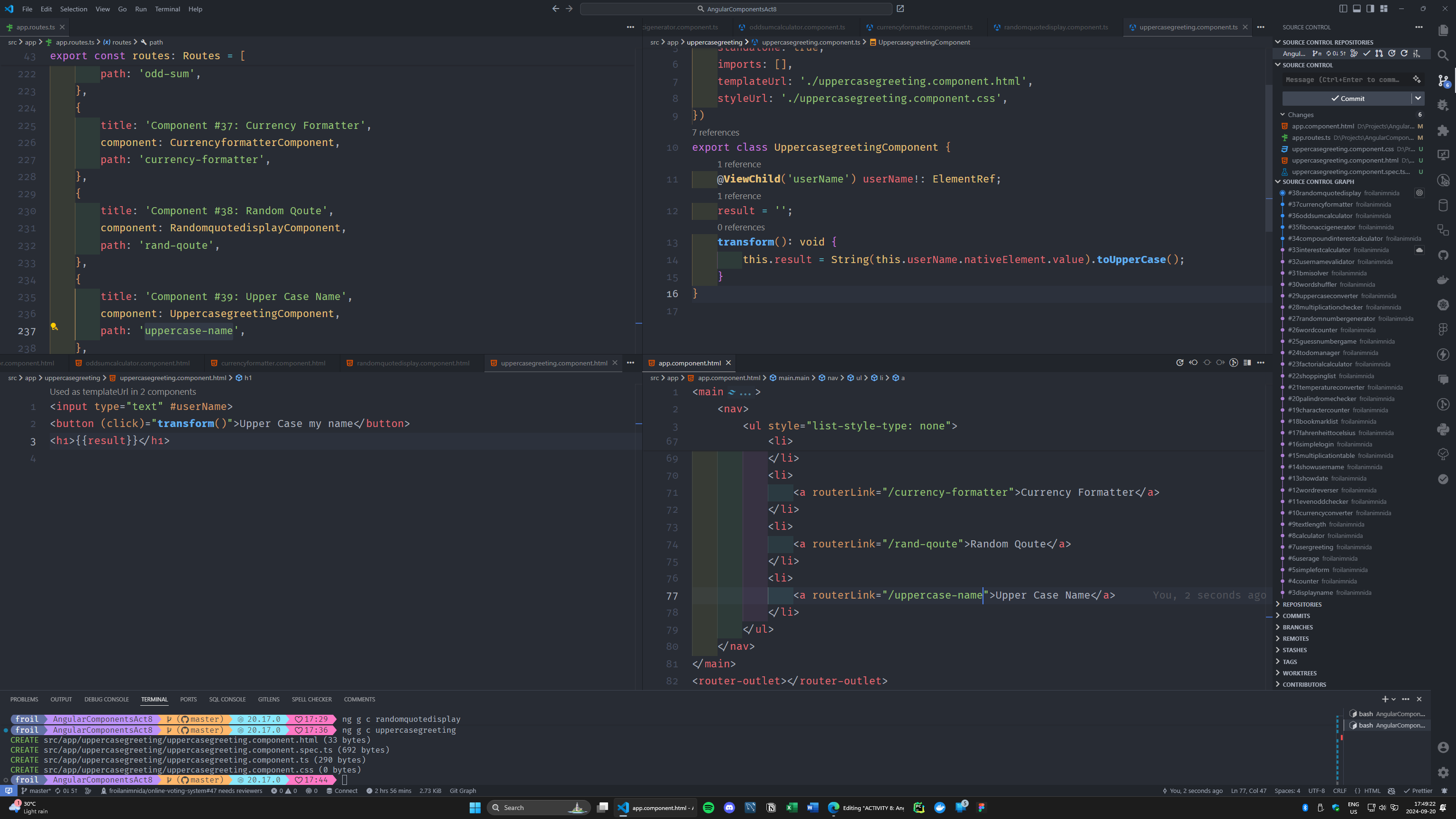
User inputs their name, and when the button is clicked, display the name in uppercase.
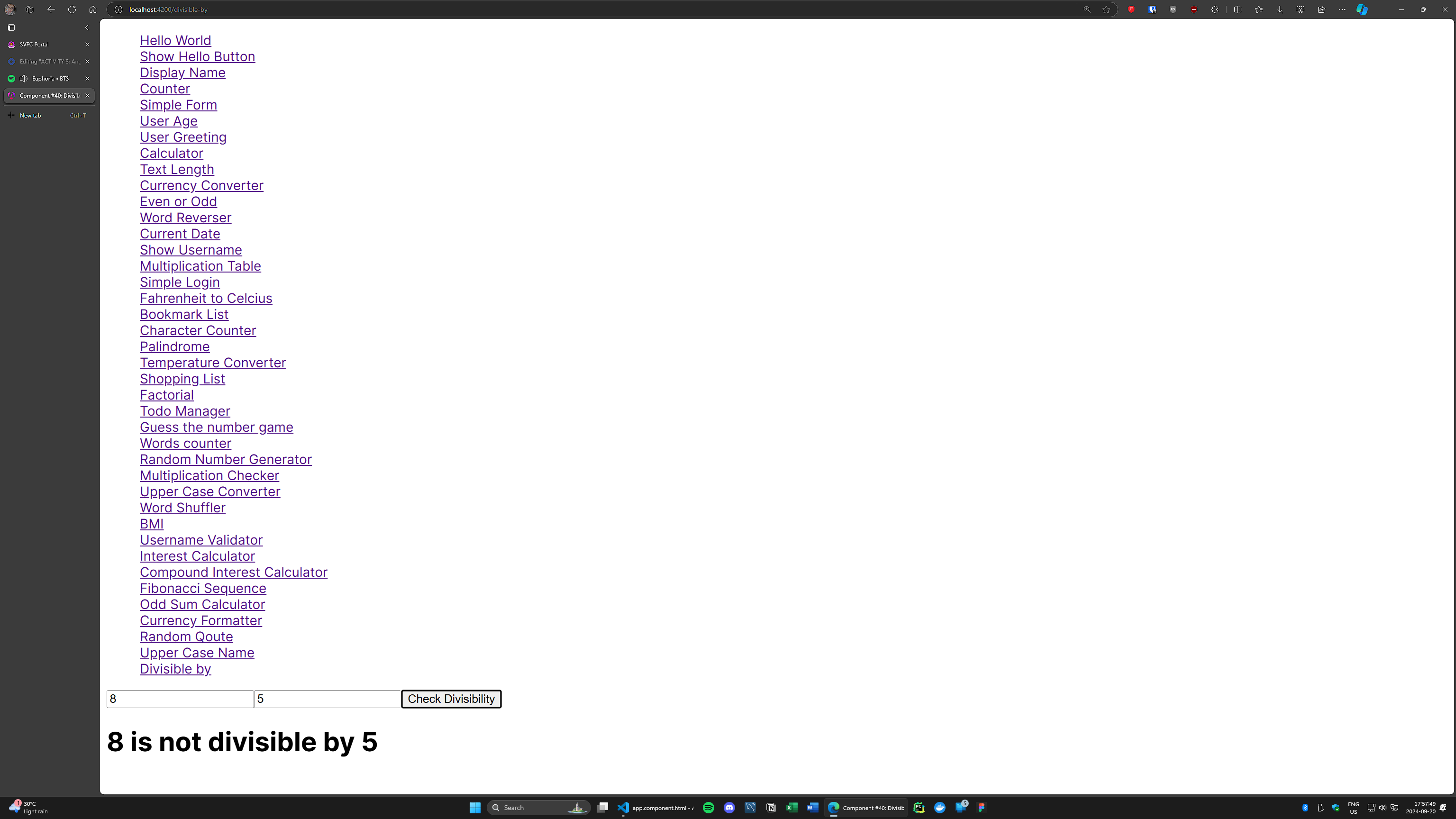
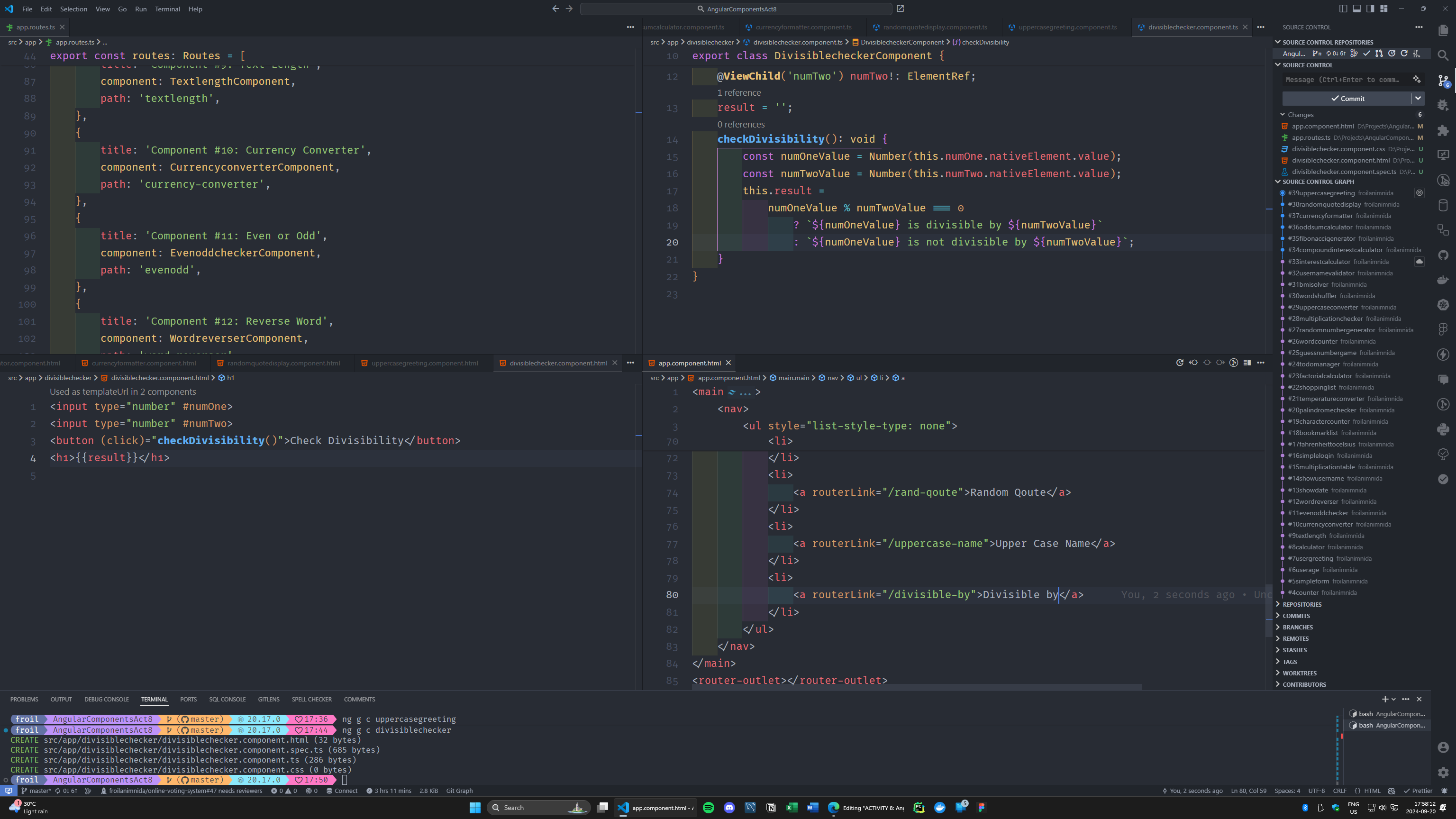
#40 component name: divisiblechecker
Input two numbers, and check if the first is divisible by the second.
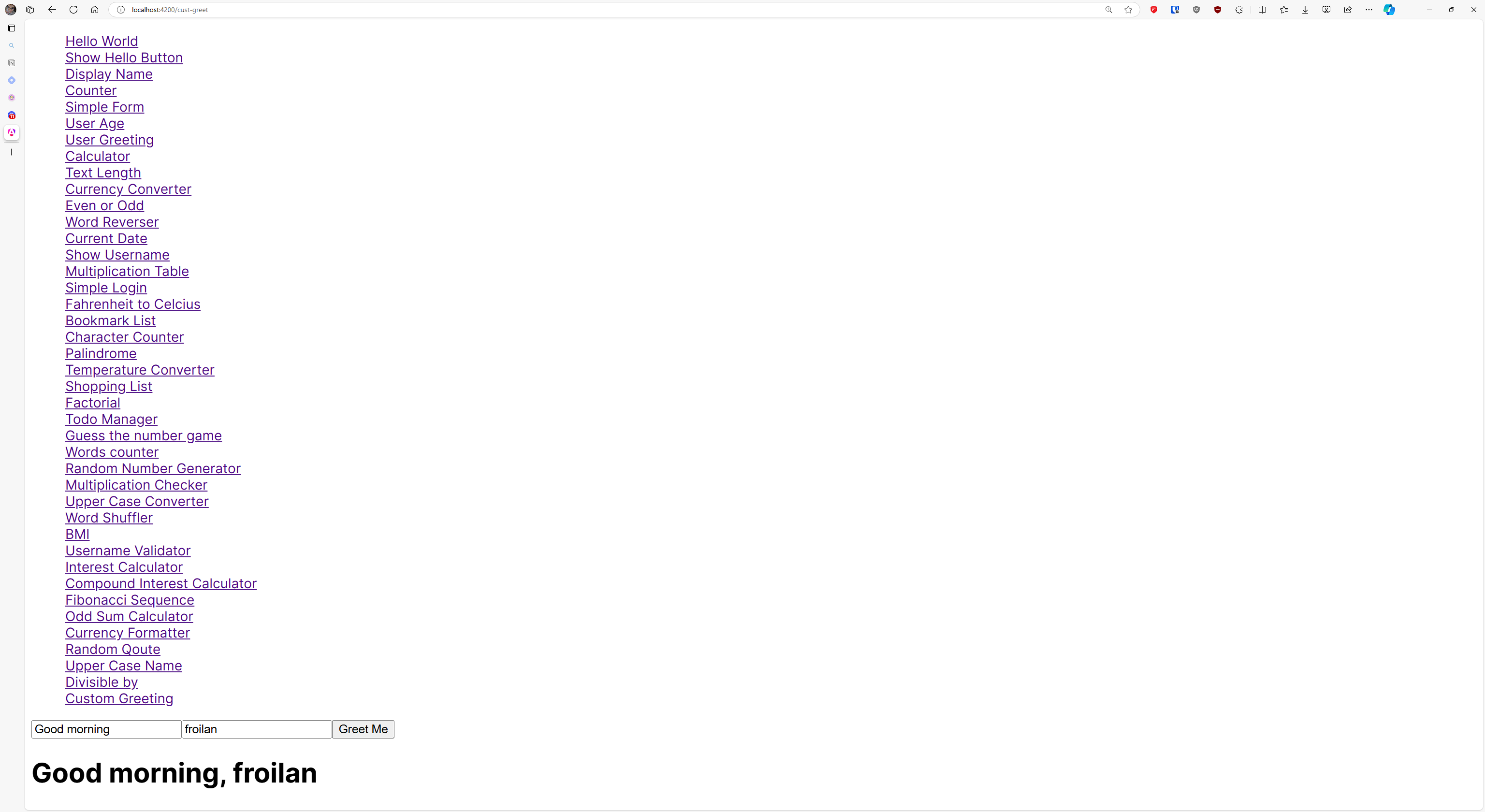
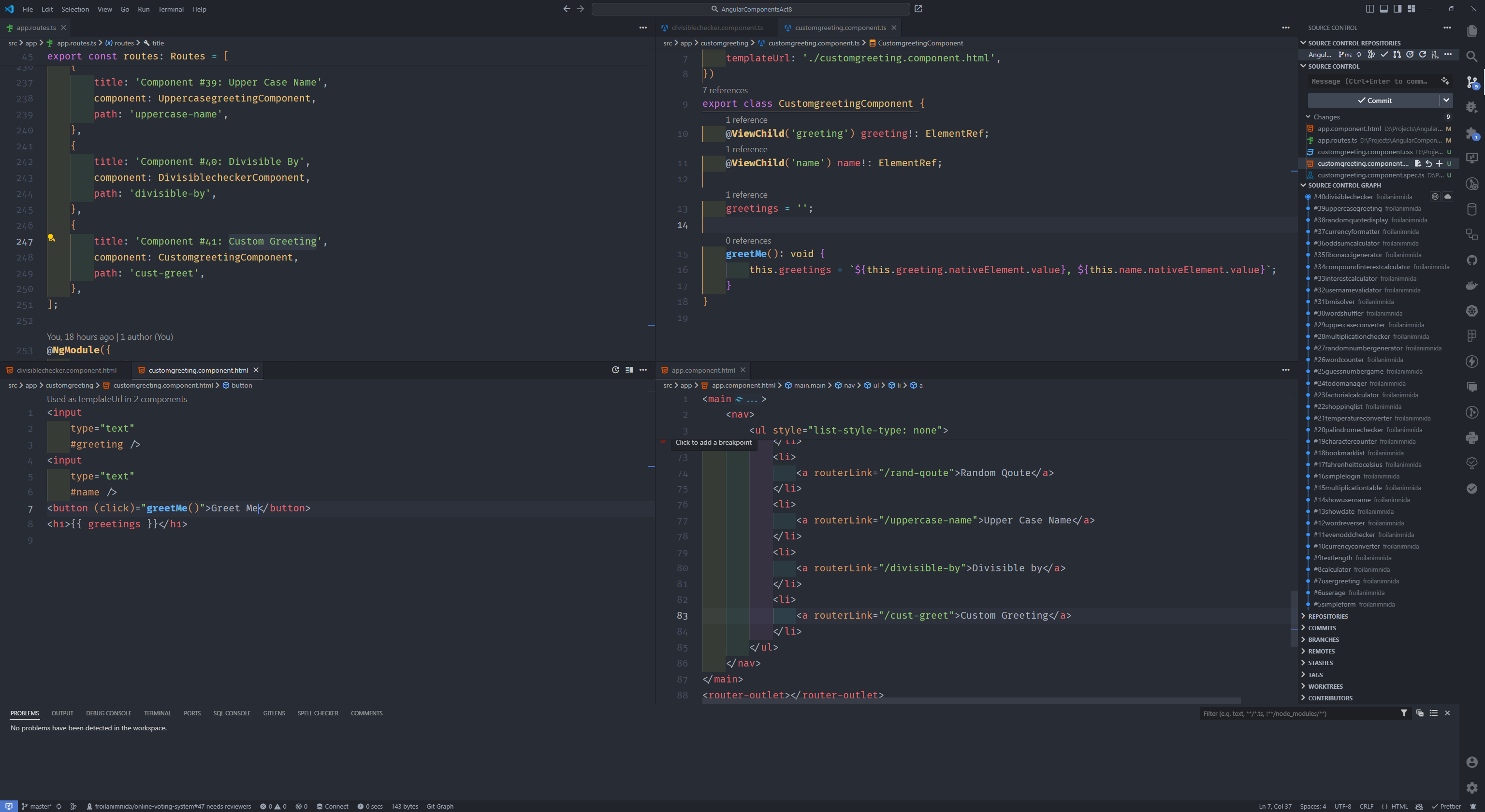
#41 component name: customgreetingenhance
The user will input two thing, custom greeting e.g good morning and their name
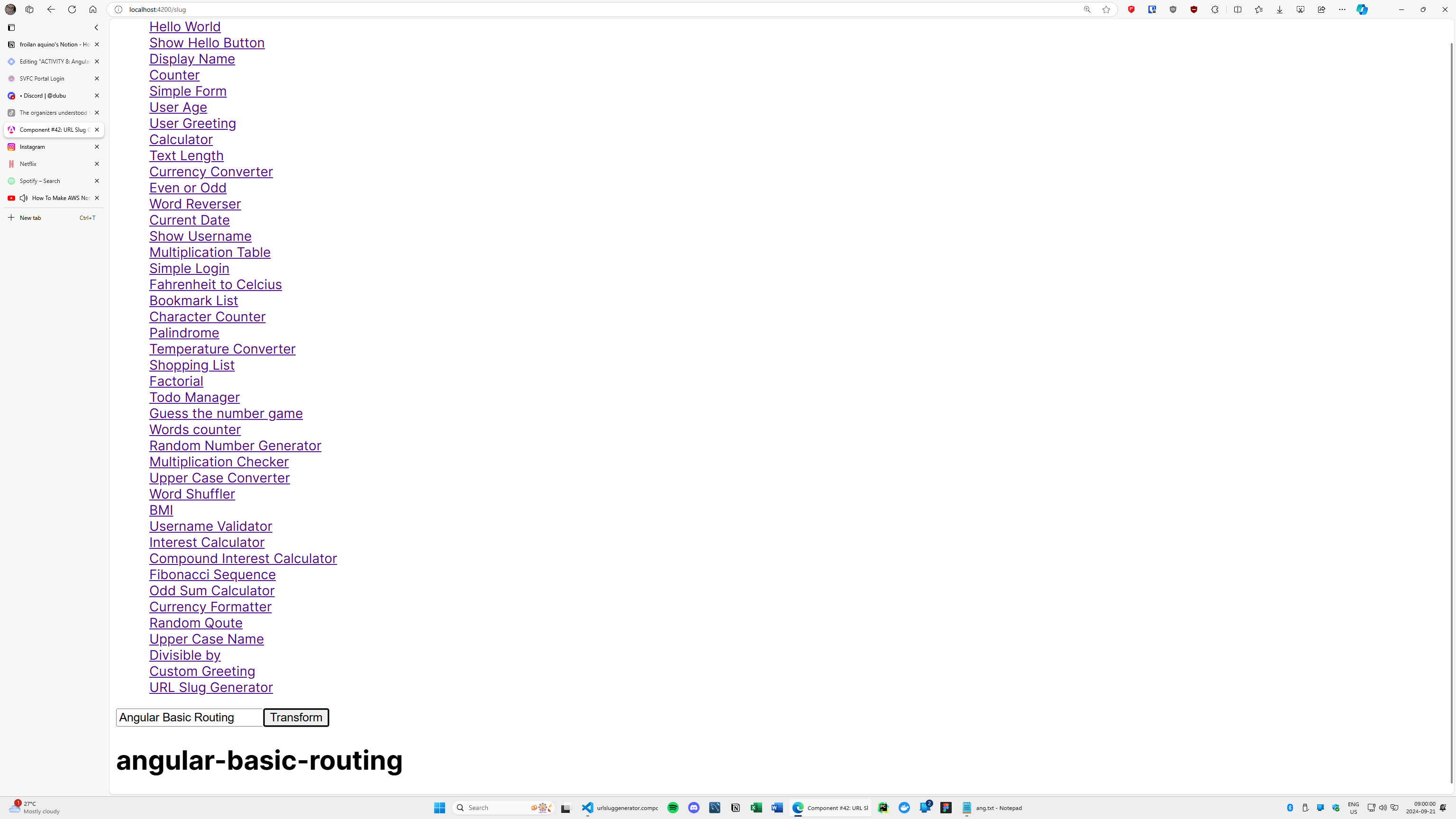
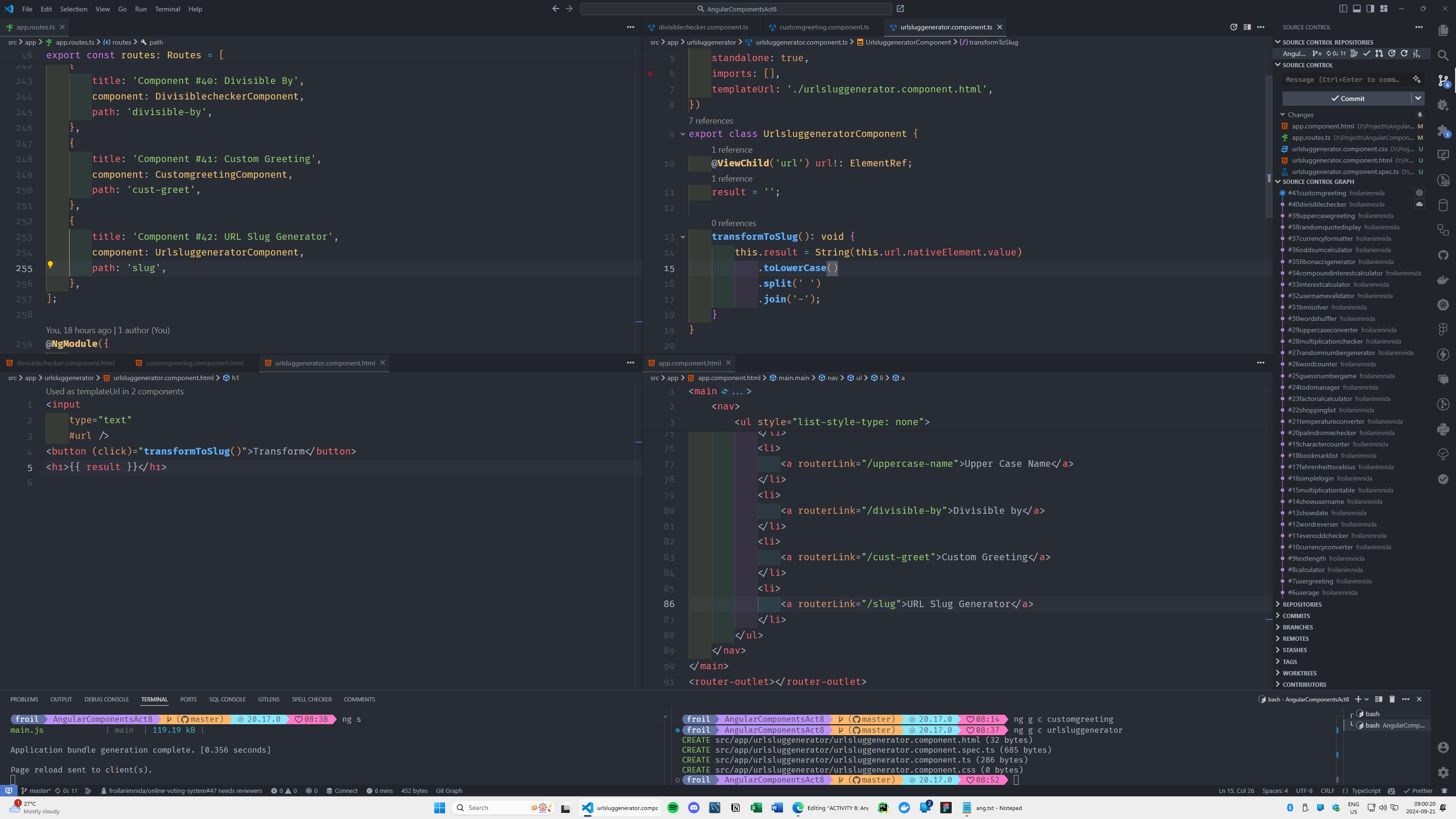
#42 component name: urlsluggenerator
Input a title and convert it into a URL-friendly slug (e.g., "Angular Component Ideas" becomes "angular-component-ideas").
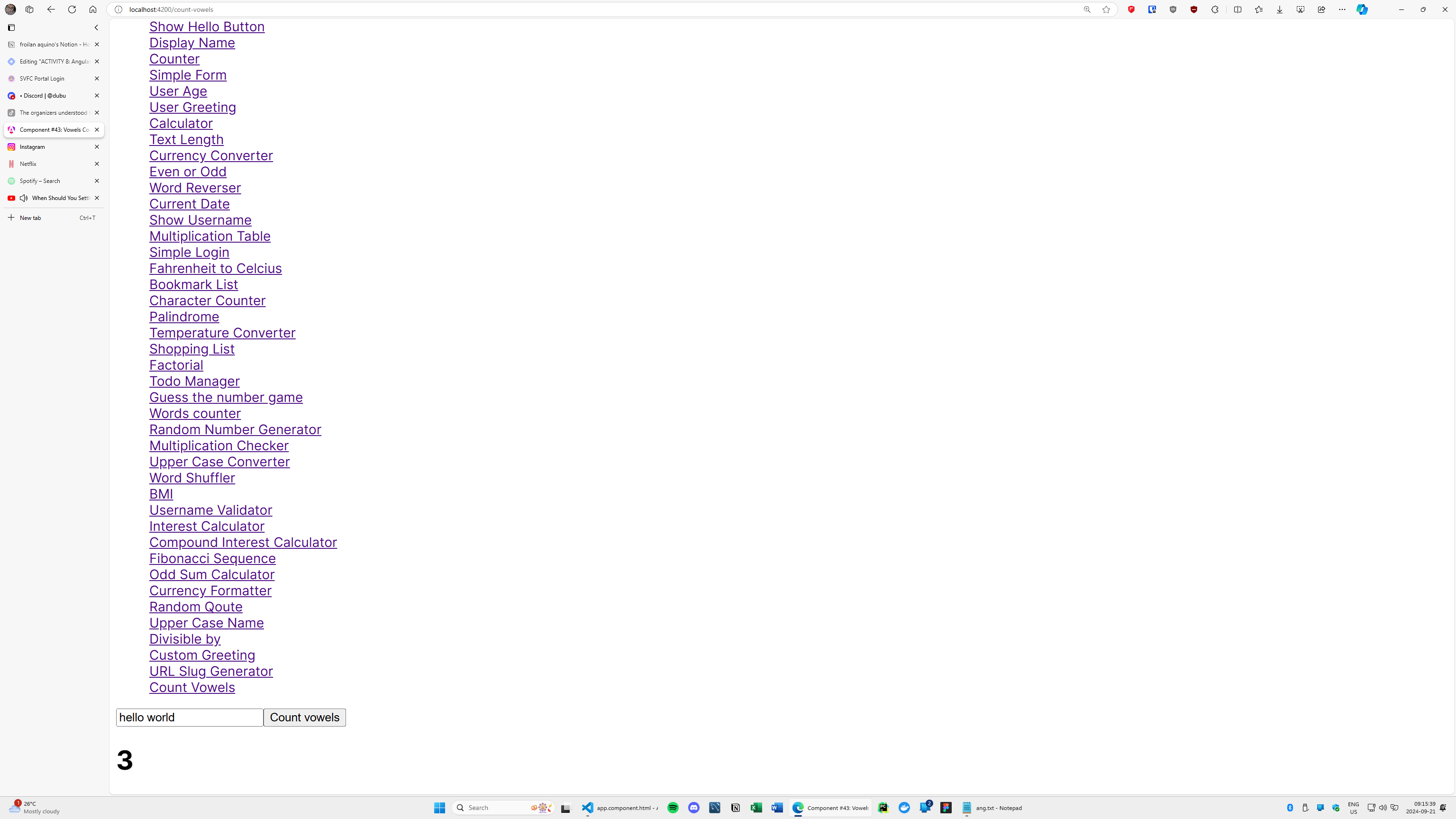
#43 component name: stringvowelcounter
Input a string, and count the number of vowels (a, e, i, o, u) in it when the button is clicked.
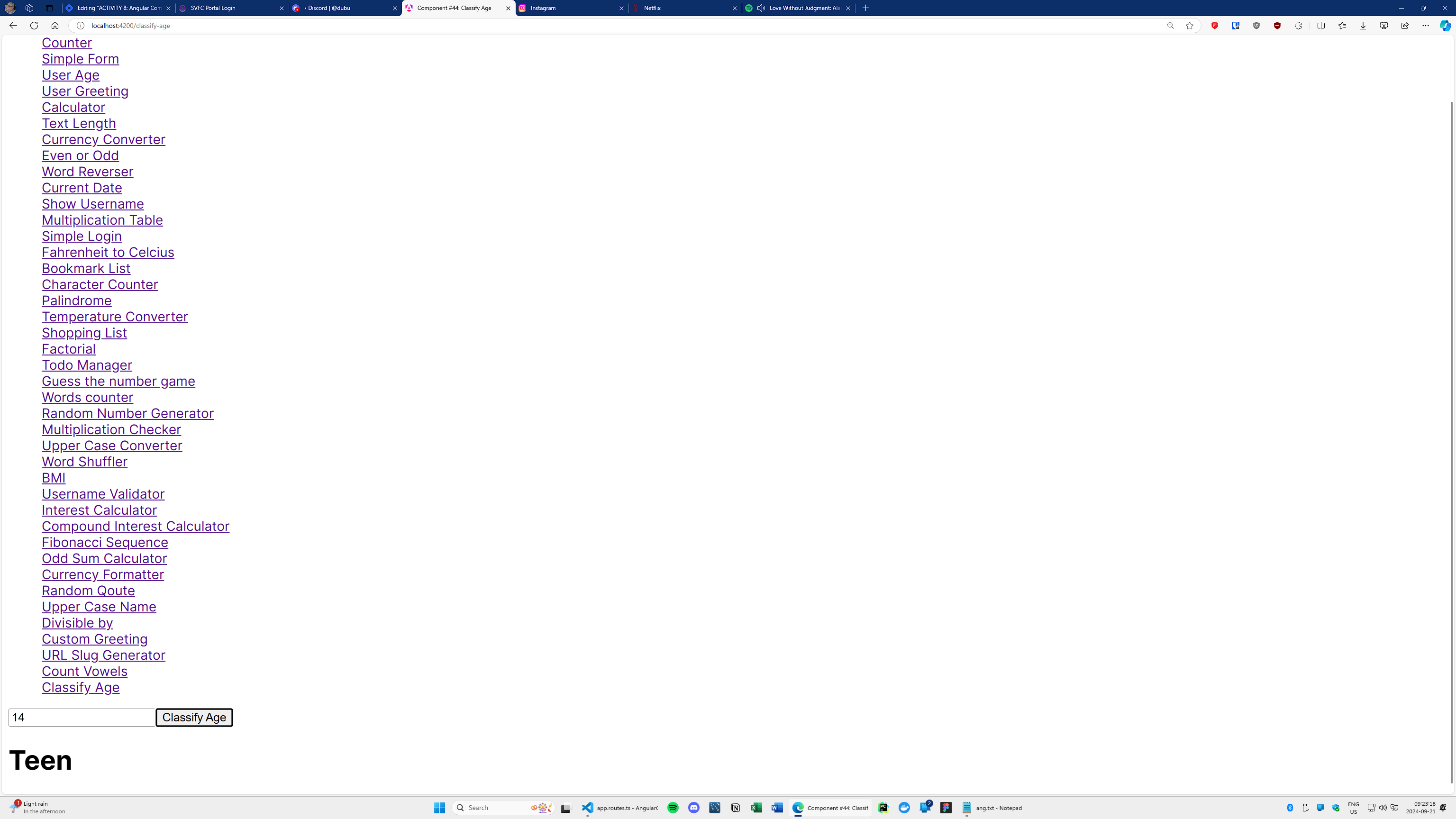
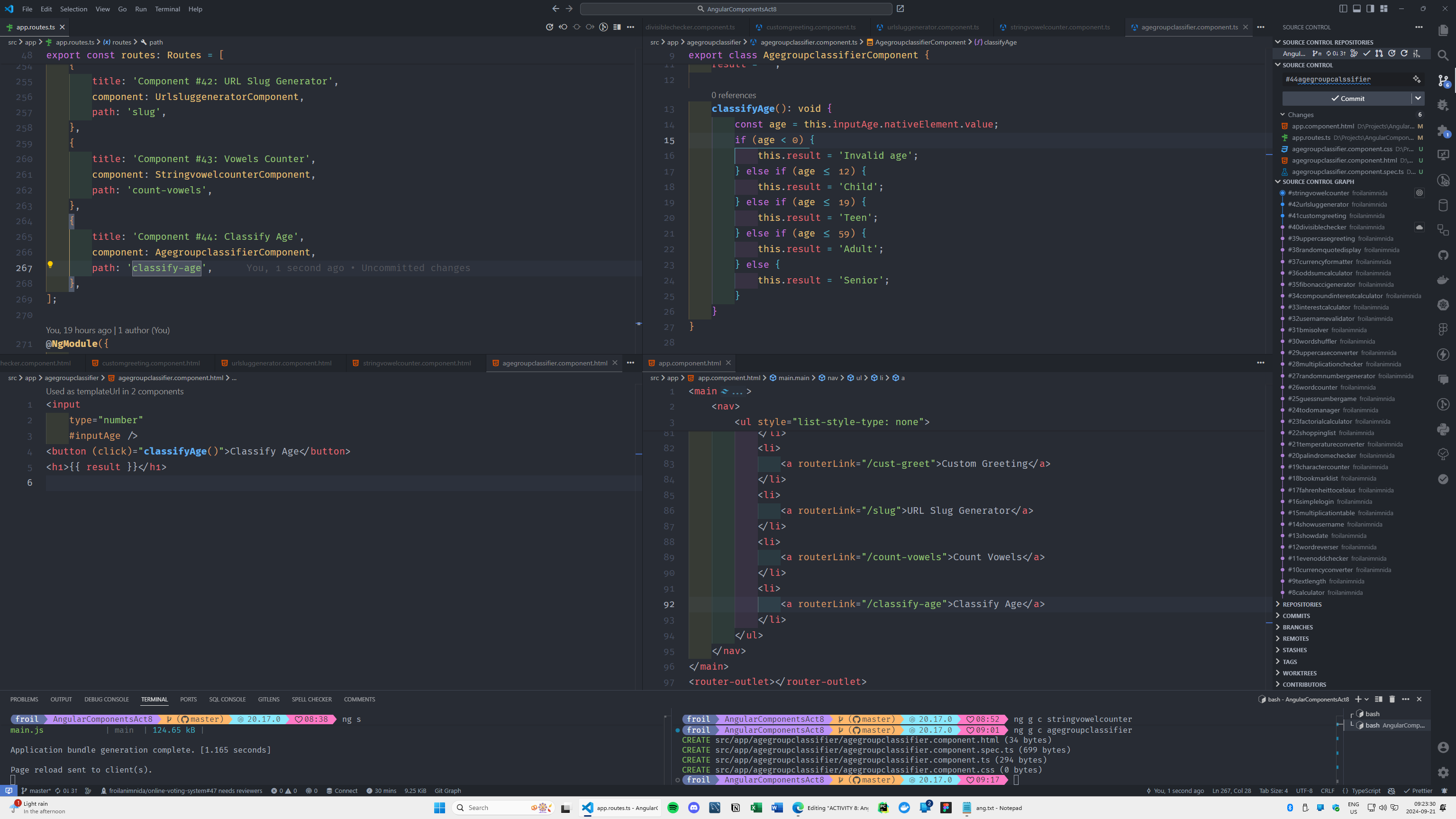
#44 component name: agegroupclassifier
Input a person's age, and classify them into an age group (e.g., child, teenager, adult, senior).
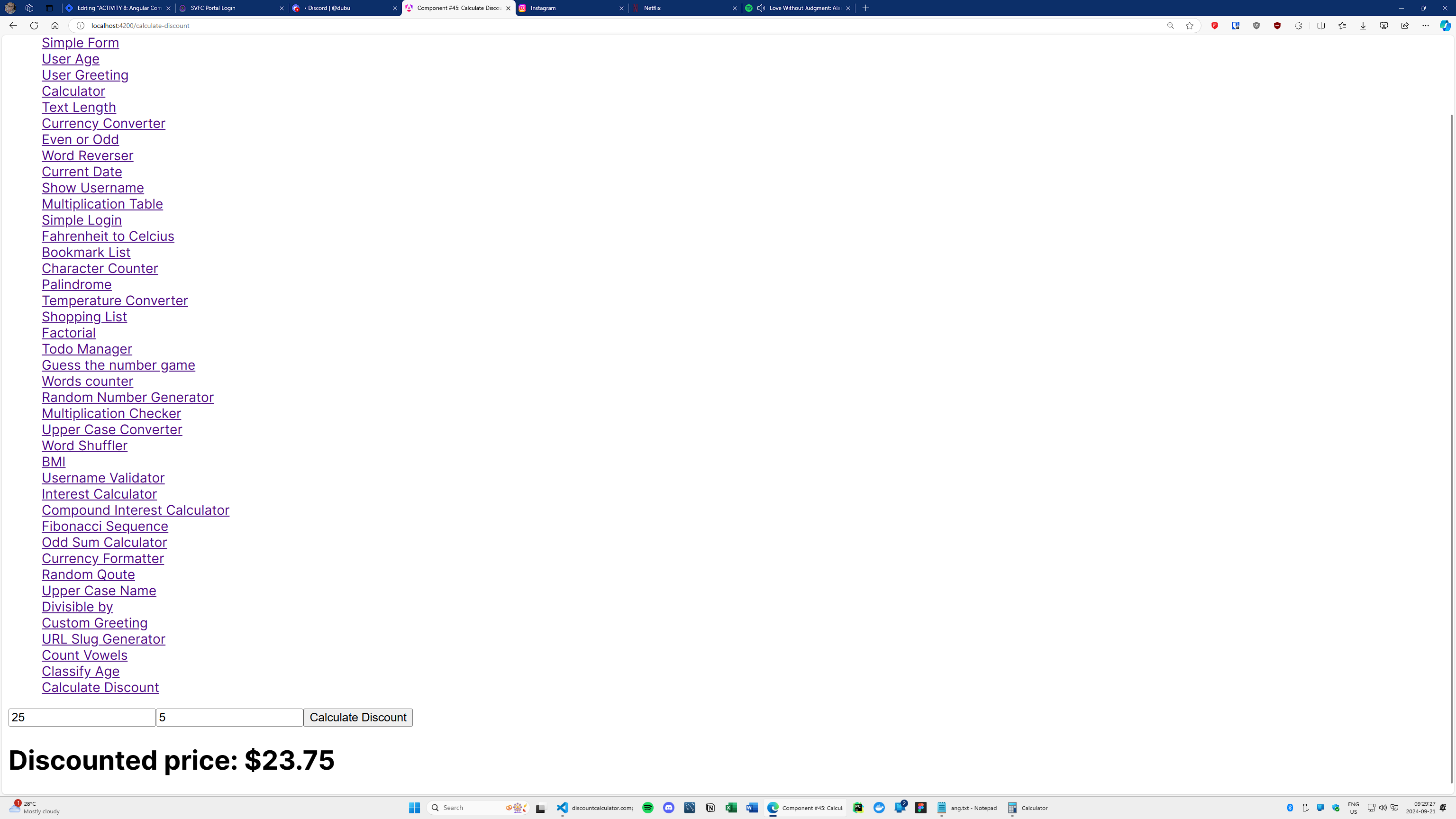
#45 component name: discountcalculator
Input original price and discount percentage, and calculate the final price after discount.
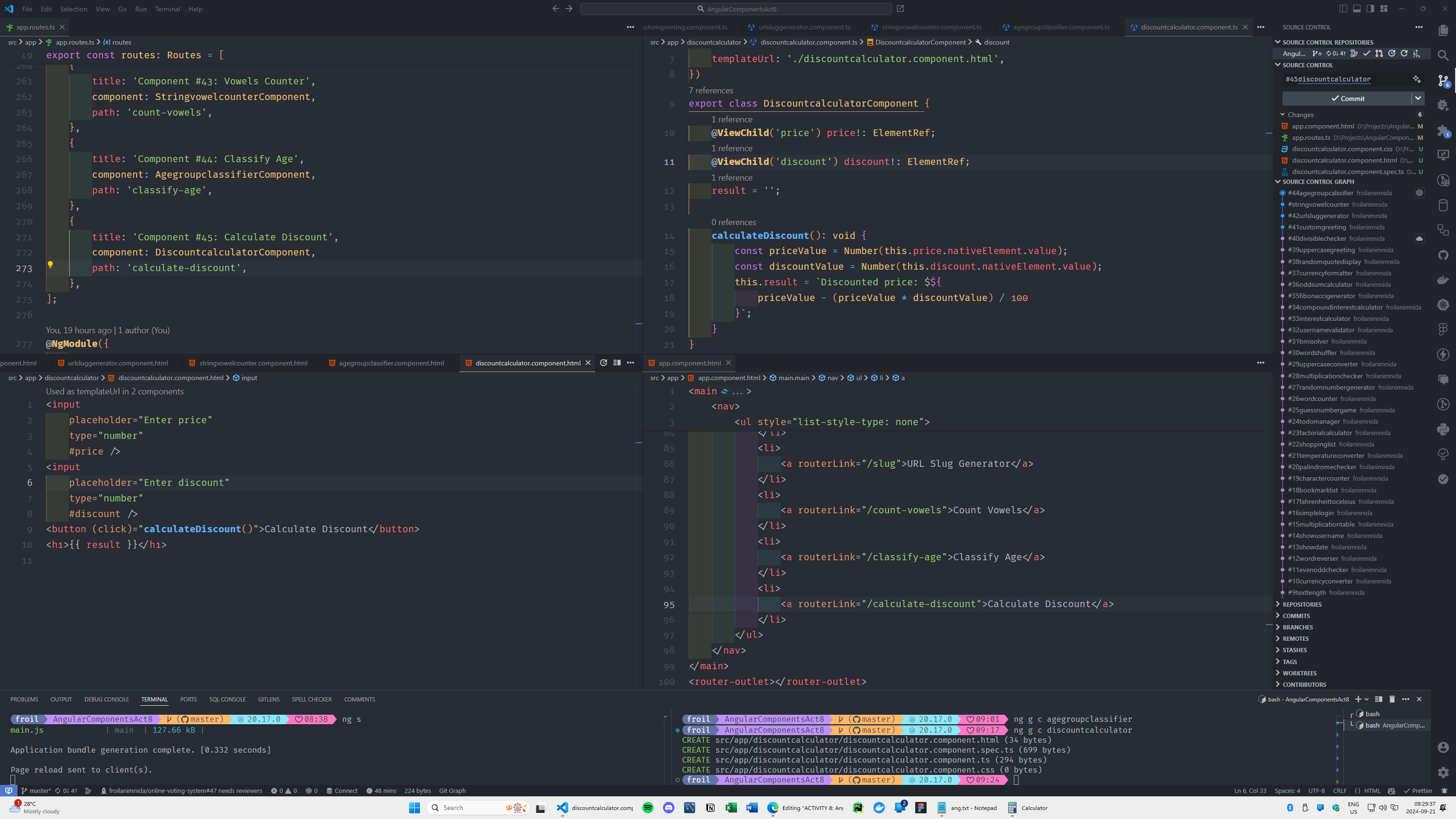
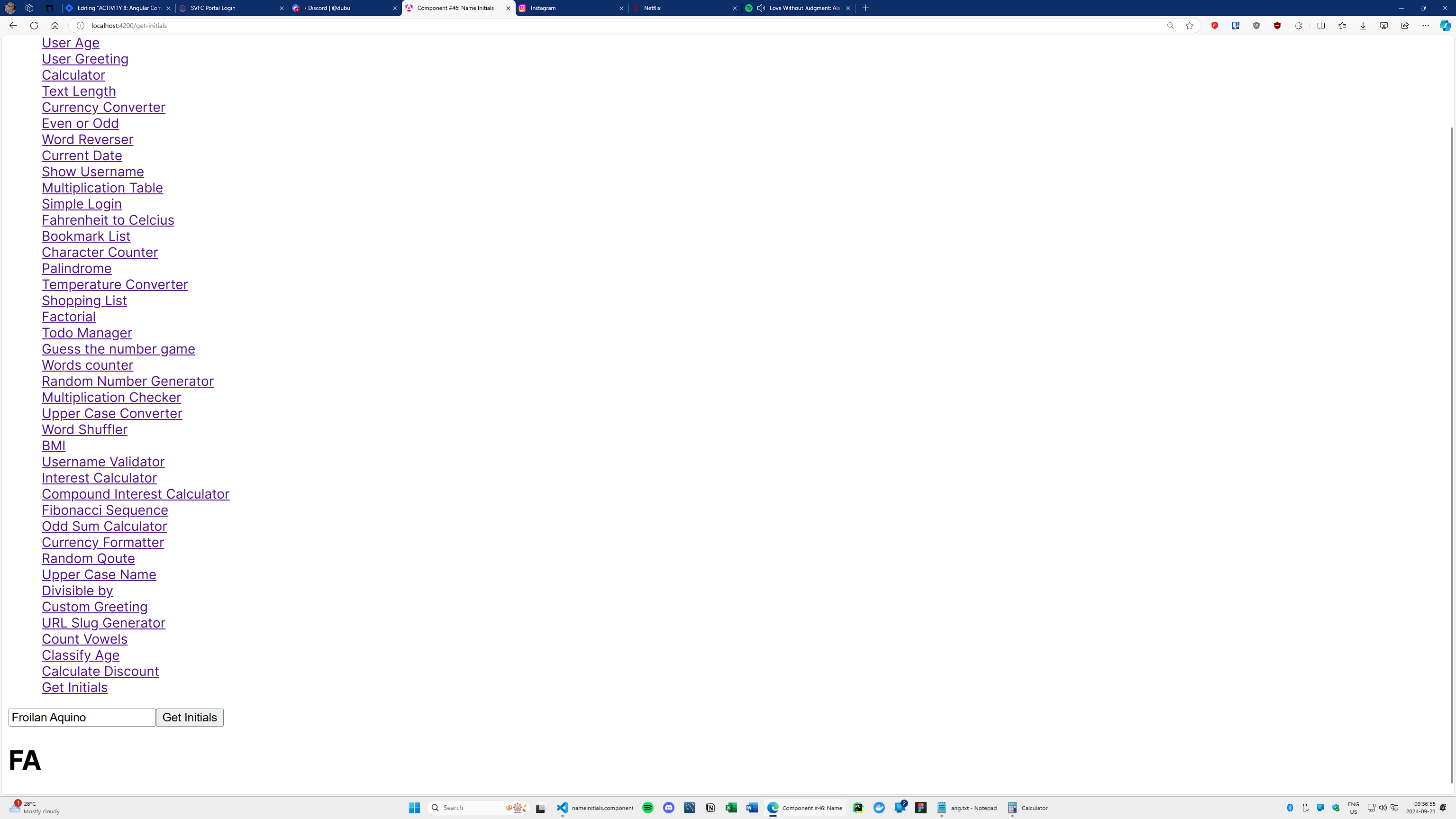
#46 component name: nameinitials
Input a full name, and display the initials (e.g., John Doe -> JD).
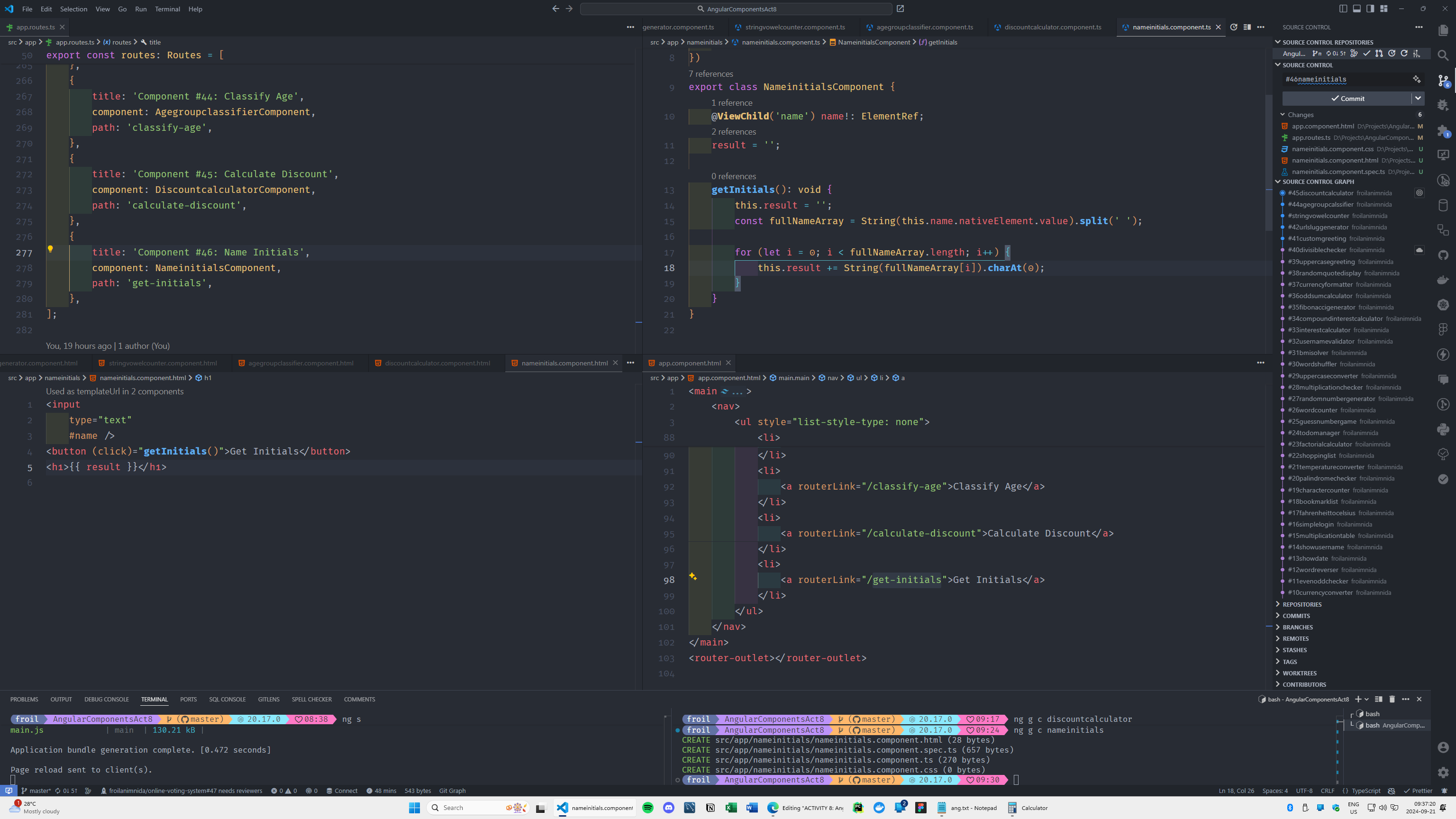
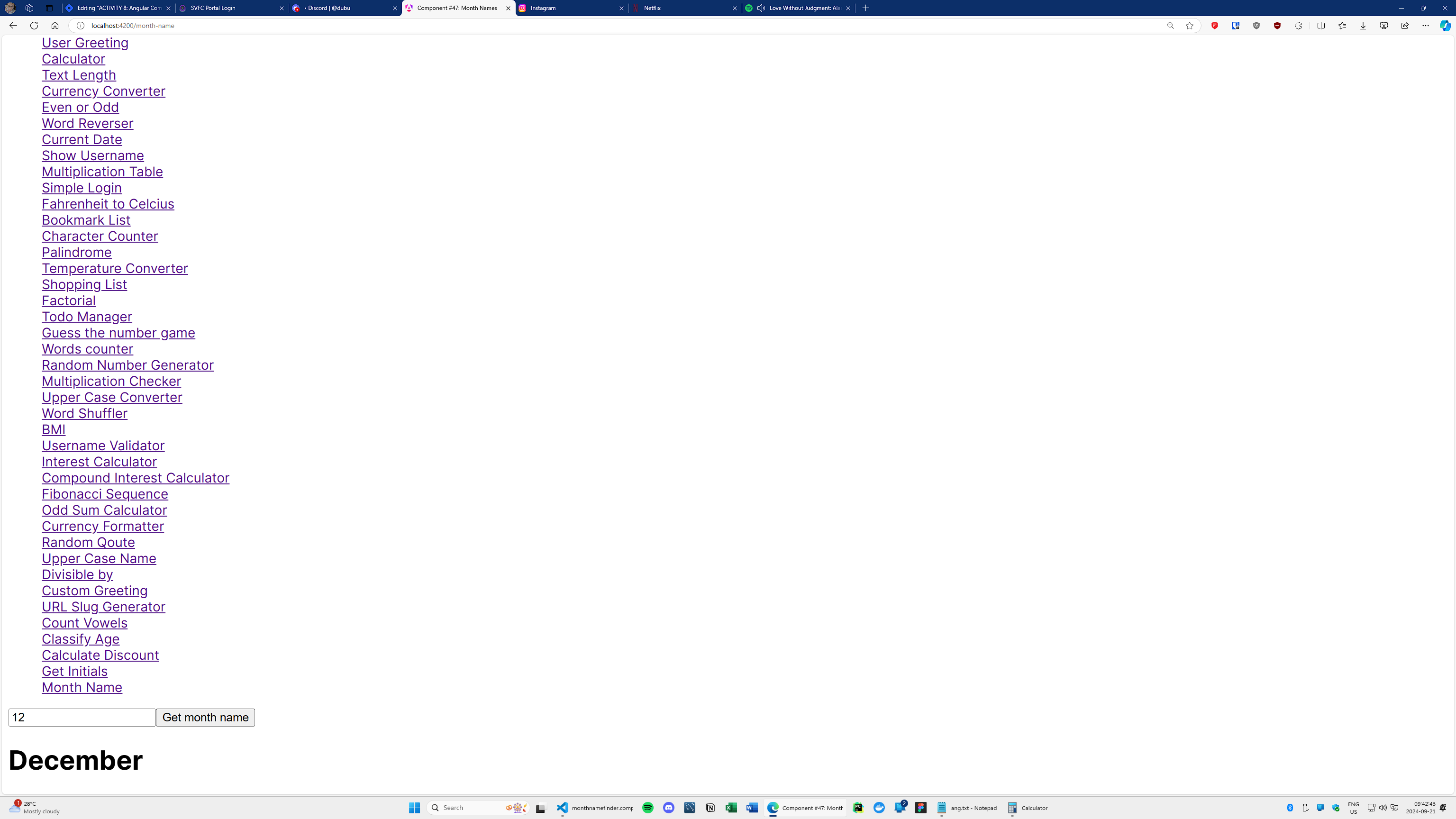
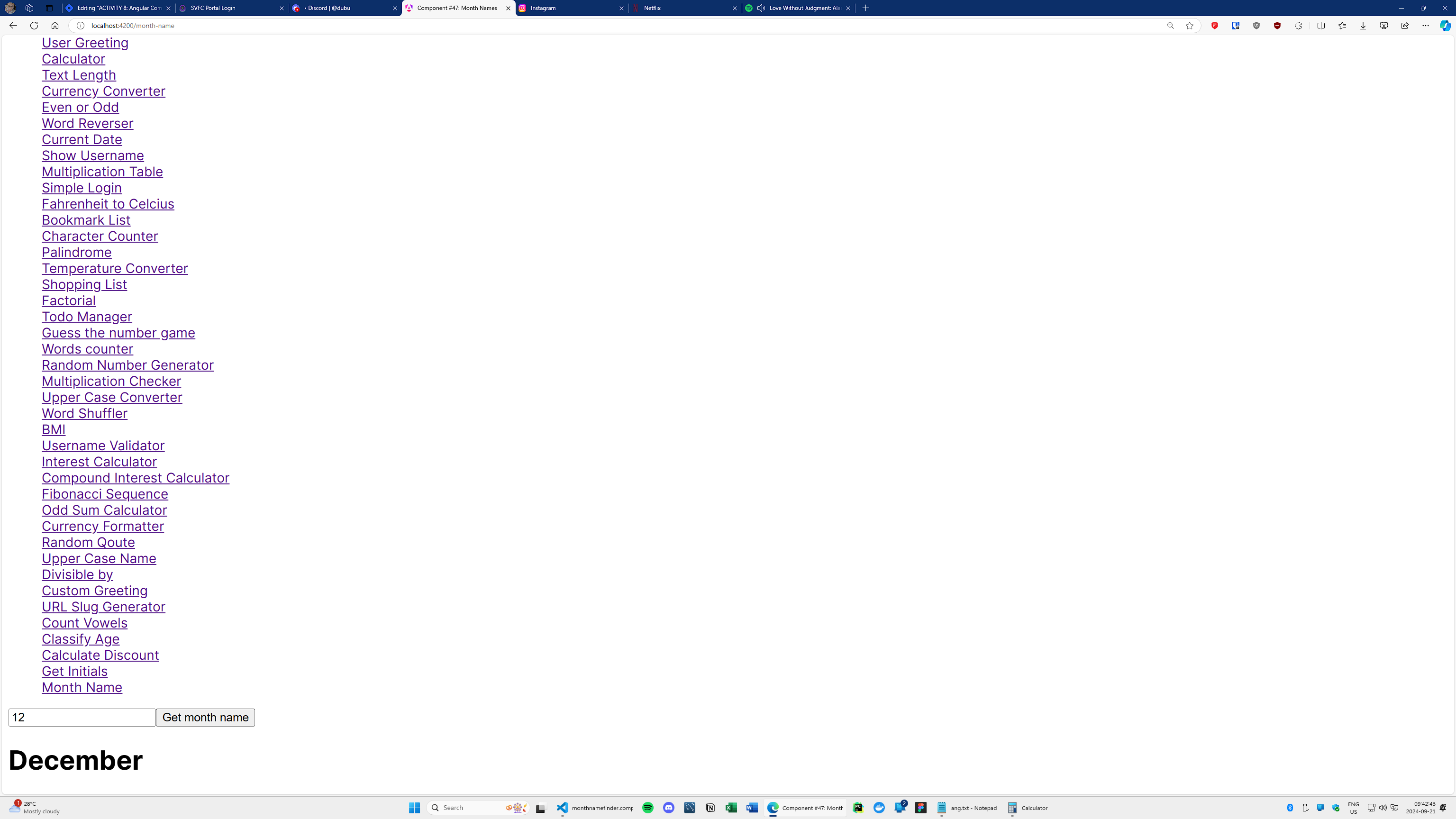
#47 component name: monthnamefinder
Input a number (1-12) and display the corresponding month's name.
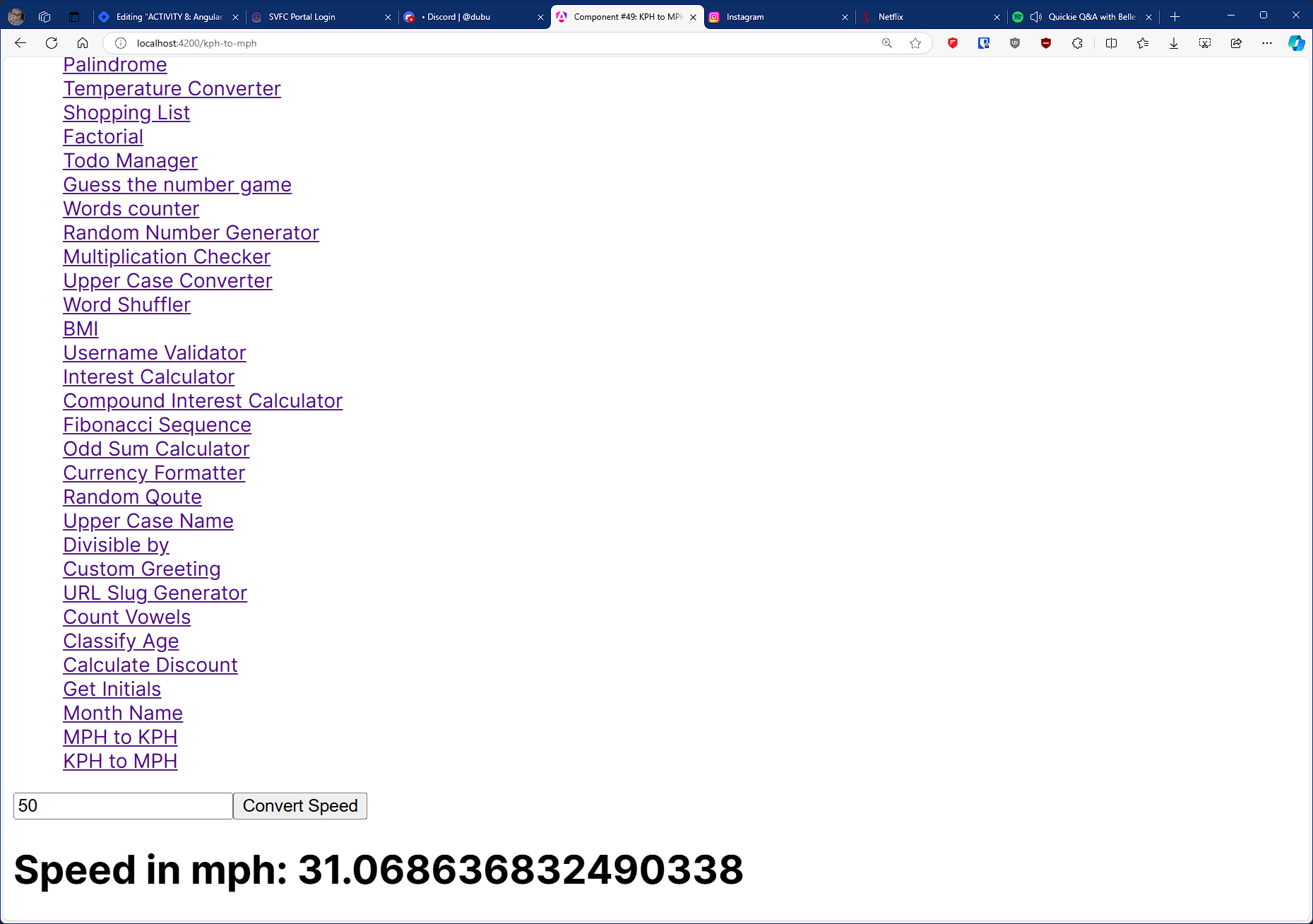
#48 component name: kphtomph
Convert the input kph to mph
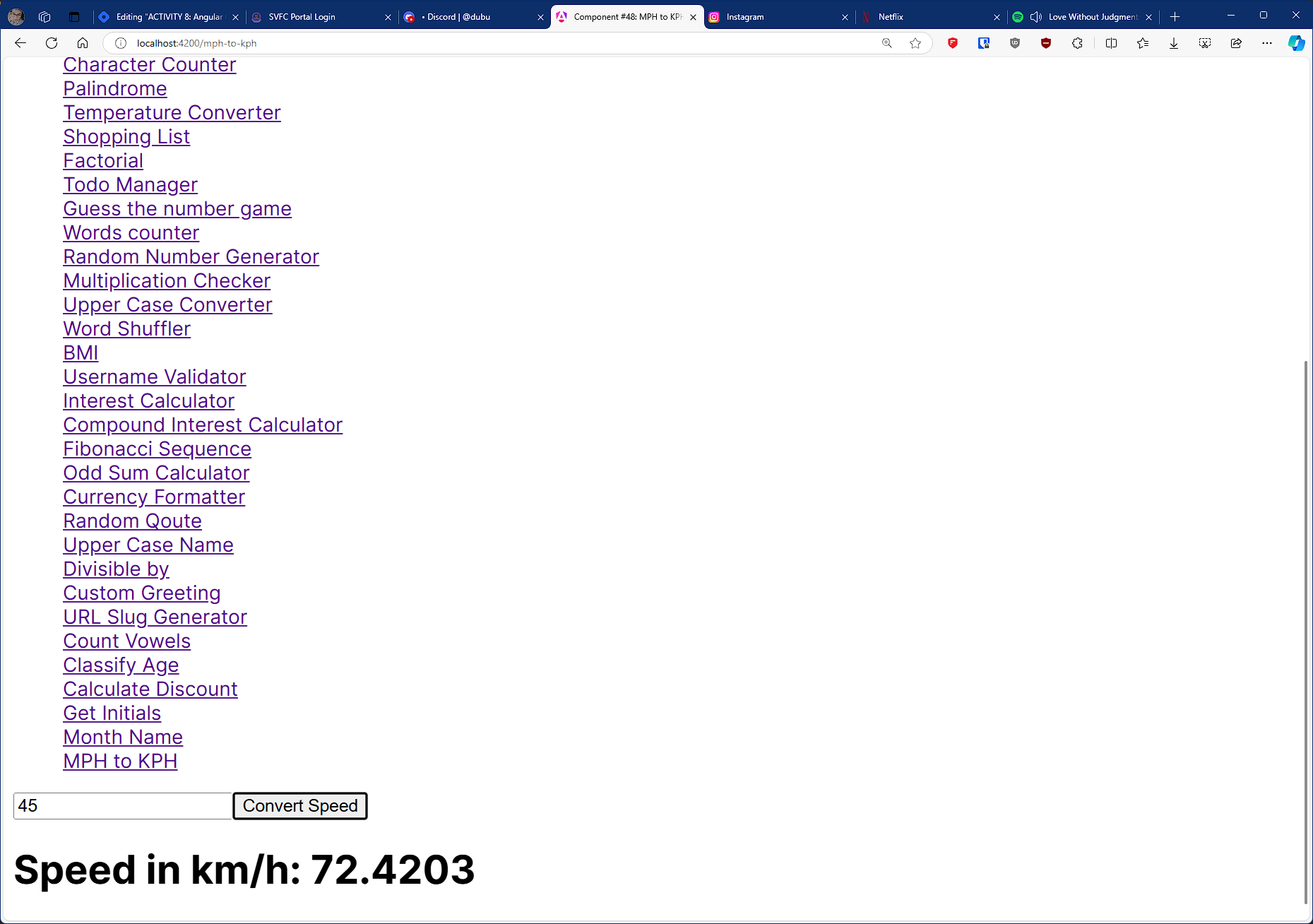
#49 component name: mphtokph
Convert the input mph to kph
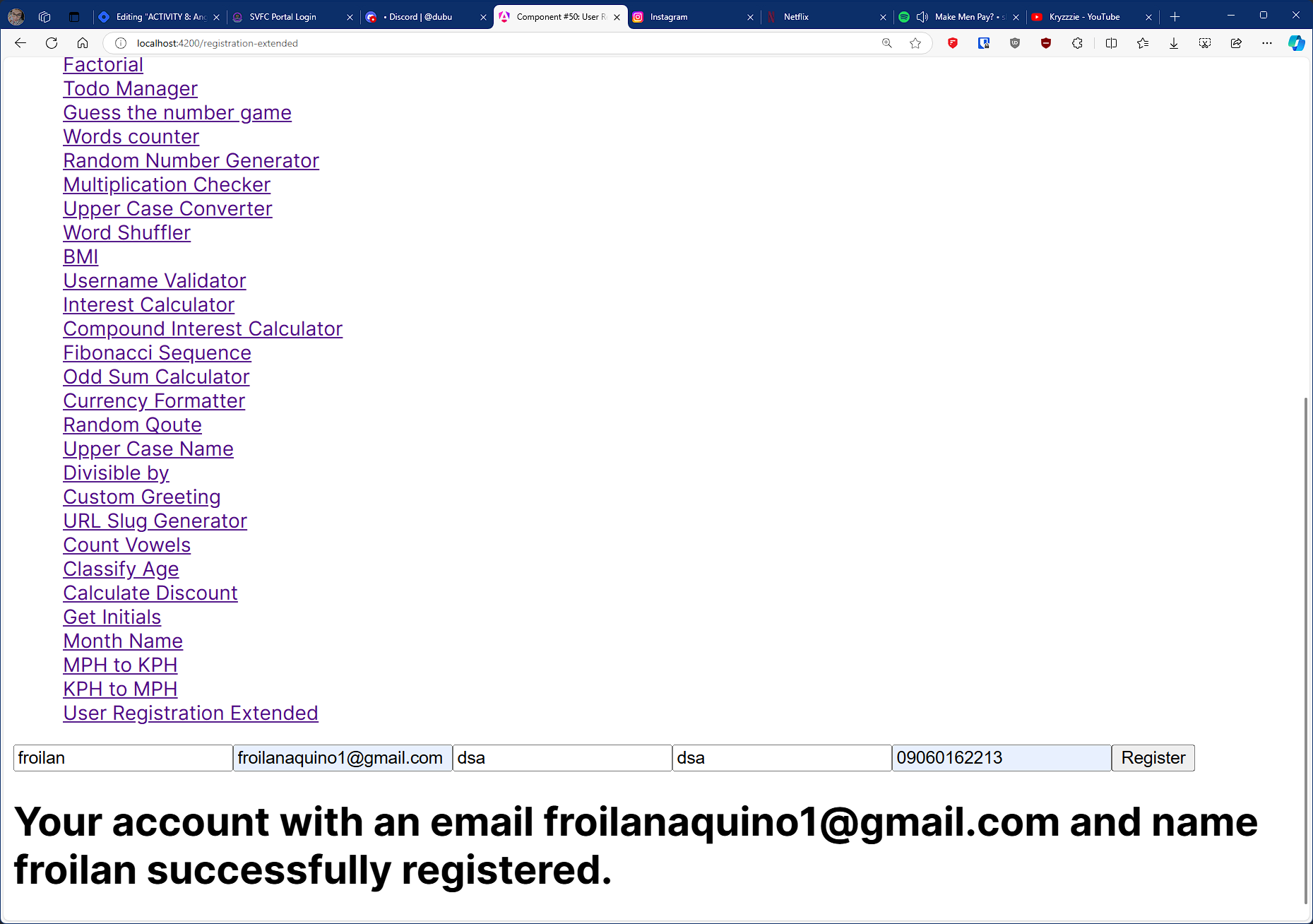
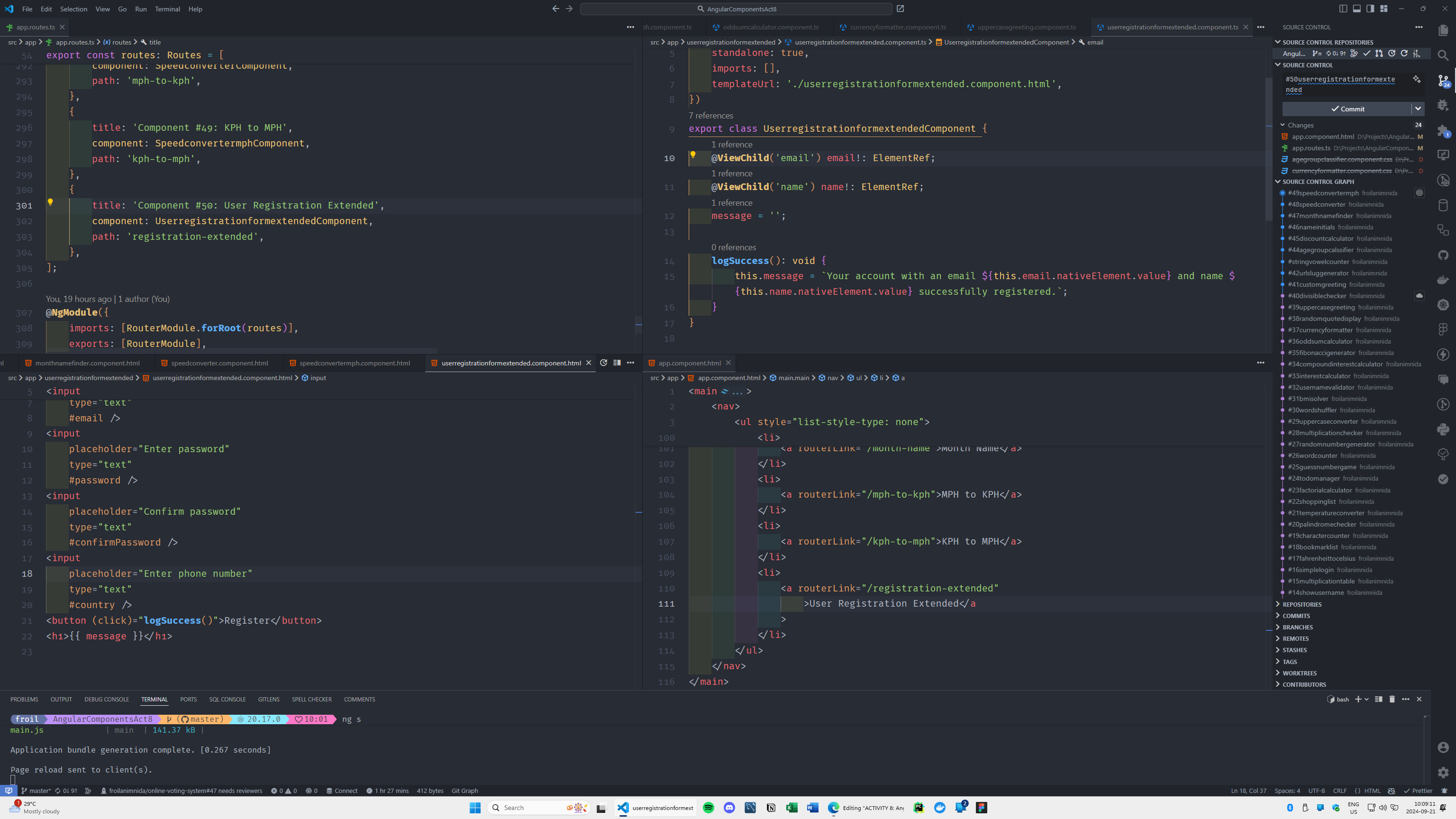
#50 component name: userregistrationformextended
Extend the current registration form to include the name, email, password, confirm password, and phone number
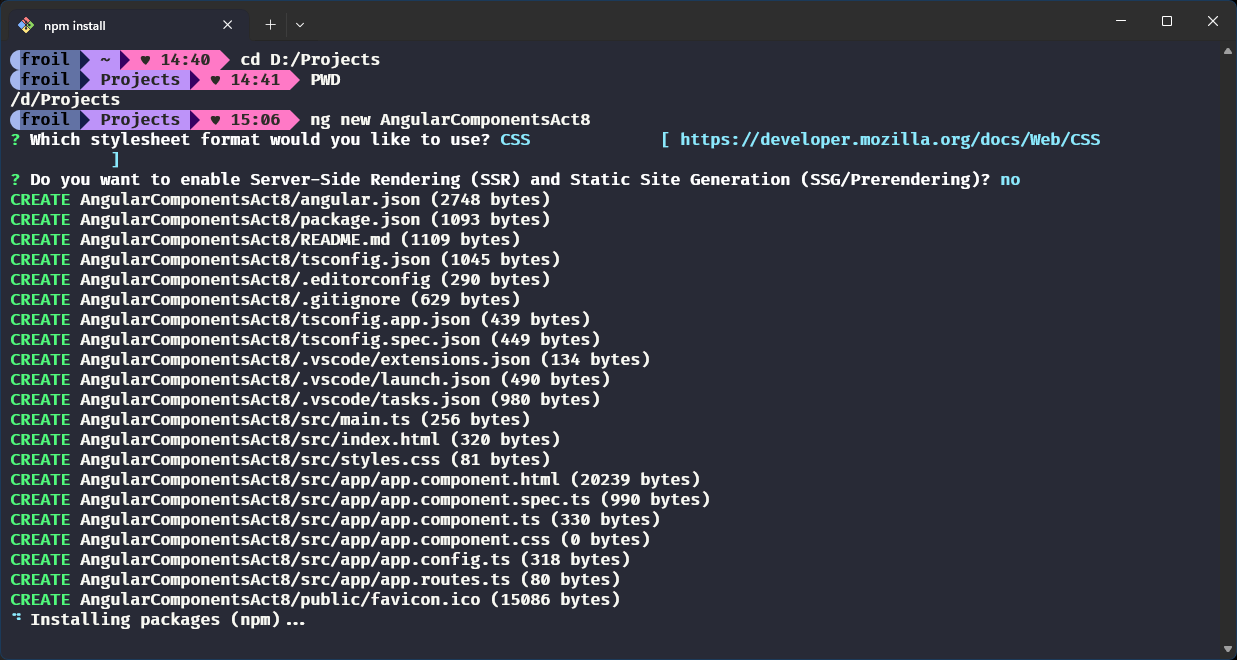
Spinning things up via ng new command:
Display Hello World:
Display Hello World OnClick:
Display Name input on Click:
Counter:
Simple Form:
User Age:
User Greeting:
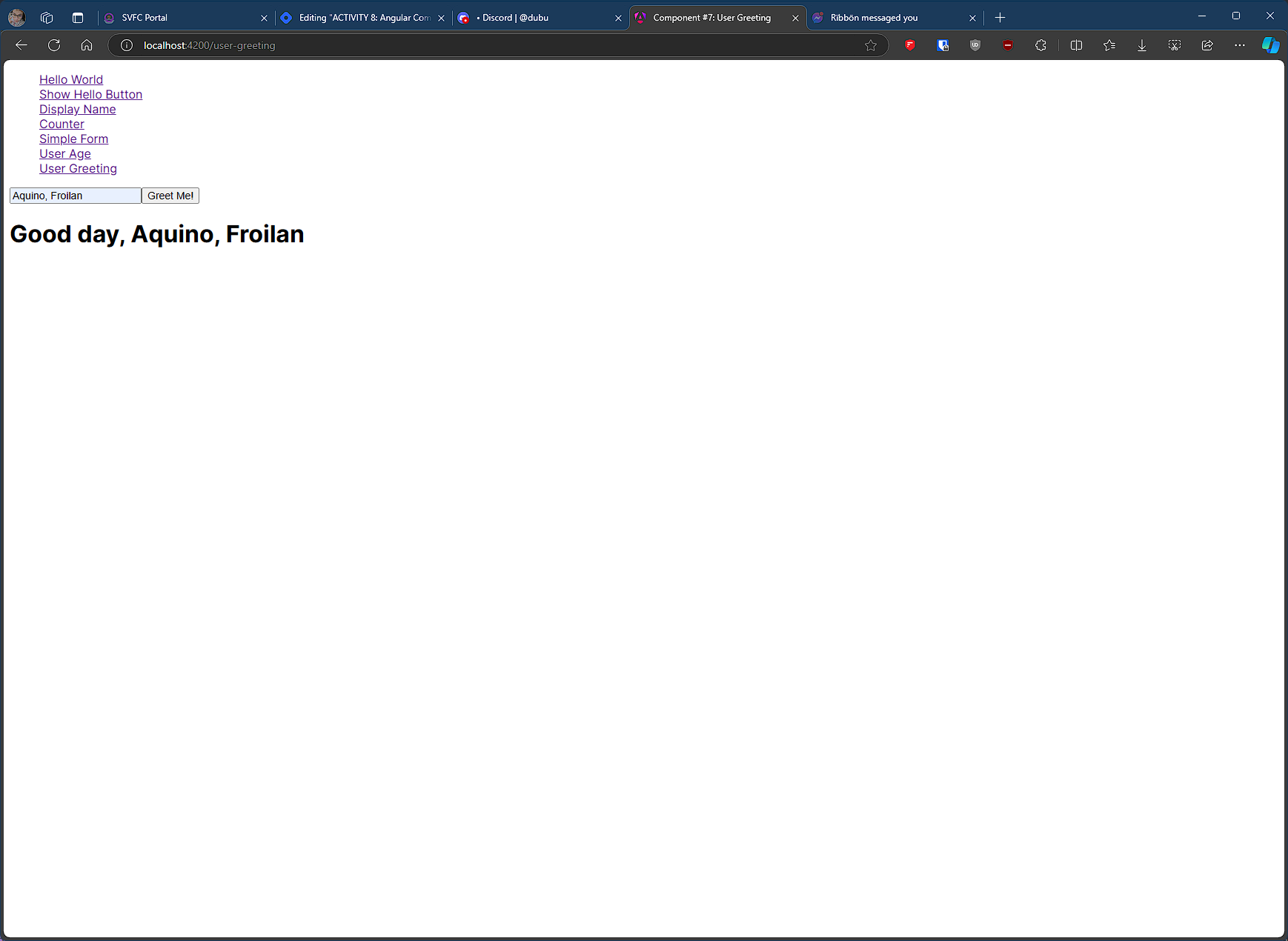
Calculator:
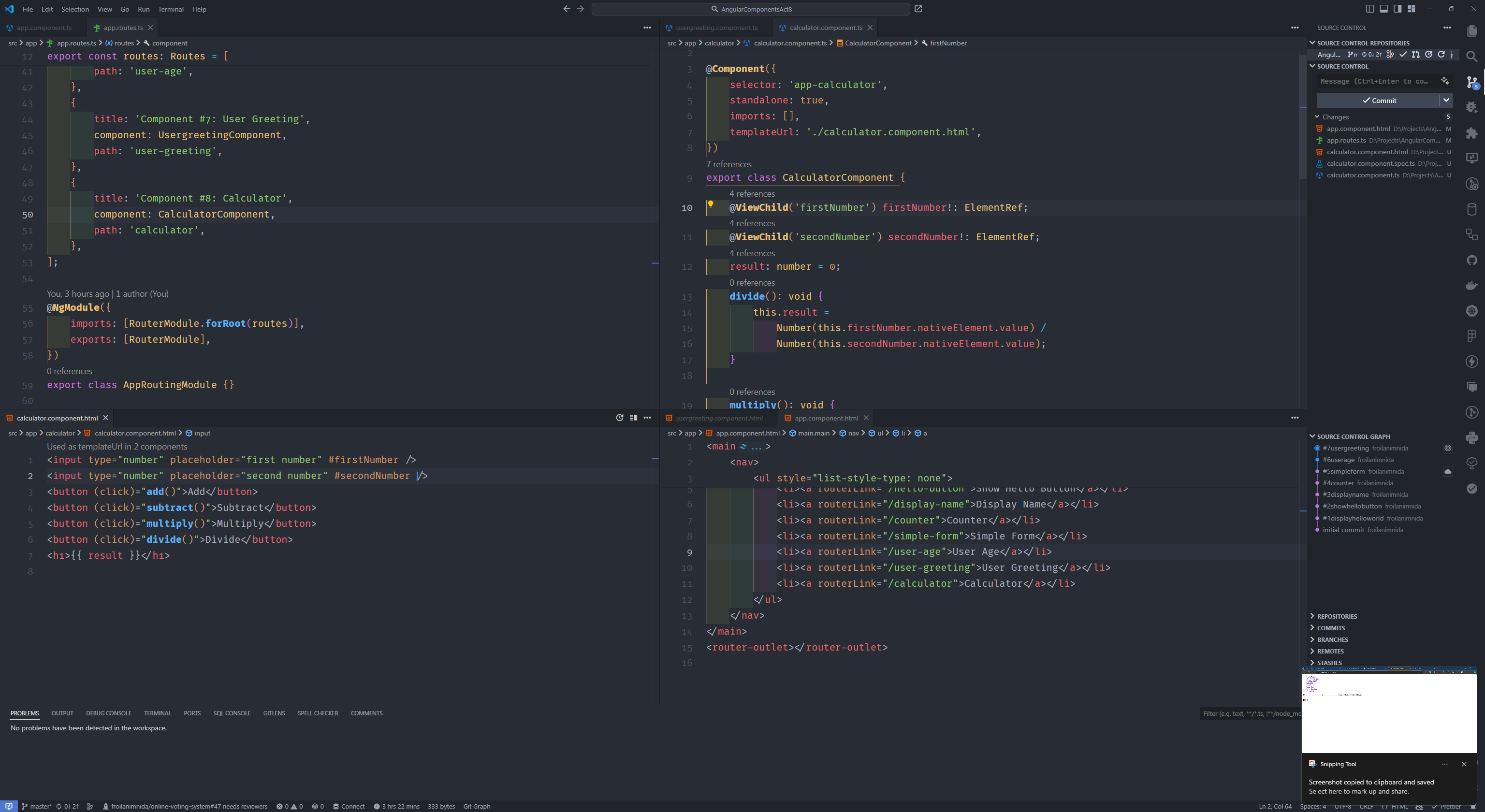
Text Length:
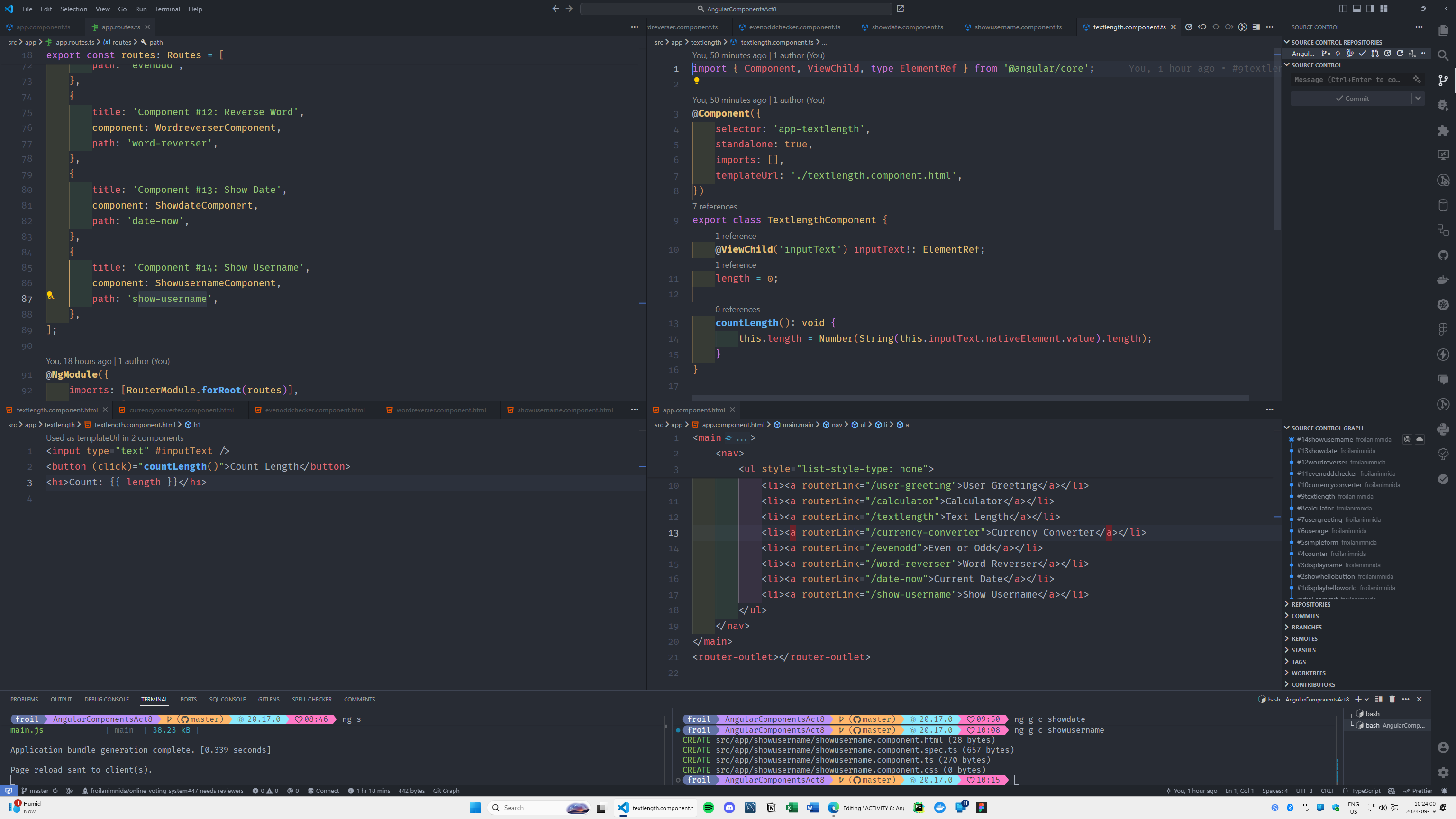
Currency Converter:
Even or Odd:
Word Reverser:
Current Date:
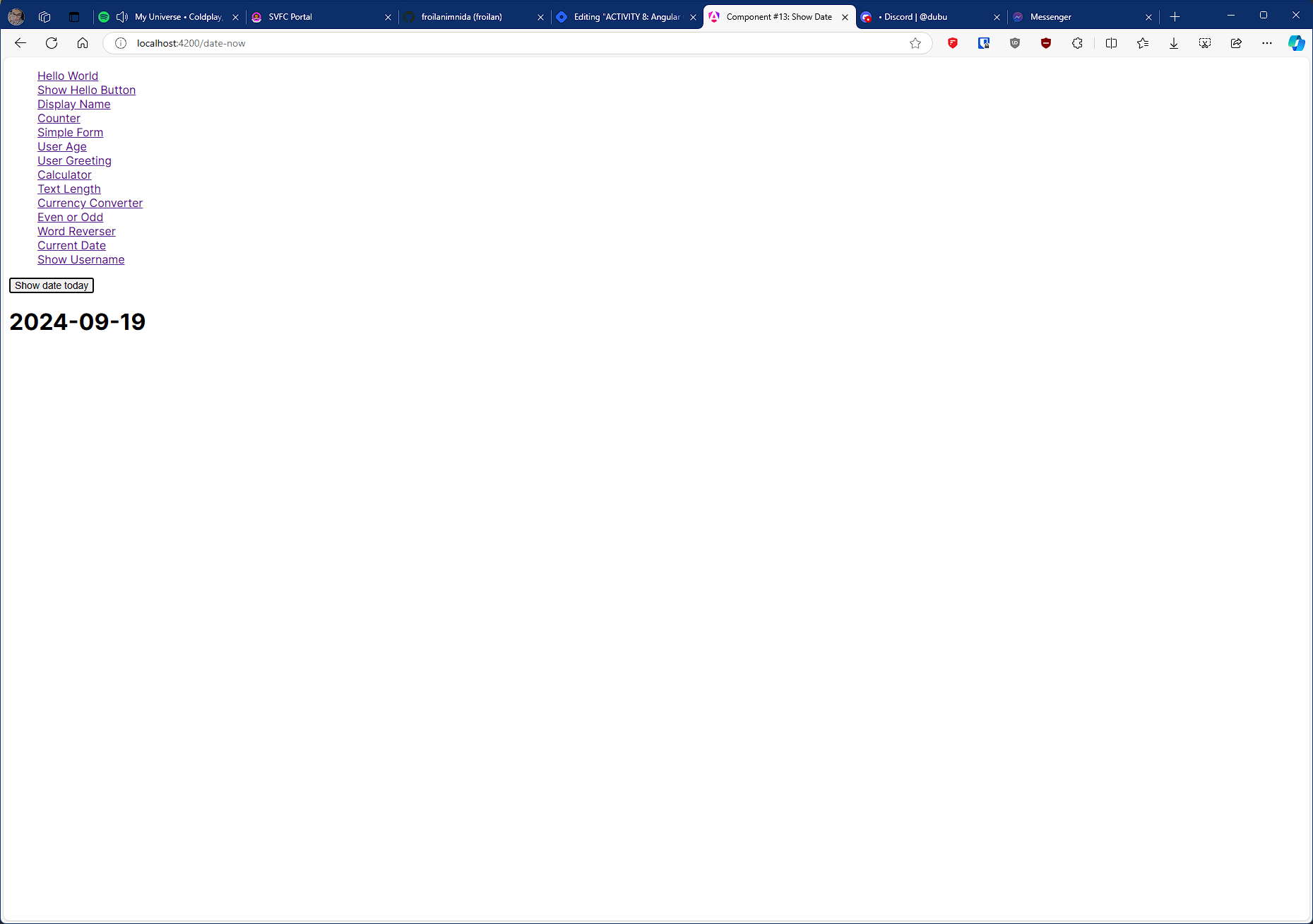
Show Username:
Multiplication table:
Simple Login:
Fahrenheit to Celcius
Bookmark List:
Character Counter:
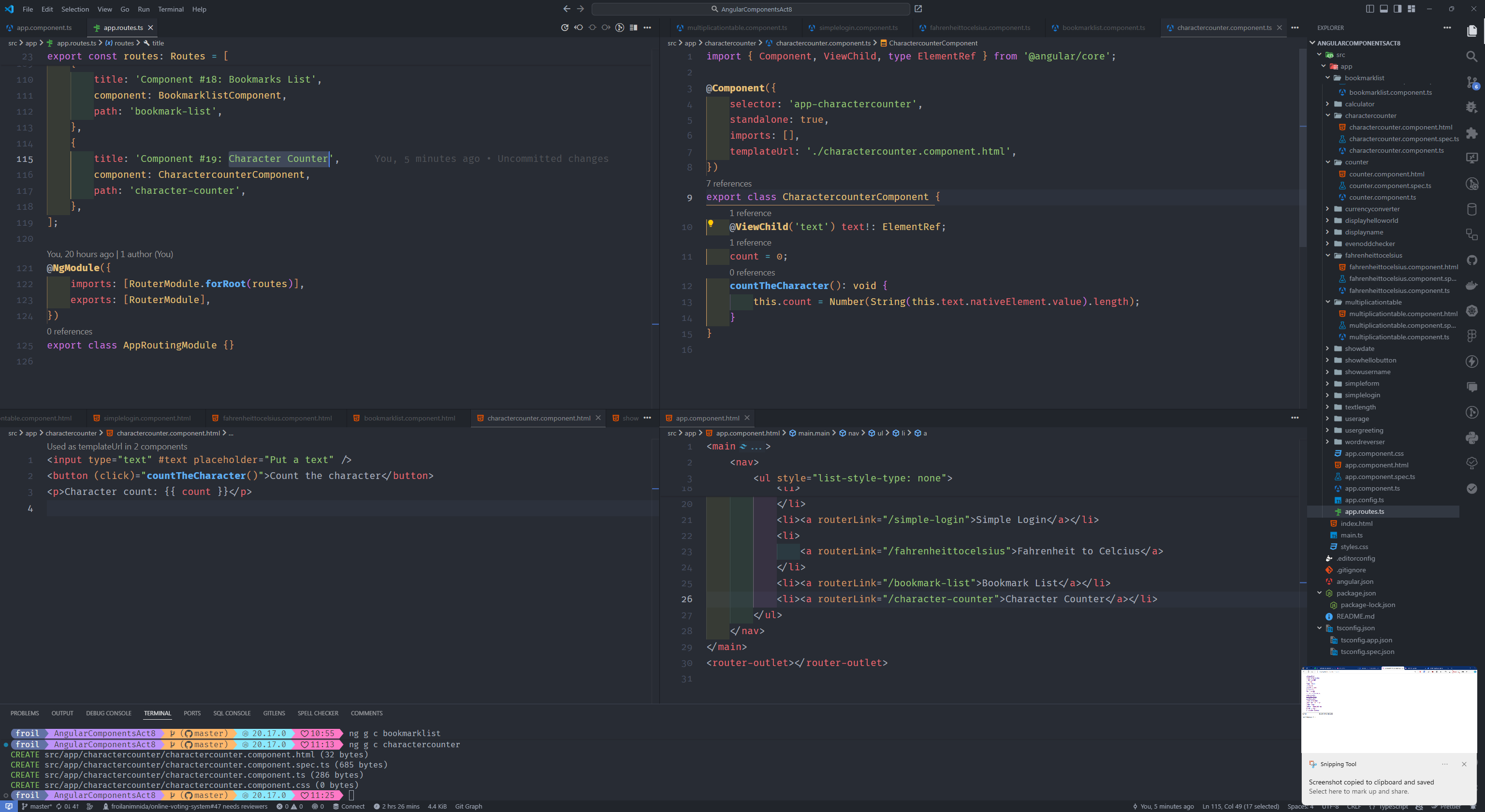
Palindrome:
Temperature Converter:
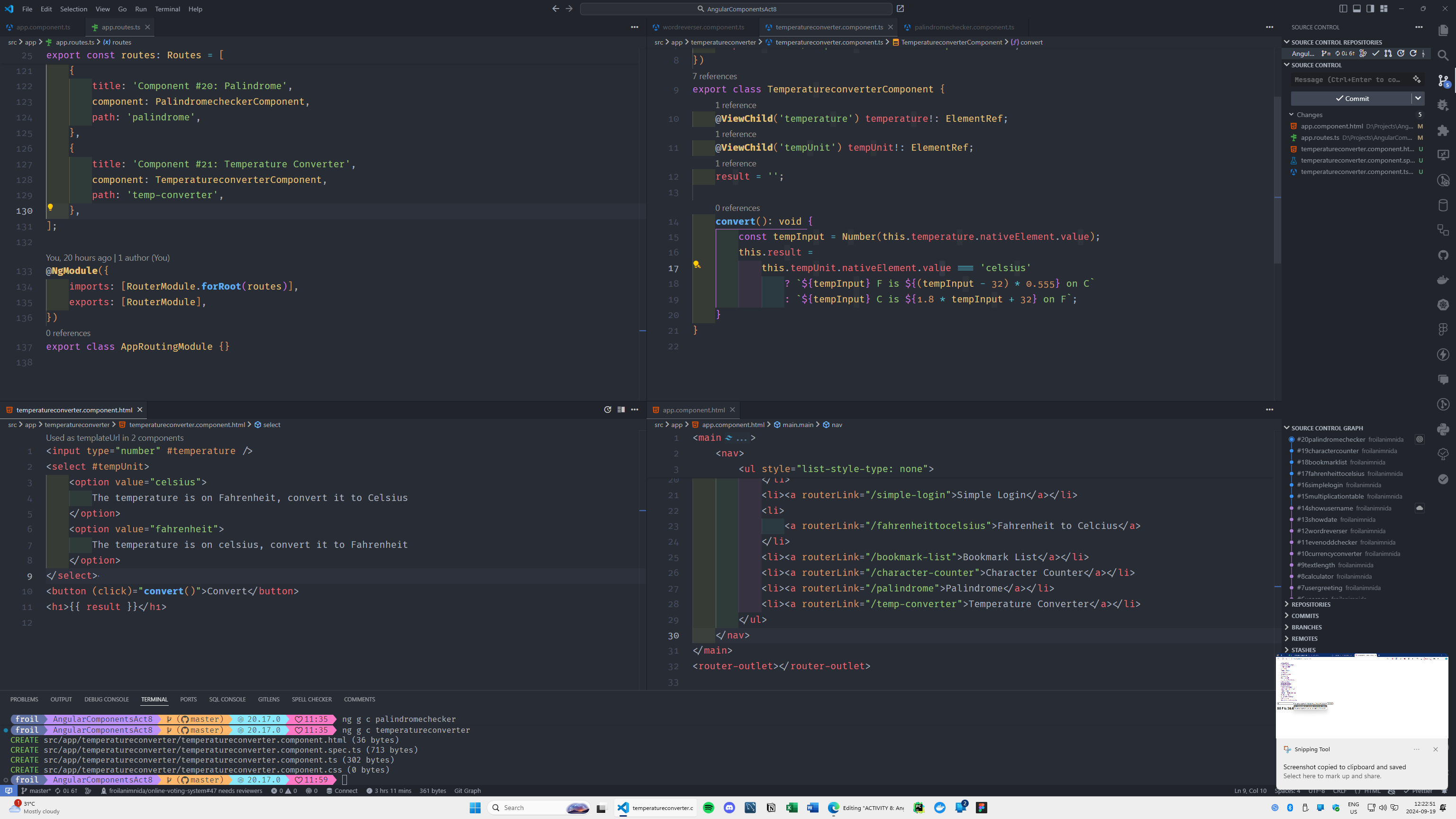
Shopping List:
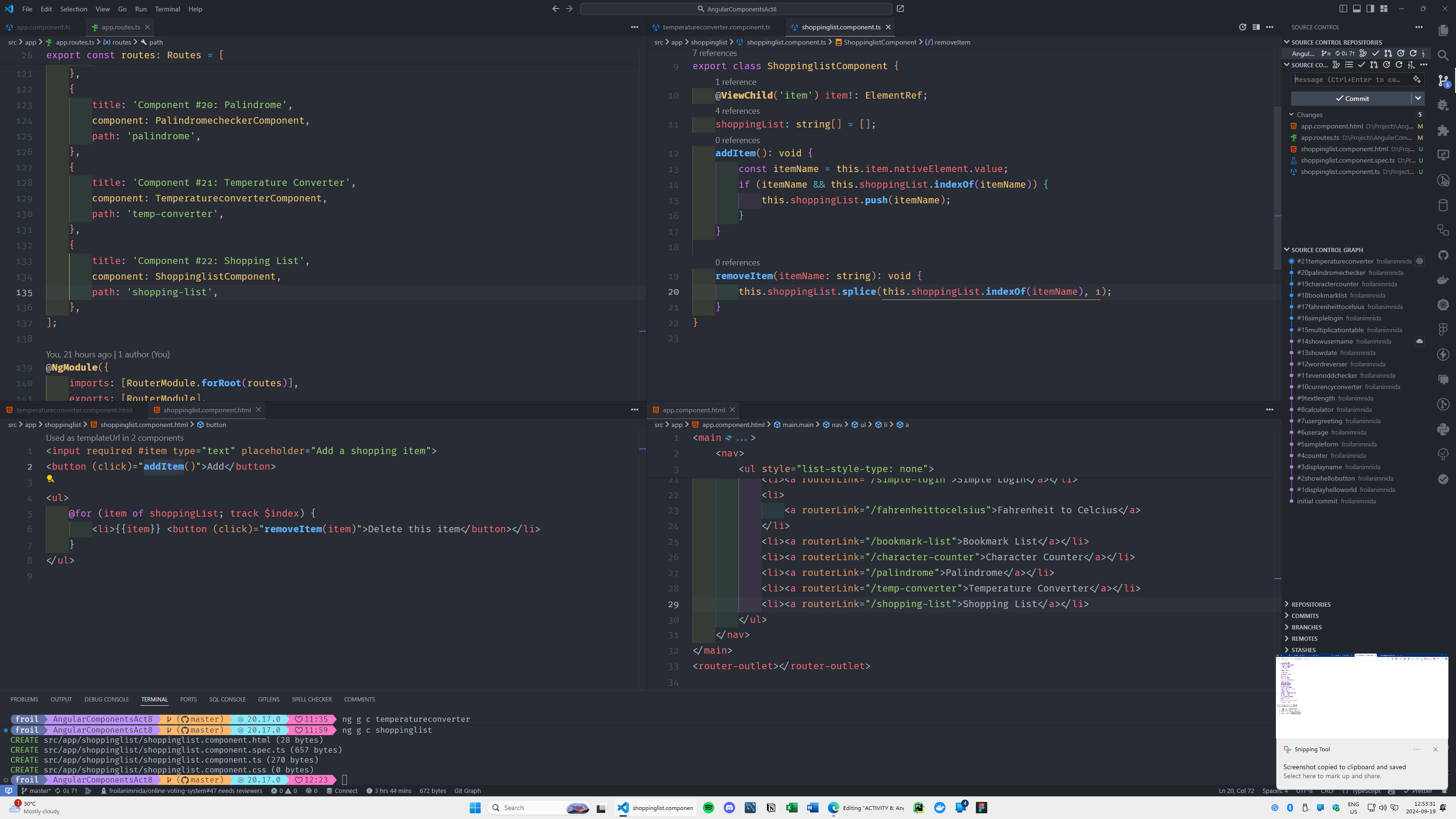
Factorial:
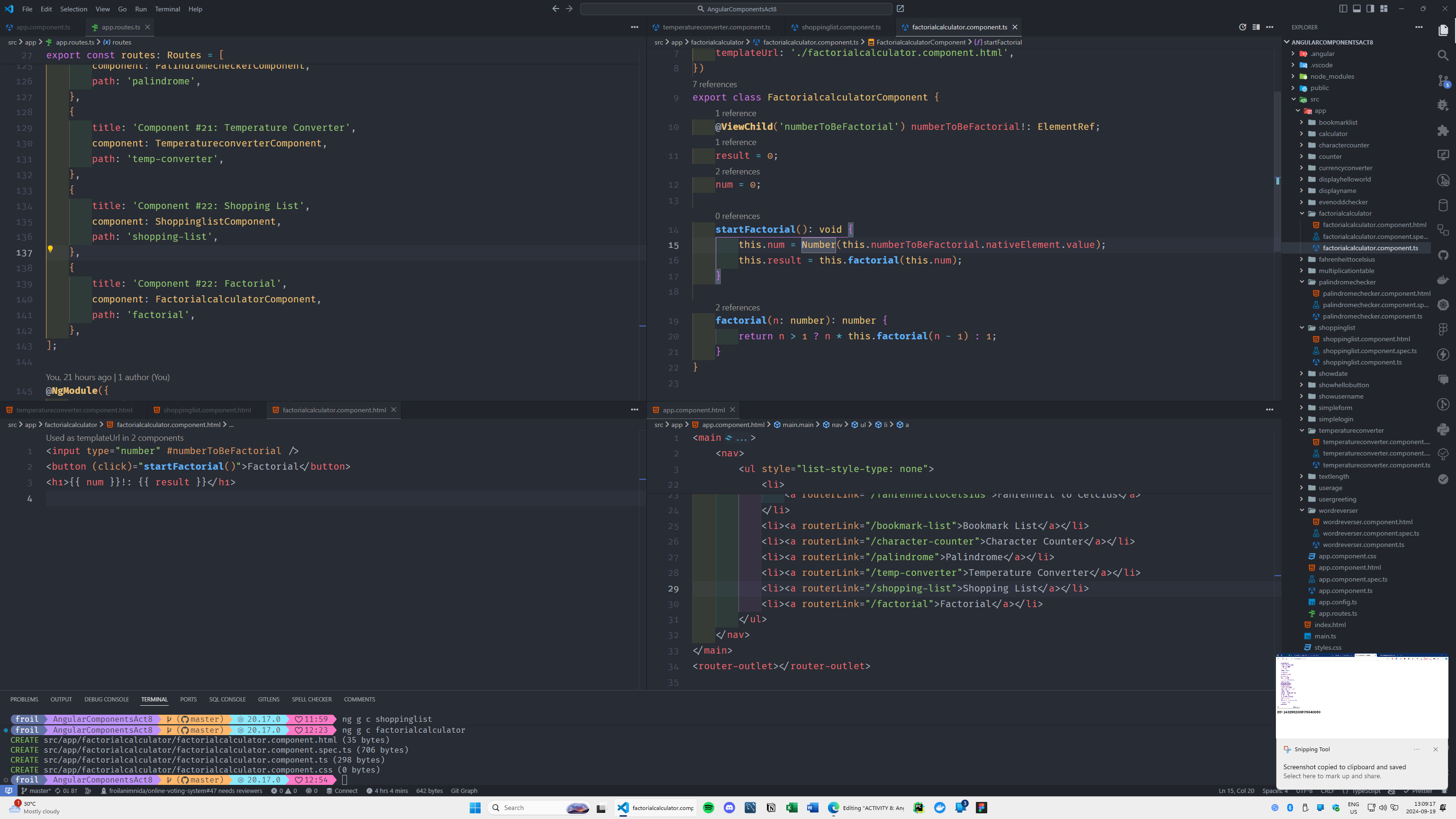
TODO Manager:
Guess the Number Game:
Words counter:
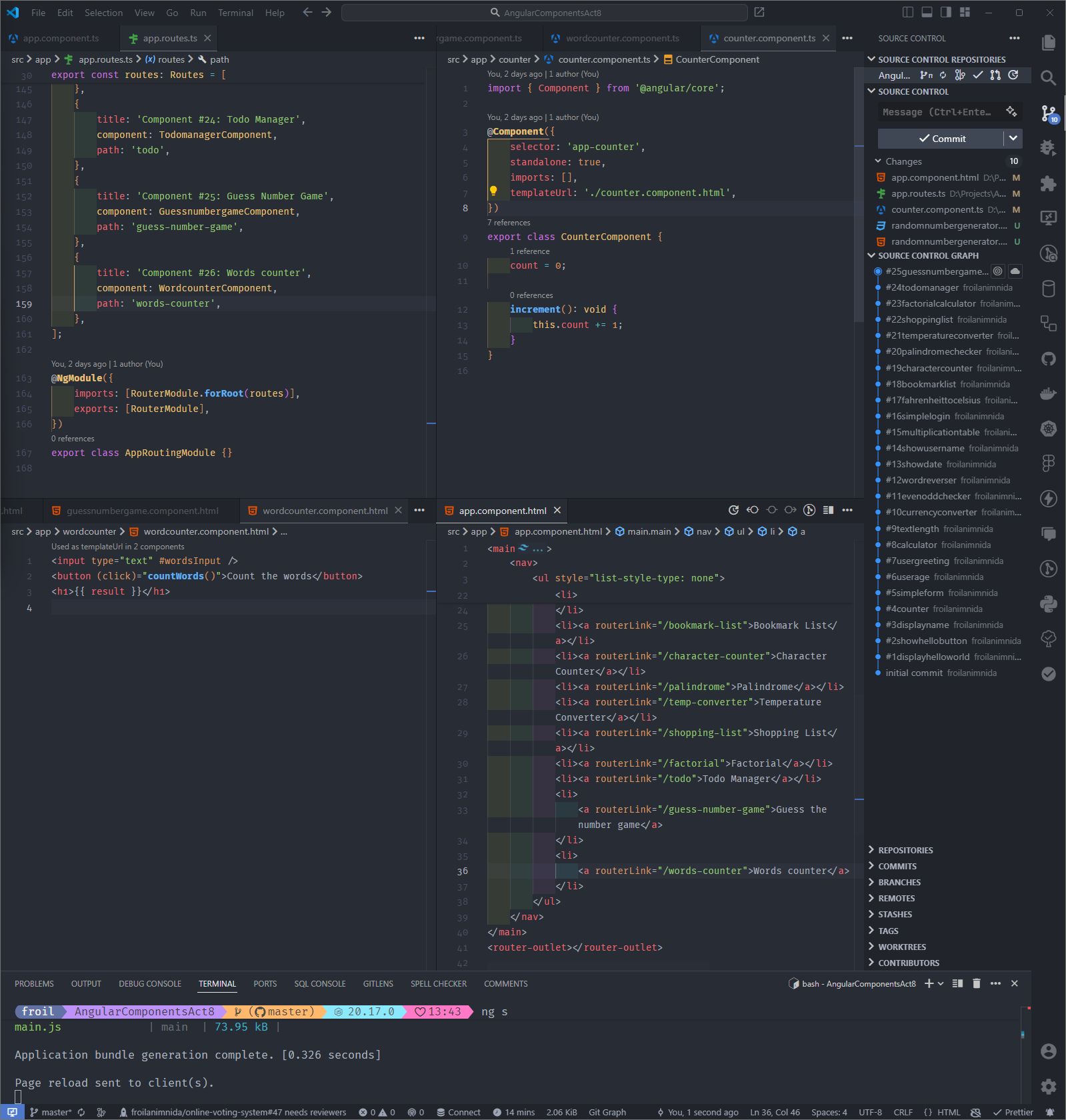
Random Number Generator:
Multiplication Checker:
Uppercase Converter:
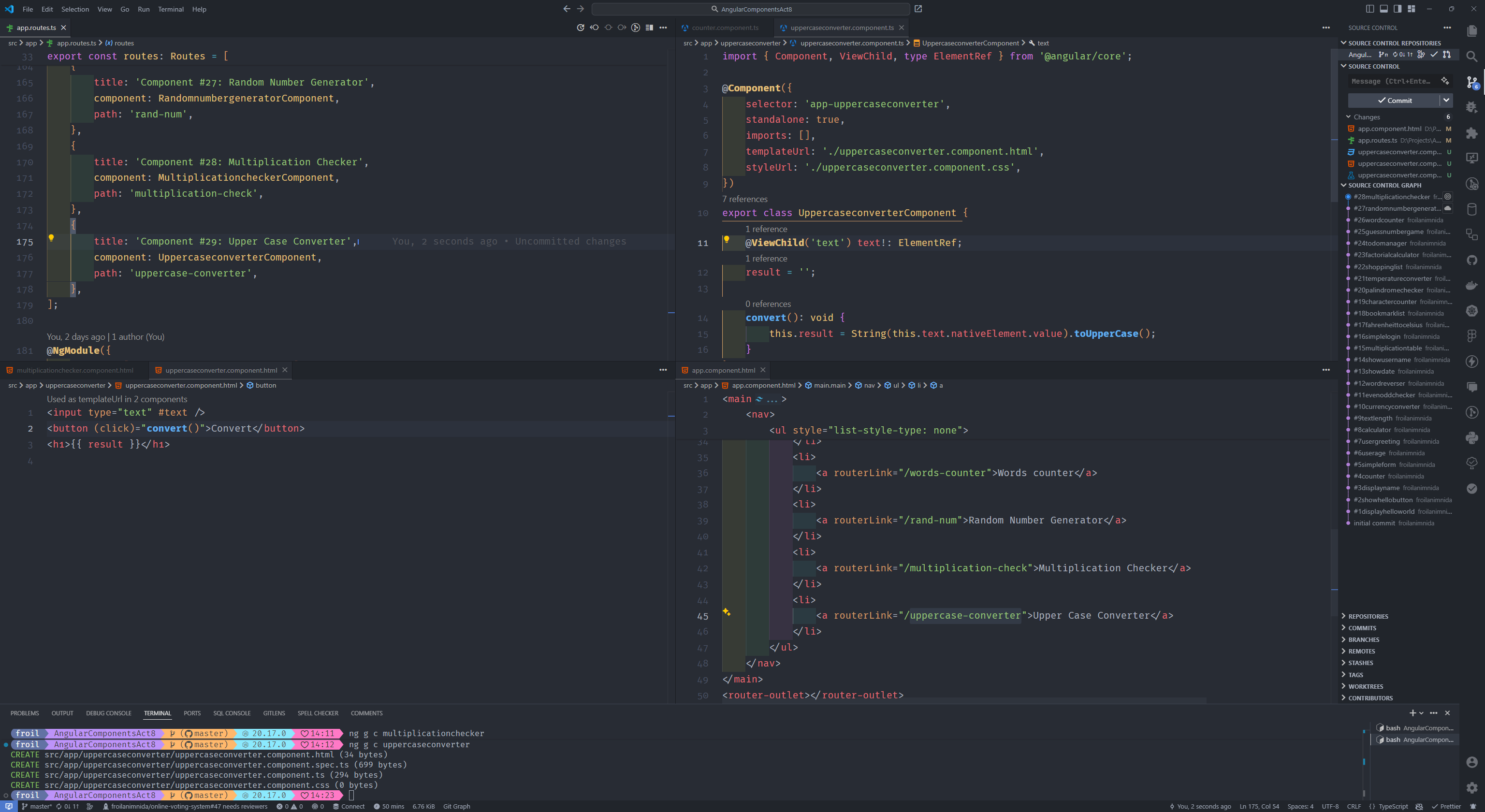
Word Shuffler:
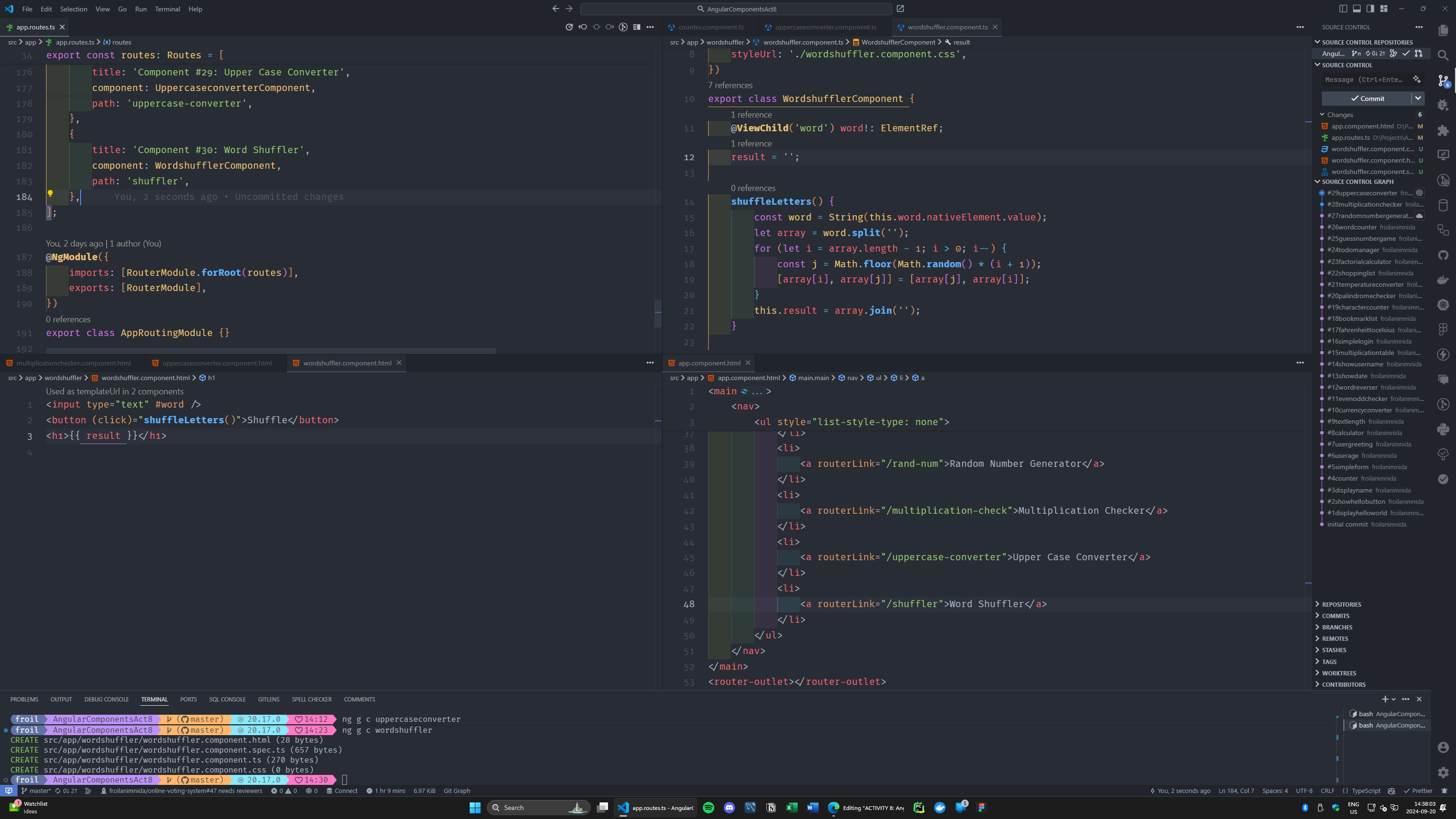
BMI Calculator:
Username Validator:
Interest Calculator:
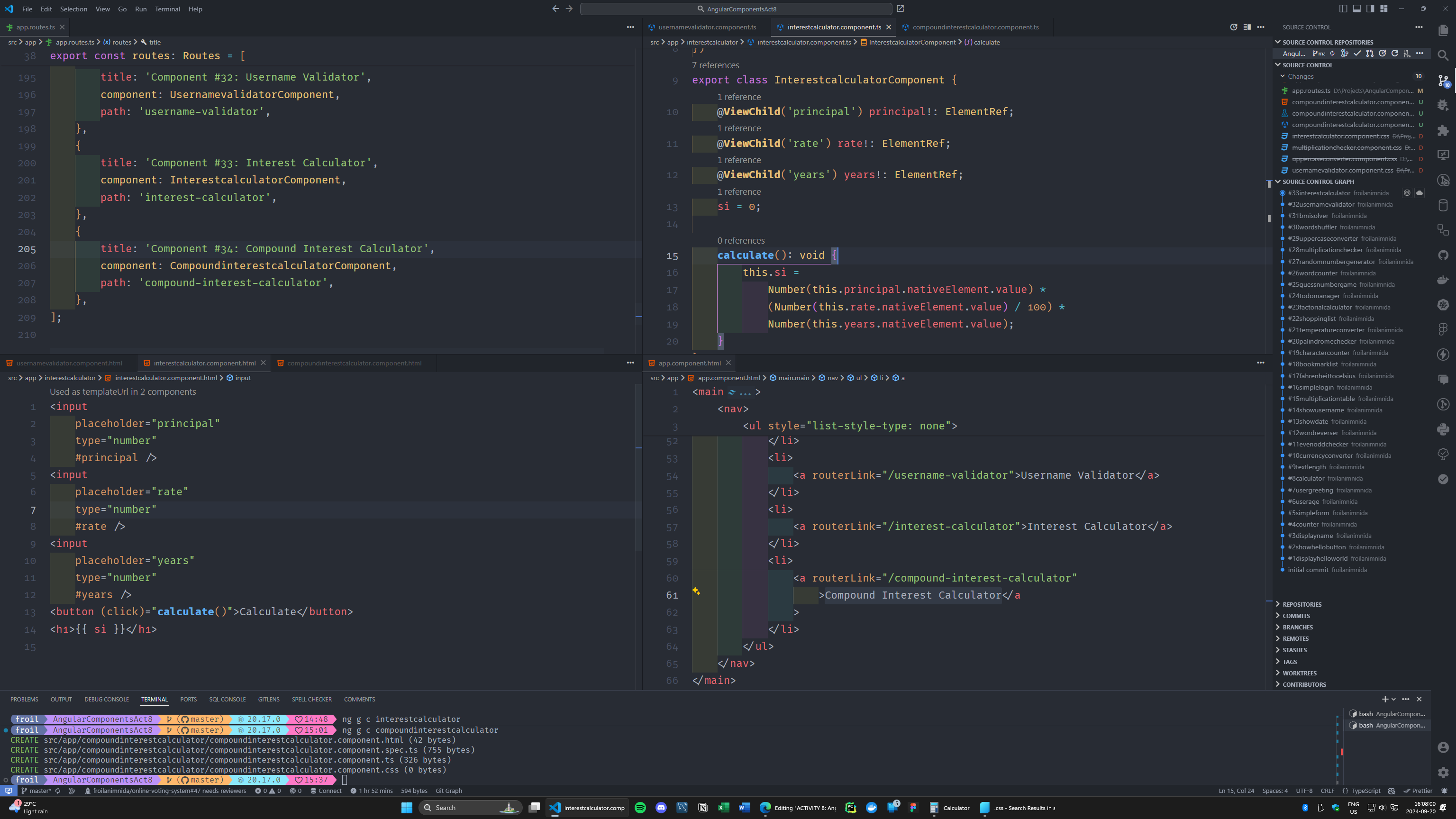
Compound Interest Calculator
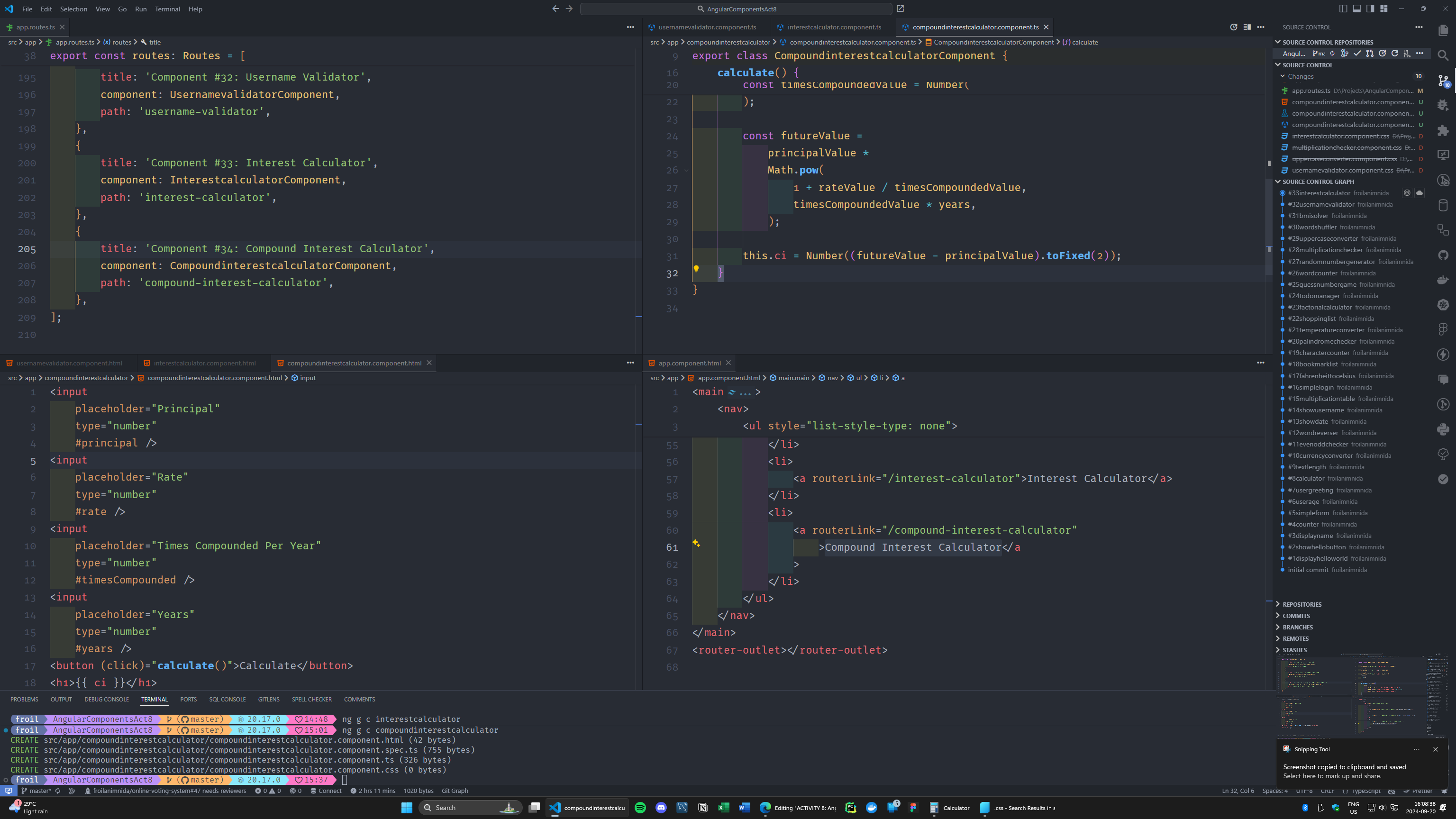
Fibonacci:
Odd Sum Calculator
Currency Converter:
Random Quote Display:
Uppercase Greeting:
Divisible By:
Custom Greeting Enhanced:
URL Slug Generator:
Vowel counter:
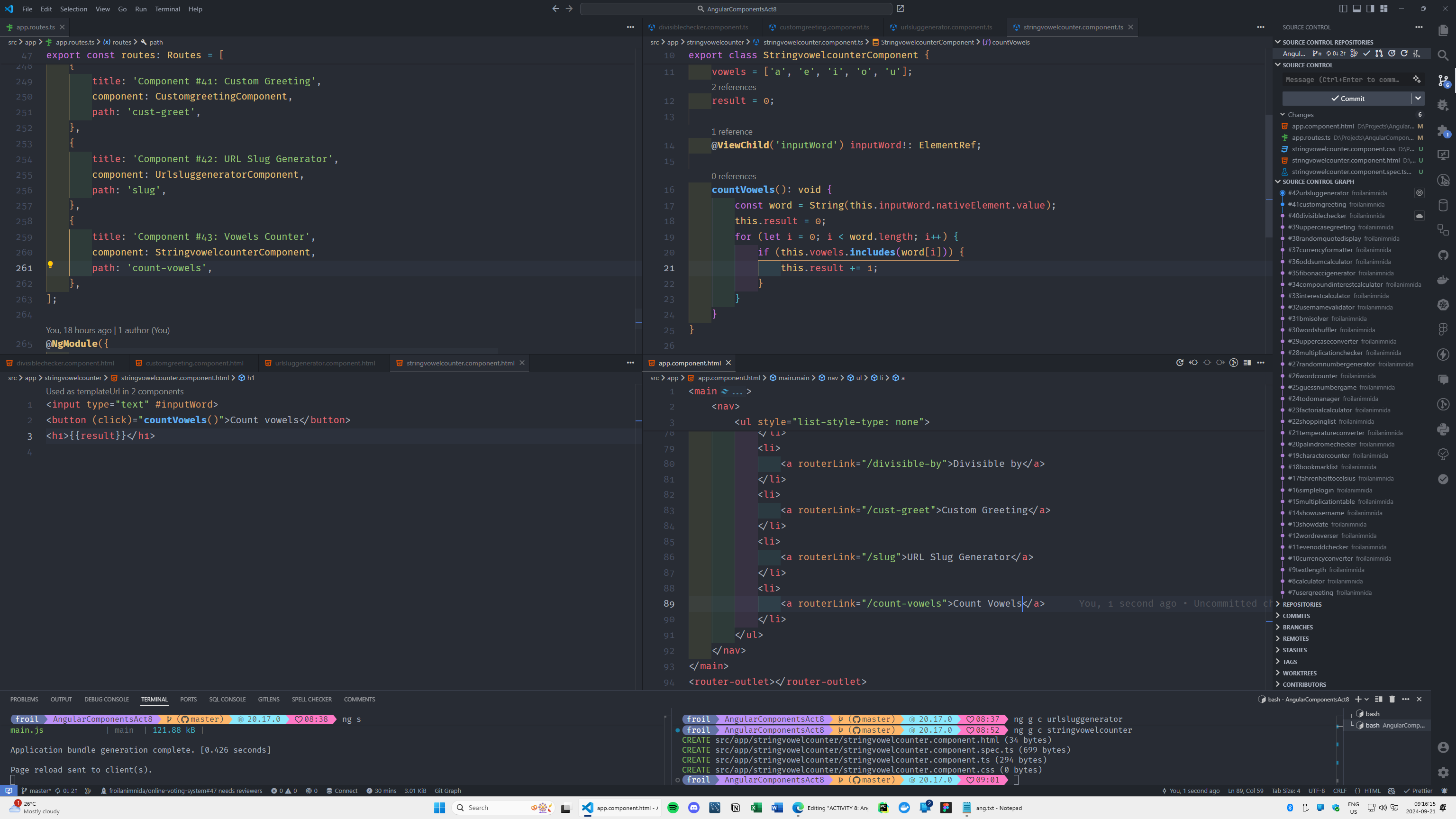
Age Classifier:
Discount Calculator:
Name Initials:
Month Name Finder:
Convert Speed to KPH from MPH:
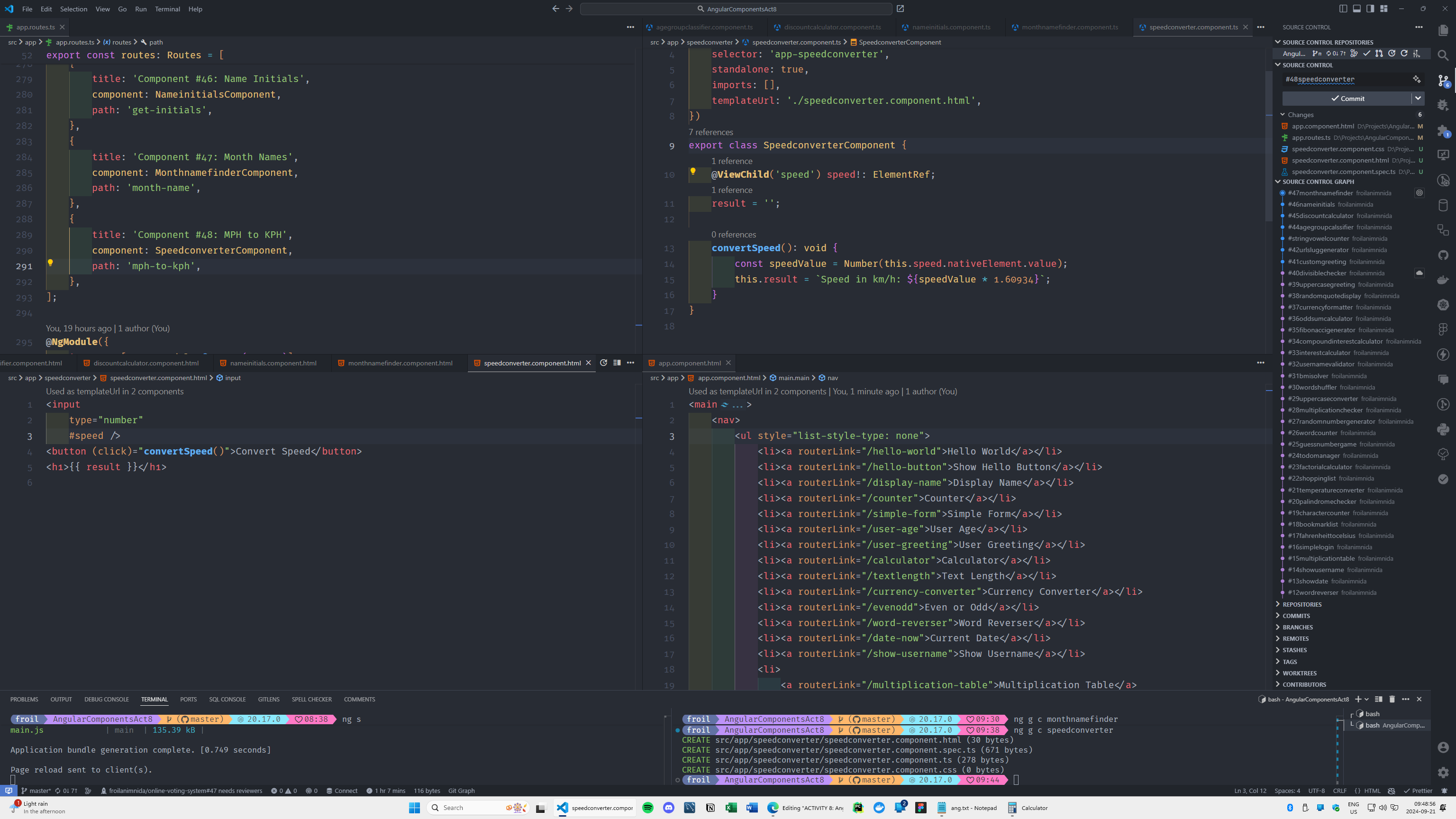
Convert Speed to MPH from KPH:
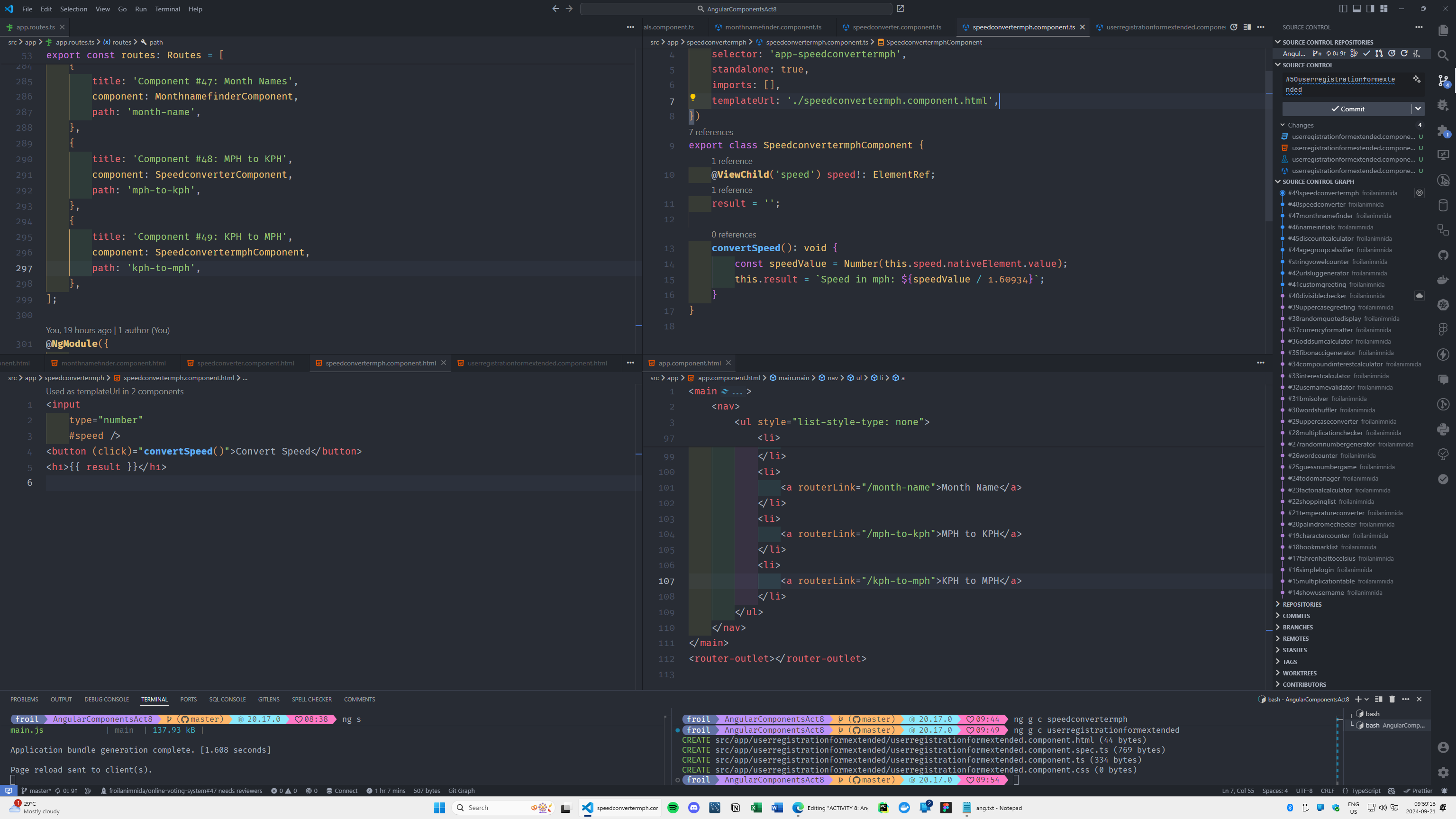
User Registration Extended: